
Free AI Signage Generator Online
Prompt text or voice, our AI generates editable, professional free signage instantly. Build clear shop signs, indoor displays, outdoor boards, event signage, and directional signs for any purpose. No sign up needed, fast, and online.
Make Signage Designs, Customize Online with Design Editor
Template.net’s Free AI Signage Generator helps you create any signage style for stores, offices, events, buildings, malls, hotels, exhibitions, and public areas. Use the AI Signage Maker to customize text, layout, icons, materials, colors, lighting effects, backgrounds, and display styles. Edit live, download, and use your signage designs instantly.
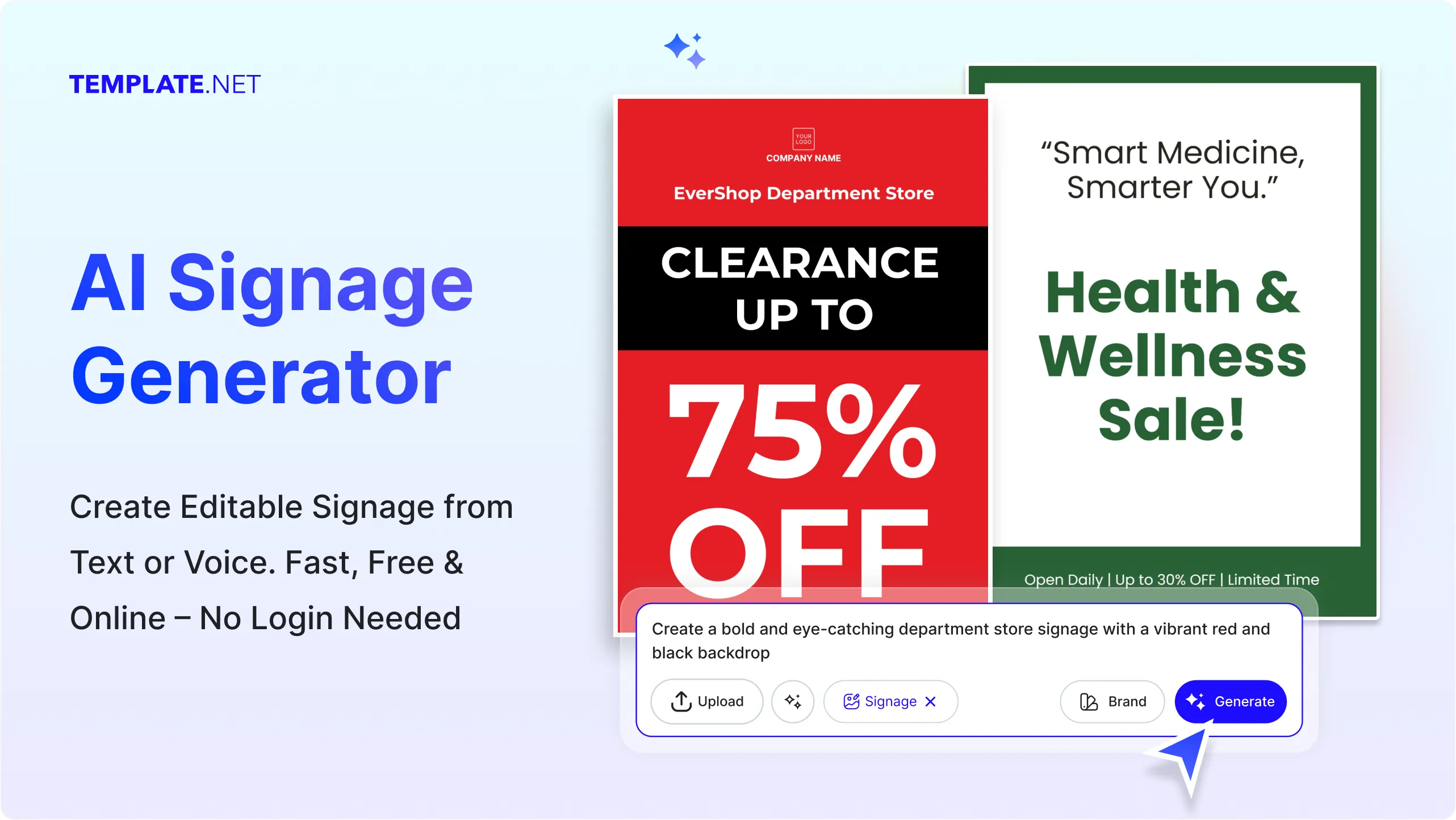
Design Custom, Printable Signage for Free
Everything you need to create clean, readable, and professional signage without advanced design skills

Thousands of Ready Made Signage Templates
Start instantly with signage templates for storefronts, safety signs, event boards, office doors, room labels, retail displays, sale signs, and directional signage. Choose from modern, classic, illuminated, bold, or minimalist styles.

AI Powered Signage Generator
Type or speak a short idea and the AI instantly creates signage that matches your theme such as retail signage, indoor signs, outdoor boards, event displays, or information panels.

Drag and Drop Signage Editor
Move text, icons, arrows, shapes, and layout elements with ease. Adjust spacing, alignment, fonts, borders, and backgrounds without needing design training.

Fully Customizable Signage Layouts
Change placement, font style, materials, colors, lighting effects, textures, and orientation to match your brand identity or environment.

Fonts, Icons and Display Graphics Built In
Choose from bold display fonts, modern sans serif styles, clean professional lettering, and decorative typefaces. Add arrows, symbols, visuals, and shapes to enhance clarity.

1 Click Brand Kit for Signage
Apply your brand colors, company fonts, logo style, and layout theme across all signage variations in seconds to ensure visual consistency.

Create Signage in 20+ Languages
Generate bilingual or multilingual signage for global audiences. Supports English, Hindi, Spanish, Arabic, Japanese, Korean, Chinese, and more.

Collaborate on Signage in Real Time
Invite team members, managers, or clients to review or refine signage layouts. All changes update instantly in a shared workspace.

Remove or Replace Backgrounds
Switch from plain to textured, metallic, neon, wooden, acrylic, or illuminated background styles. Make transparent versions for printing or digital screens.

Resize Signage for Any Use
Adapt your signage for storefront banners, indoor boards, event displays, wall plates, kiosks, directional posts, or digital screens. Use preset sizes or define your own dimensions.

Smart Image Cropping
Crop icons, shapes, or photo elements inside your signage layout to maintain clean spacing and professional balance.

Organize Signage Elements Easily
Layer text, symbols, arrows, shapes, and graphics smoothly. Keep all components aligned for a neat, readable signage design.

Create Signage Sets
Design a full signage system such as room number plates, directional arrows, floor maps, restroom signs, caution boards, and welcome signage using one consistent style.

Customize Without Limits
Add textures, icons, QR codes, gradients, shape borders, or upload your brand assets to enhance your signage design completely.

Access Millions of Display Ready Assets
Use high quality icons, patterns, symbols, and images to create detailed, attractive signage for stores, offices, and events.

Edit Signage Anywhere, Anytime
Perfect for desktop or mobile. Create and update signage designs in your browser with no software installation.

Export and Share Signage Instantly
Download your signage in PNG, JPG, PDF, or SVG. Share via QR code or direct link with team members or vendors preparing print materials.

Embed Signage on Websites or Blogs
Copy the embed code and paste your signage design into business sites, portals, or event pages for instant display.
How to Make a Free AI Generated Signage
Just type what you need, let the AI create signage layouts, customize details, and export your final design in seconds.
Step 1: Enter Your Prompt and Generate Signage
Open the AI Signage Generator and describe the signage style you want with a short phrase like Bold storefront signage with blue theme or Event welcome signage in elegant serif font. Click Generate to instantly view signage layouts created based on your description.
Step 2: Review and Refine Your Signage Design
Preview your signage and start editing directly in the editor. Adjust fonts, alignment, icon size, lighting texture, shapes, and color combinations until your signage matches your brand or event requirement.
Step 3: Customize and Share Anywhere
Add names, directions, room numbers, sale information, or company details. Adjust placement, colors, and layout for maximum readability. Once done, download your signage in PNG, JPG, PDF, or SVG. Share it using links, QR codes, or upload to printing services and digital displays.
Create Signage Designs in Seconds and Start Promoting Your Message
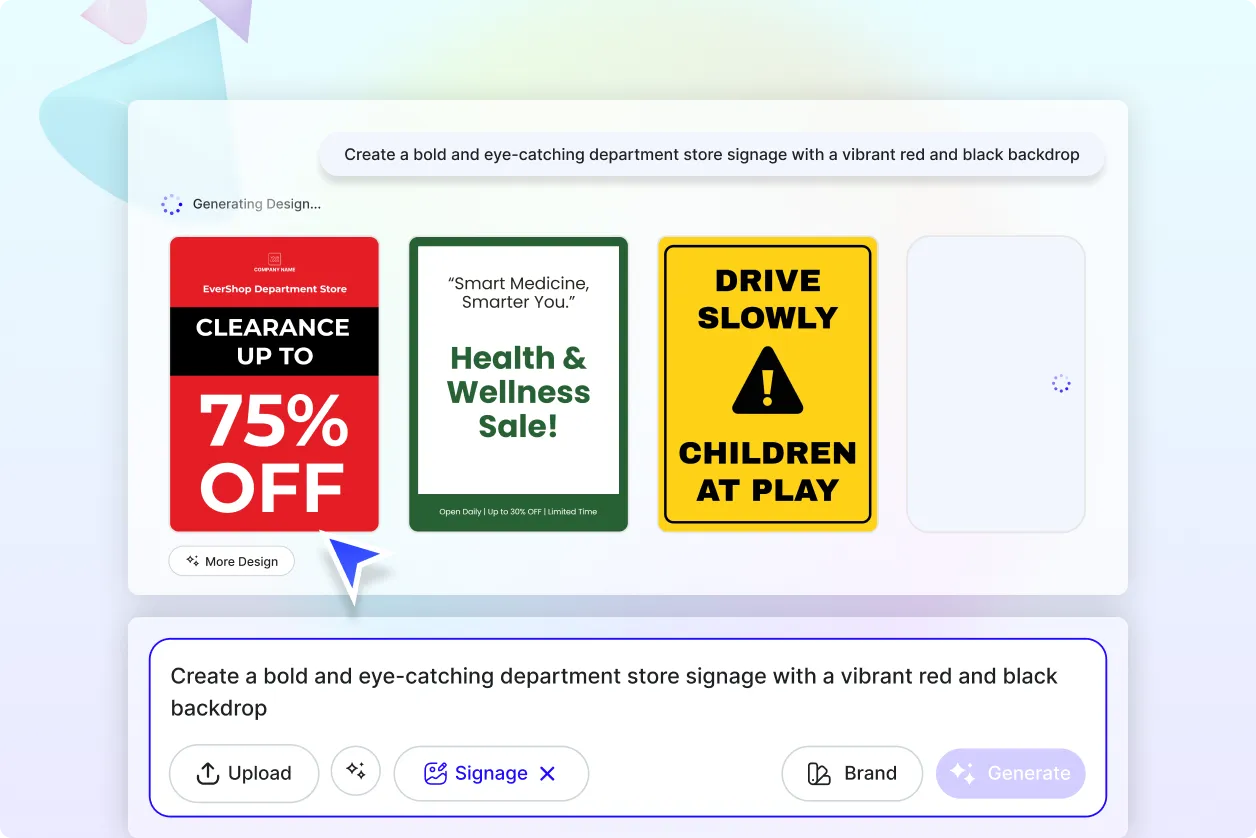
Generate Signage with Your Brand
Use the Brand tab to apply your company fonts, colors, icons, and layout preferences across all signage variations. Ideal for businesses, offices, events, and retail spaces needing consistent visuals.
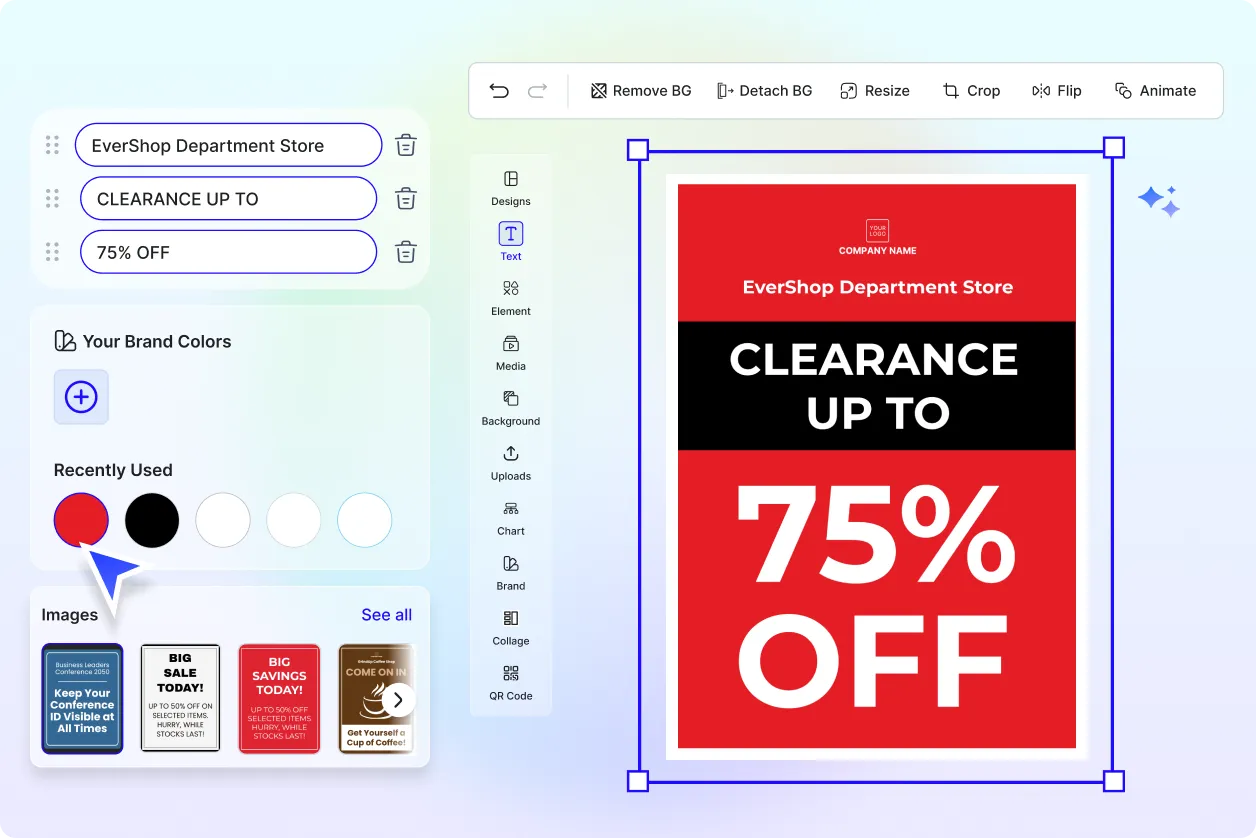
Customize Your Signage
Turn one signage design into multiple formats for indoor, outdoor, digital, print, and event use. Duplicate and adapt your layout while keeping the design uniform.
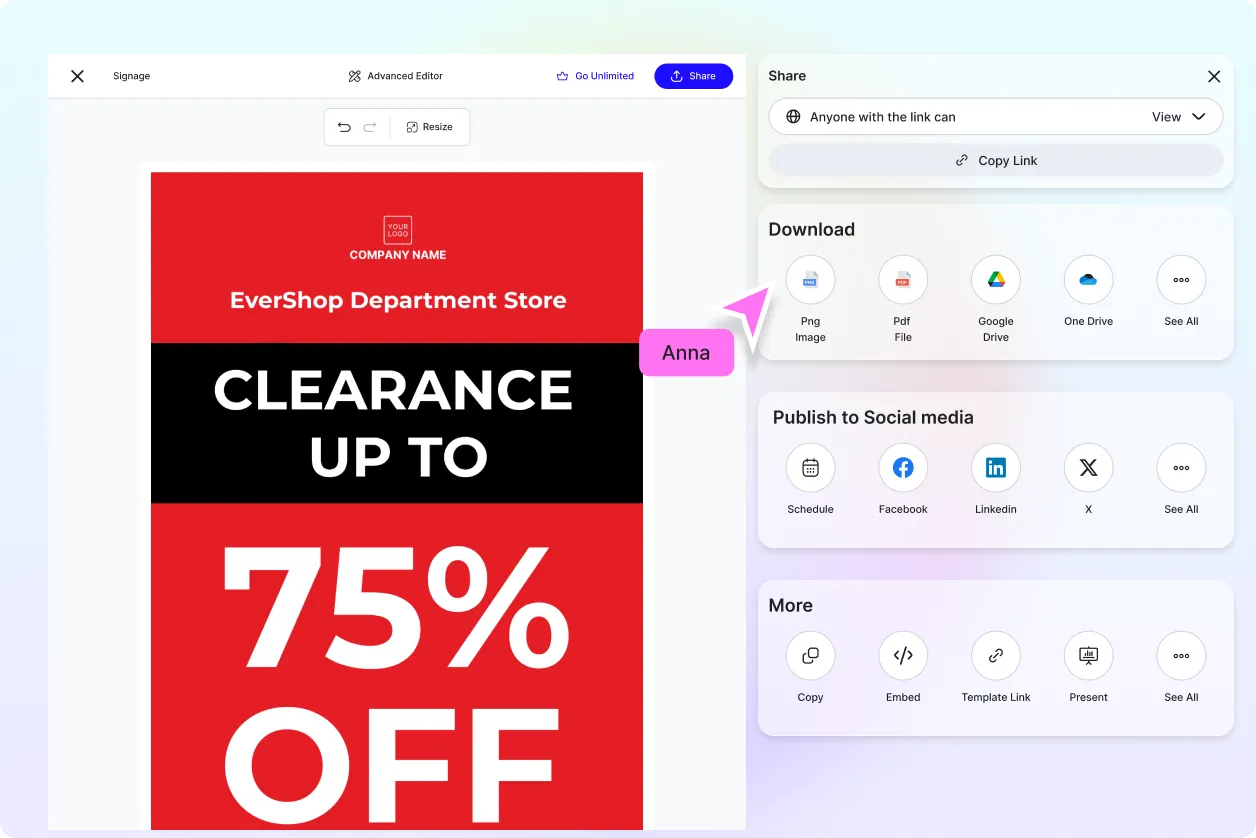
Share Anywhere and Collaborate Instantly
Download your signage in high resolution for printing or screen use. Share final output with teams, managers, clients, or vendors using direct links or QR codes.
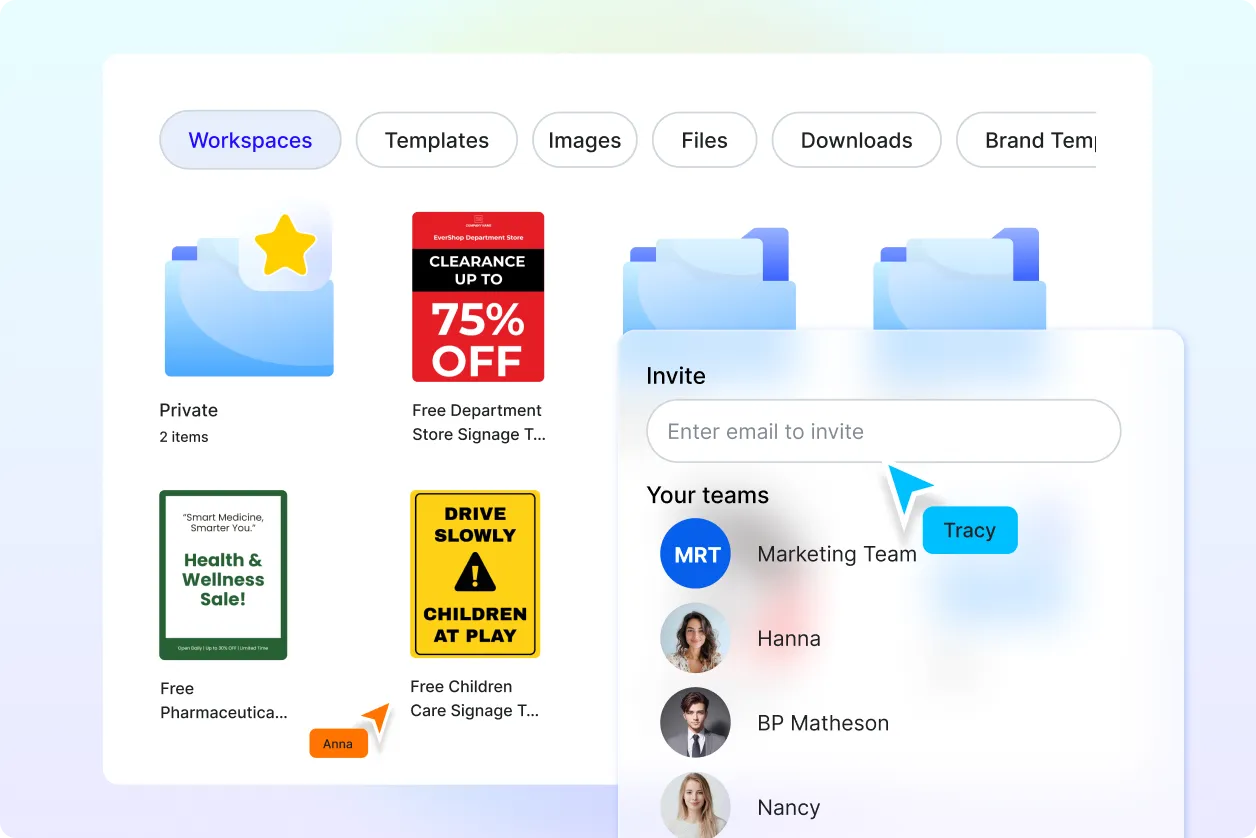
Smart Workspaces to Keep You Moving
Organize all signage projects inside shared workspaces. Assign roles, manage drafts, track edits, and keep assets accessible for continuous signage production.
Signage FAQ
What is signage? Definition
Signage refers to visual displays used to communicate messages such as directions, shop names, warnings, announcements, and event information through boards, signs, and display panels.
How to generate signage using AI?
Enter a prompt like Modern shop signage in black and white or Directional signage with arrow icons. The AI instantly generates editable signage that you can customize.
Can I generate different types of signage?
Yes. You can create storefront signs, safety signage, indoor office signs, event boards, sale signage, directional signs, and digital display layouts.
What formats can I download my signage in?
You can export your signage in PNG, JPG, PDF, and SVG for printing, display screens, websites, or event usage.
Can I create multilingual signage?
Yes. You can design signage in multiple languages to meet your regional or global communication needs.
What elements should signage include?
Effective signage includes readable text, strong contrast, clear icons, accurate spacing, and a layout that communicates quickly and clearly.
Where can signage designs be used?
Signage can be used for storefronts, events, offices, malls, exhibitions, hotels, retail promotions, direction systems, and digital screens.
