
AI Word Document Generator
Create polished, customizable Word documents directly in your browser. With Template.net’s AI Word Document Generator, you can generate, edit, and personalize business documents instantly no complex tools required. Export is available once you upgrade to PRO.
Make Word Documents, Edit Online with AI-Powered Word Document Generator
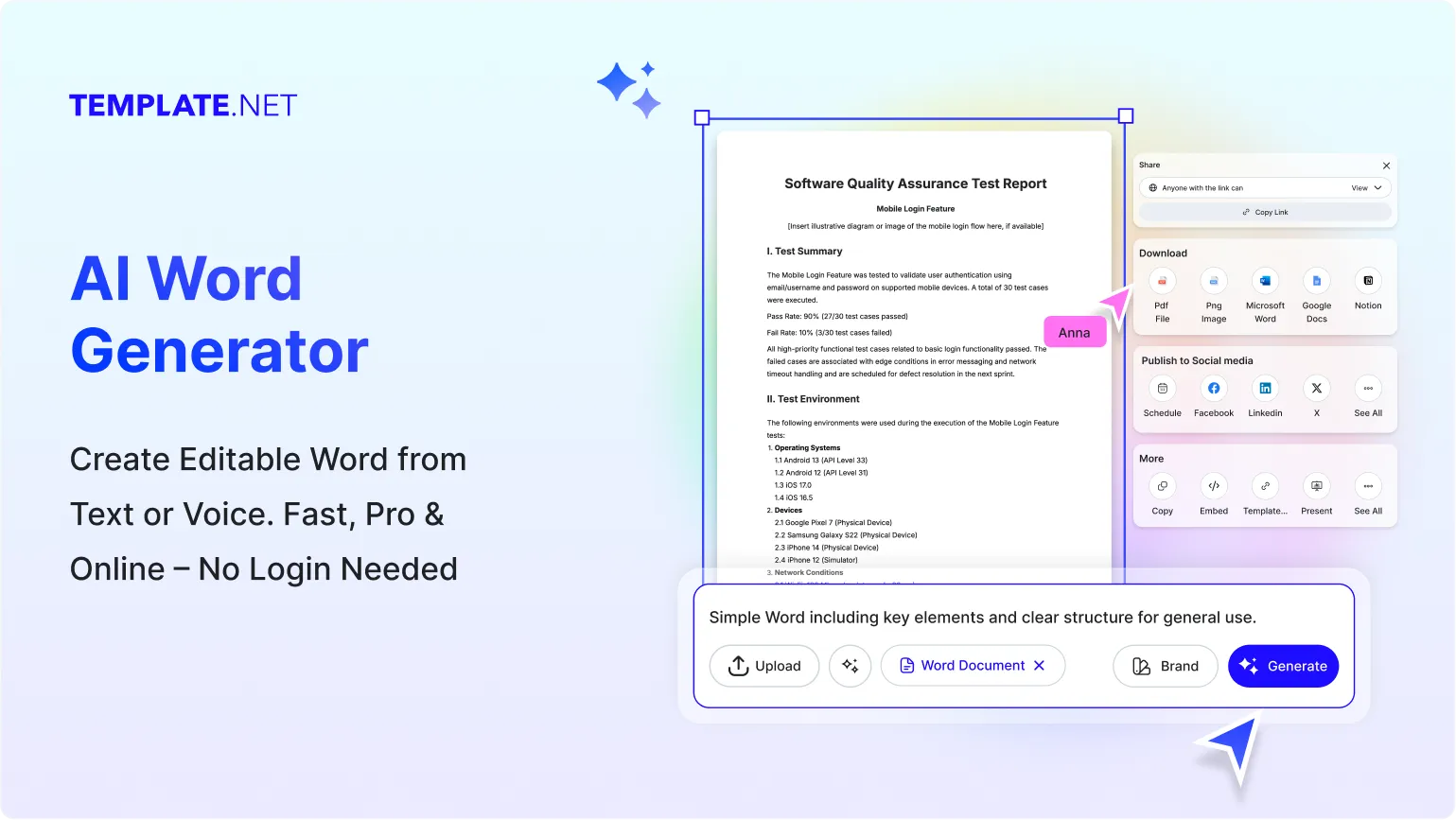
Template.net makes creating Word documents as simple as describing your needs. Start from scratch or use a template AI instantly builds structured, editable content. Customize formatting, add branding, insert visuals, and refine details in a unified workspace.
Create Custom, Editable Word Documents
Template.net provides an advanced AI Word Document Generator to create, tailor, and export professional Word files. Generate, format, and finalize documents for business, academic, or personal workflows. Exporting to Word format is available for PRO users.

AI-Powered Word Document Creation
Generate complete Word documents from simple text or voice prompts. AI structures headings, paragraphs, and formatting quickly, helping you produce clean, professional documents without spending hours organizing and rewriting content manually.

Customizable Formatting Options
Adjust fonts, spacing, margins, and style elements effortlessly. Perfect for business documentation, academic writing, agreements, or structured reports seeking visually consistent formatting aligned with branding and purpose.

Responsive Document Structure
AI ensures your Word document adapts to screen sizes and platforms. Content flows cleanly across devices, keeping layouts readable and professional during collaboration or review.

Real-Time Editing
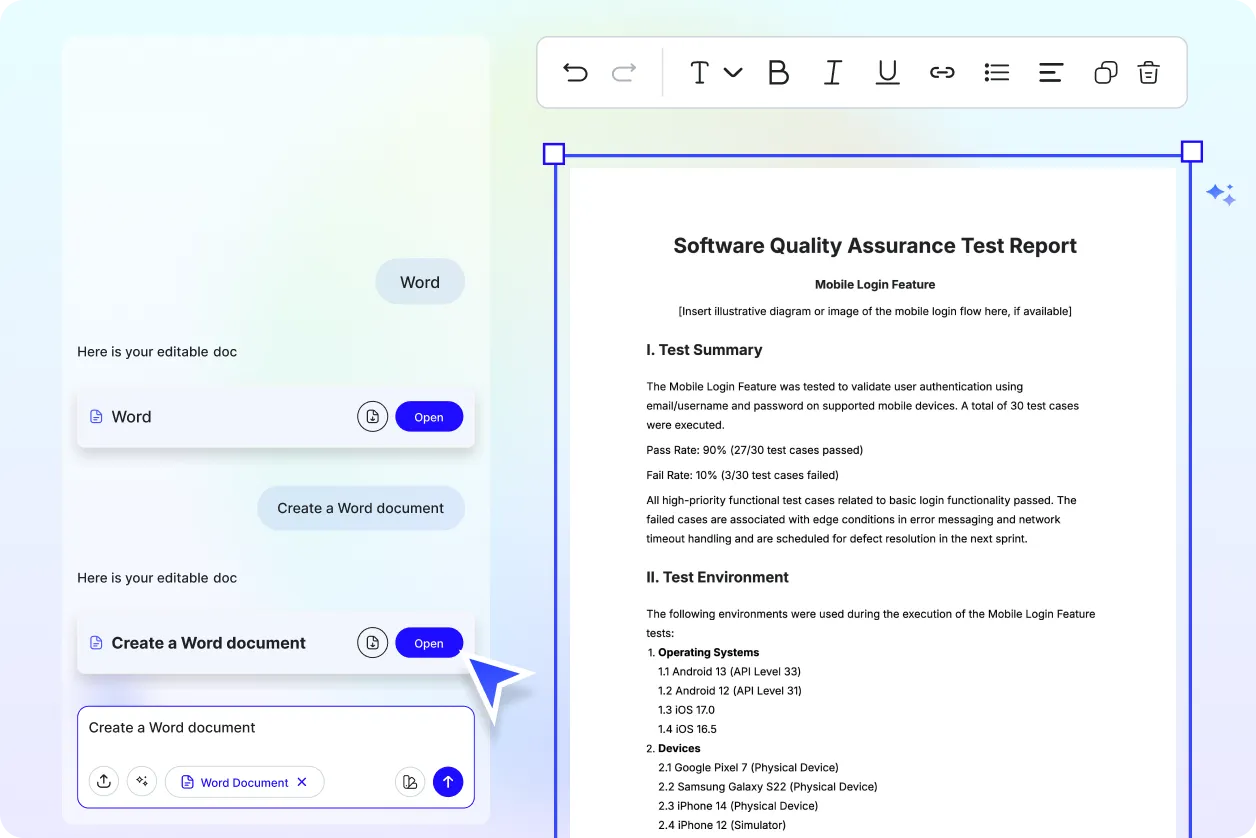
Use intuitive editing tools to make instant changes. Modify text, adjust formatting, rearrange sections, and apply styles in real time, ensuring every update appears exactly as intended.

Smart Content Sections
Automatically generate structured sections including summaries, lists, tables, and headings. Ideal for professional reports, proposals, or documents requiring organized, easy-to-navigate content blocks.

Conditional Content Blocks
Enable dynamic document structure with sections that appear based on selected criteria. Useful for agreements, multi-step reports, or documents requiring flexible, adaptable content.

Branding & Style Customization
Insert logos, colors, and custom typography to match corporate identity. Maintain consistency across proposals, presentations, HR documents, and business communication materials.

Time-Based Versions & Expiry Dates
Add validity dates, expiry notes, or time-sensitive instructions to proposals, offers, or agreements. Ensure clarity and accuracy for deadline-driven documentation.

Export in Multiple Formats
Export Word documents in DOCX, PDF, or text formats once you upgrade to PRO. Ideal for printing, collaboration, client delivery, or secure archival.

Image, Table & Media Embedding
Insert images, tables, graphs, and visual elements seamlessly. Enhance reports, presentations, analysis documents, and business communication with clear, informative visuals.

Smart Content Variation
Generate alternative versions of your document with varied tone, structure, or wording. Ideal for refining proposals, testing formats, or selecting the strongest version for final use.
Instant Preview Mode
Preview your document anytime to confirm layout, spacing, and formatting. Ensure sections appear polished and ready for export or sharing.

Multi-Language & Multi-Region Support
Create Word documents in multiple languages with AI-assisted translation. Ideal for global teams or businesses producing international reports and communication material.

Document Performance Insights
Track document quality with insights on tone, readability, and structure. Helpful for refining communication, improving clarity, and delivering more effective documents.

Custom Cover Pages & Templates
Generate structured cover pages and reusable templates for professional reports, proposals, and branded business documents.

Saved Style Library
Store headers, footers, signatures, formatting presets, and section styles. Reuse them across multiple Word documents for consistent visual presentation.
Duplicate and Reuse Documents
Create new documents from existing layouts. Maintain structure and formatting while updating specific content for new clients, projects, or workflows.

Multiple Sharing Options
Share documents through links, email, or cloud collaboration tools. Simplify feedback loops and streamline professional communication.

Secure File Handling
Documents are processed with secure handling protocols and encryption. Ideal for sensitive information, corporate files, contracts, and confidential communication.

Offline Mode
Download documents for offline editing anytime. Upload updates later without losing formatting, structure, or styling.

Voice-to-Document Feature
Speak your content ideas and let AI convert them into structured, formatted Word documents. Ideal for fast drafting and brainstorming.

Collaboration Tools
Invite teammates to review and co-edit documents. Access controls ensure secure collaboration across departments, clients, or partner teams.

Unlimited Document Creation
Generate as many Word documents as needed. Ideal for businesses, educational institutions, content teams, or professionals producing multiple files regularly.

Export to Word for PRO Users
All editing and generation features are accessible instantly. Upgrading to PRO unlocks export options including DOCX, PDF, and text formats, supporting complete workflow efficiency.
How to Create AI-Generated Word Documents
Create professional Word documents in minutes using Template.net’s AI Word Document Generator. Enter your prompt, refine structure, adjust formatting, and export to Word once you upgrade to PRO.
Step 1: Define Your Document Purpose
Specify whether your document is a report, proposal, agreement, or letter. AI structures the content layout and formatting based on your selected purpose.
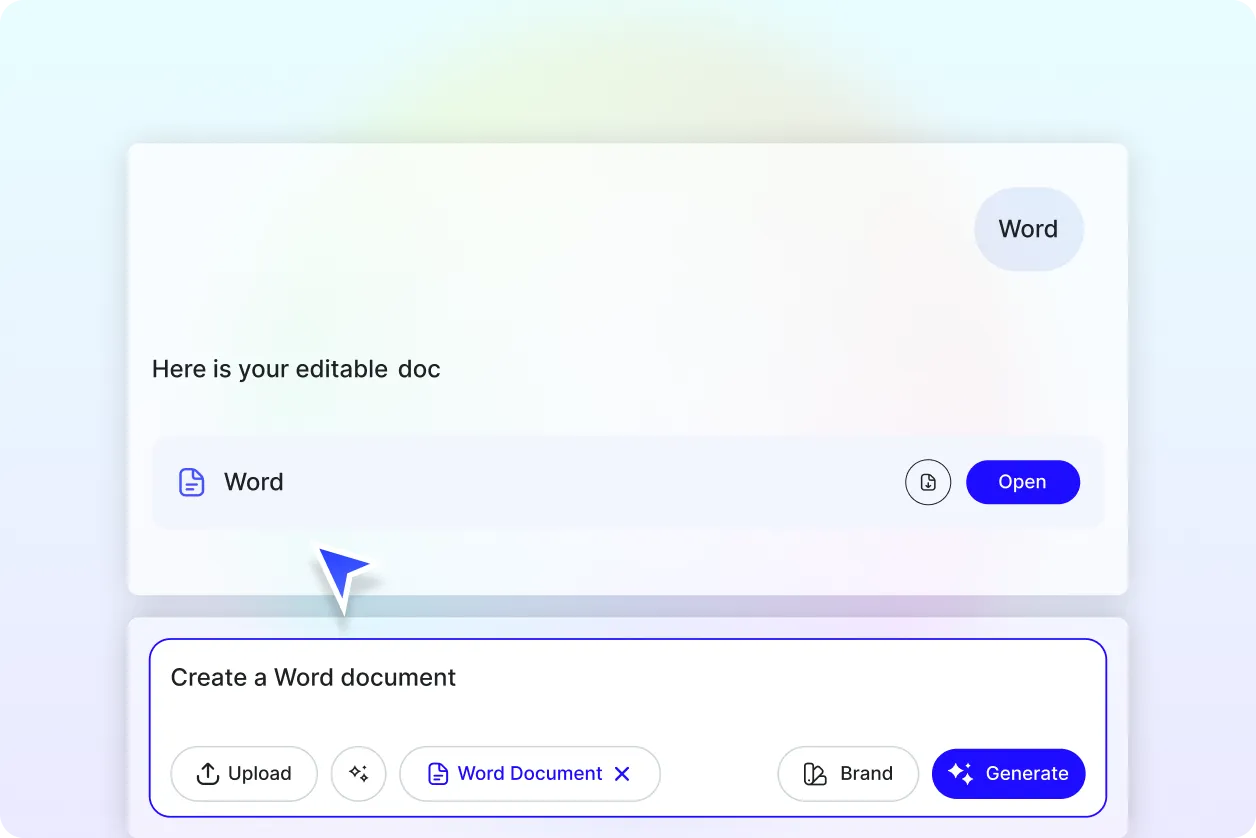
Step 2: Provide a Detailed Prompt to the AI Generator
Describe your document requirements headings, tone, formatting, and layout structure. The more context you provide, the more accurate and organized the generated Word document will be.
Step 3: Customize and Finalize Your Editable Word Document
Use the editor to adjust spacing, add branding, insert tables or images, and refine wording. Once finalized, export your document after upgrading to PRO.
Work Smarter and Promote Your Brand
Generate Word Documents That Represent You
Apply brand styling from the start. Layout, typography, and structure align with your brand identity, ensuring consistent, professional business communication.
Reuse, Repeat, and Scale Easily
Save successful document templates for future use. Update sections as needed and deploy consistent formats across different teams or projects.
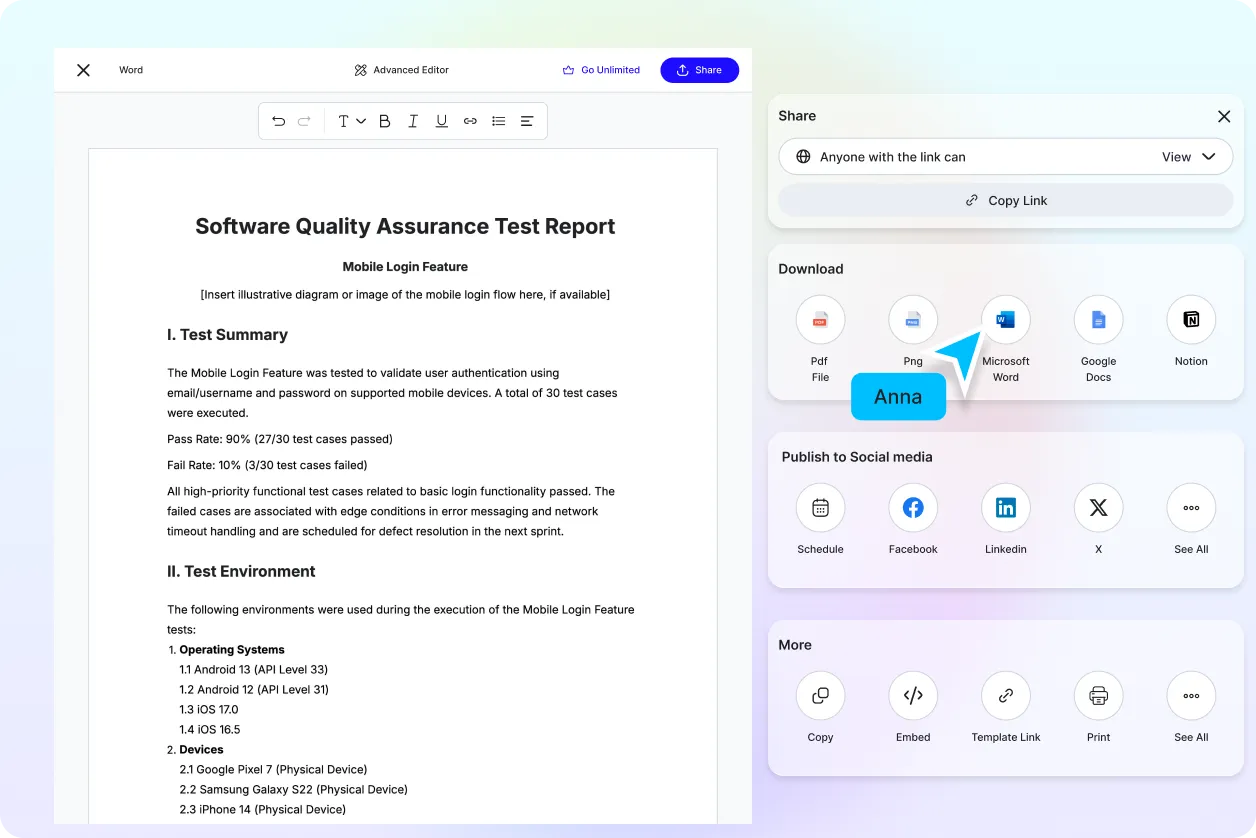
Share Instantly, Collaborate Smoothly
Export in DOCX, PDF, or text formats once you’re PRO. Share online, collaborate in real time, and monitor revisions without workflow interruptions.
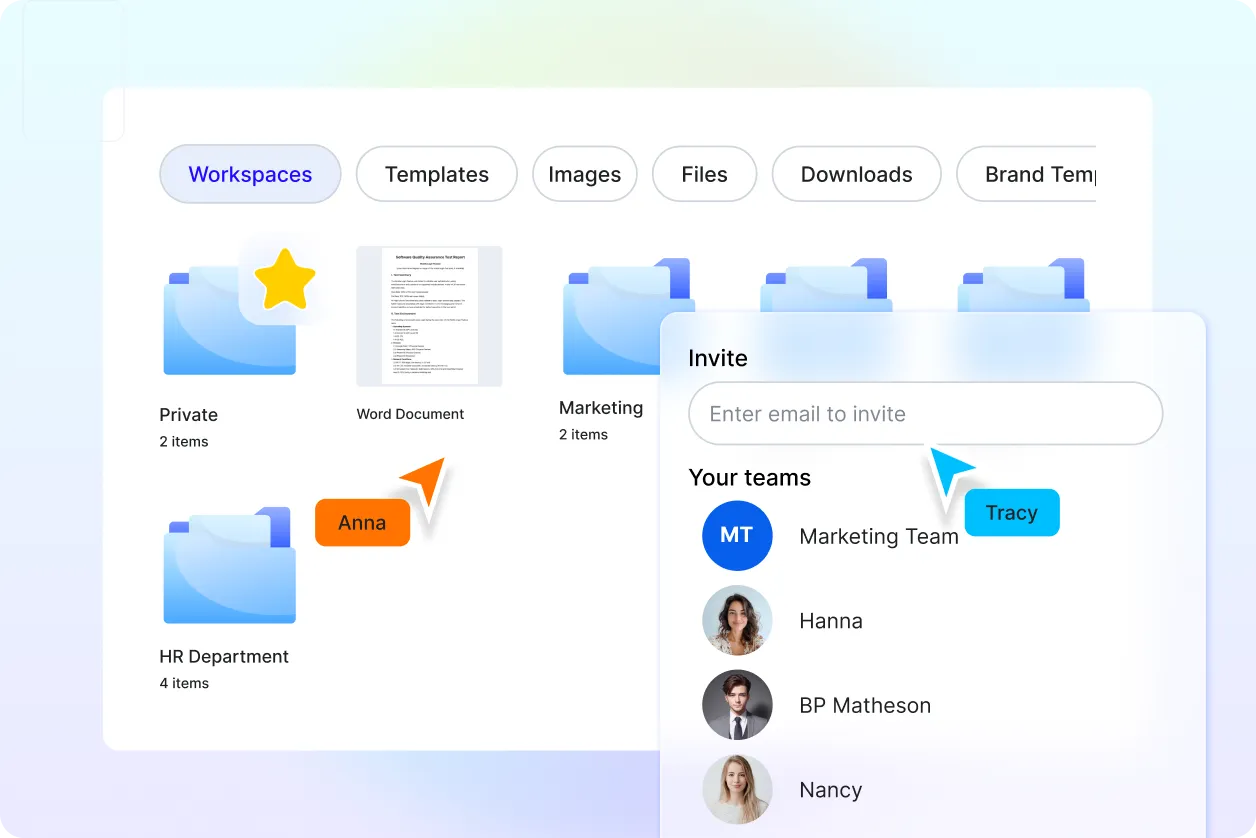
Smart Workspaces for Teams
Organize content hubs for Word documents. Assign permissions, store branded assets, and maintain unified structure across teams and departments.
Word Document Generator FAQ
What is an AI Word Document Generator?
It’s a tool that creates structured Word documents based on your prompts. AI generates headings, formatted sections, and layouts instantly.
Can I customize the Word document after it’s generated?
Yes. You can adjust formatting, structure, content flow, and branding inside the editor before exporting.
What types of Word documents can I create?
You can generate professional reports, proposals, agreements, letters, resumes, manuals, and academic or business documentation.
Do I need technical or design skills?
No. The editor is visual and intuitive, allowing anyone to customize documents without advanced skills.
Can I add images, tables, or charts?
Yes. You can embed charts, tables, visuals, and media elements for richer and clearer content.
How can I share my completed Word document?
You can export it as DOCX or PDF once you’re PRO, or share through cloud platforms and direct links.
Is exporting available for all users?
Document generation and editing are available instantly, but exporting to Word and PDF requires a PRO upgrade.
