
Free AI Education Presentation Generator
Prompt text or voice and our AI creates editable, professional educational presentations instantly. Build clear slides for lessons, lectures, projects, assignments, reports, or training topics. No design skills needed. Free, fast, and online.
Make Education Presentations, Customize Online with Design Editor
Template.net’s Free AI Education Presentation Generator helps you design structured, student ready, and teacher friendly slide decks. Use the AI Education Presentation Maker to customize themes, layouts, illustrations, charts, and academic content with complete control. Edit live, download, and present instantly.
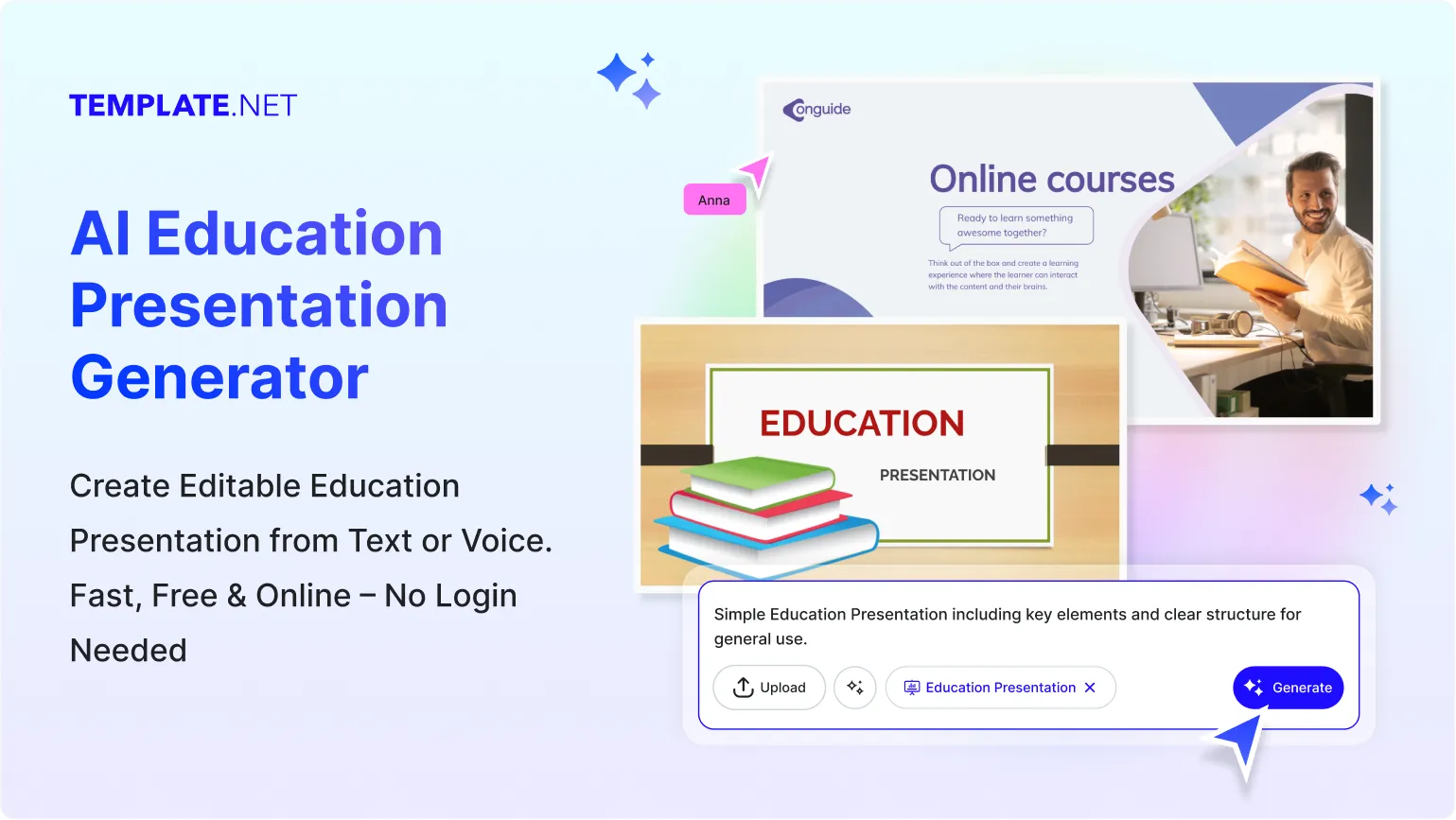
Design Custom, Printable Education Presentations for Free
Everything you need to create educational slides faster without using advanced software.

Thousands of Ready-Made Education Presentation Templates
Start with templates designed for teachers, students, professors, trainers, and academic institutions. Pick lesson plans, subject decks, research slides, and project presentations.

AI Powered Education Presentation Generator
Enter a short prompt and the AI will generate topic based slides for subjects like science, math, history, business, technology, and more.

Drag and Drop Presentation Editor
Rearrange text, charts, icons, or images easily using a visual editor. Adjust spacing, layout, and slide flow with simple controls.

Fully Customizable Education Layouts
Edit backgrounds, titles, diagrams, illustrations, and page structure. Tailor every slide to fit your teaching or learning objective.

Fonts, Icons and Graphics Built In
Access academic themed icons, infographics, subject based illustrations, and classroom visuals that make your slides more engaging.

1 Click Theme Kit for Education Presentations
Apply matching colors, typography, and visual style across all slides instantly for a clean and consistent deck.

Create Slides in 20 plus Languages
Generate presentations in English, Hindi, Spanish, Japanese, Arabic, Korean, French, and more.

Collaborate on Presentations in Real Time
Invite students, teachers, or teammates to review or edit the slide deck together. All updates sync instantly.

Replace or Remove Backgrounds
Switch classroom themes, clean backgrounds, or textured designs with one click for clarity and readability.

Resize Slides for Any Purpose
Convert slides for projectors, digital screens, mobile viewing, or printable lecture notes.

Smart Cropping for Educational Visuals
Crop charts, images, or diagrams to keep sections neat and well balanced.

Organize Slide Elements Easily
Align text boxes, headers, and subject graphics using auto alignment for a polished academic look.

Create Charts and Infographics
Insert graphs, statistics, timelines, or mind maps to explain topics clearly.

Customize Without Limits
Add animations, photos, classroom icons, or uploaded images to enhance the lesson flow.

Access Millions of Educational Assets
Search illustrations, diagrams, textures, and visuals relevant to subjects like biology, history, math, and arts.

Edit Presentations Anywhere, Anytime
Design from any device. Access your project in the browser without installing software.

Export and Share Presentations Instantly
Download in PPTX, PDF, or video format. Share using links or QR codes with classmates or teachers.

Embed Presentations on Websites or LMS
Copy the embed code and place your presentation in Google Classroom, Moodle, blogs, or educational portals.
How to Make a Free AI Generated Education Presentation
Create structured academic slides in seconds using AI. Generate, edit, and export instantly.
Step 1: Enter Your Prompt and Generate the Presentation
Open the AI Education Presentation Generator and describe the topic you need. Example prompt: “Presentation on Solar System for grade 5 with simple diagrams.” Click Generate and browse complete slide decks created by AI.
Step 2: Review and Refine Your Presentation
Preview the generated deck and begin editing. Adjust titles, diagrams, bullet points, and visual elements until the slides match your teaching or learning goal.
Step 3: Customize and Share Anywhere
Add notes, labels, examples, or references. Personalize slide layouts, fonts, and graphics. Download it in PPTX, PDF, or share through link or QR. Present directly in class or online.
Create Education Presentations in Seconds and Start Teaching with Confidence
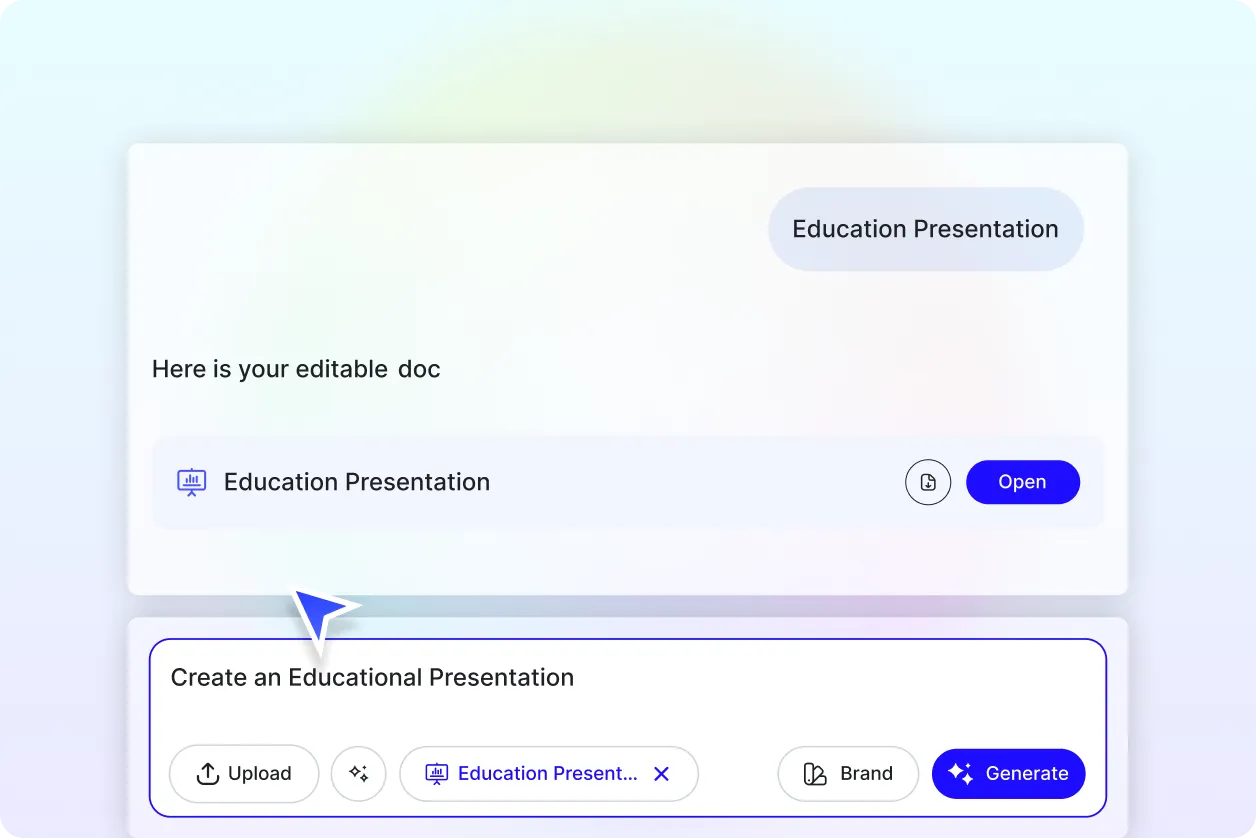
Generate Presentations with Your Academic Style
Apply your teaching tone, class level, and subject focus through the Brand tab. The AI adapts to your preferred style, whether you create school lessons or advanced university modules.
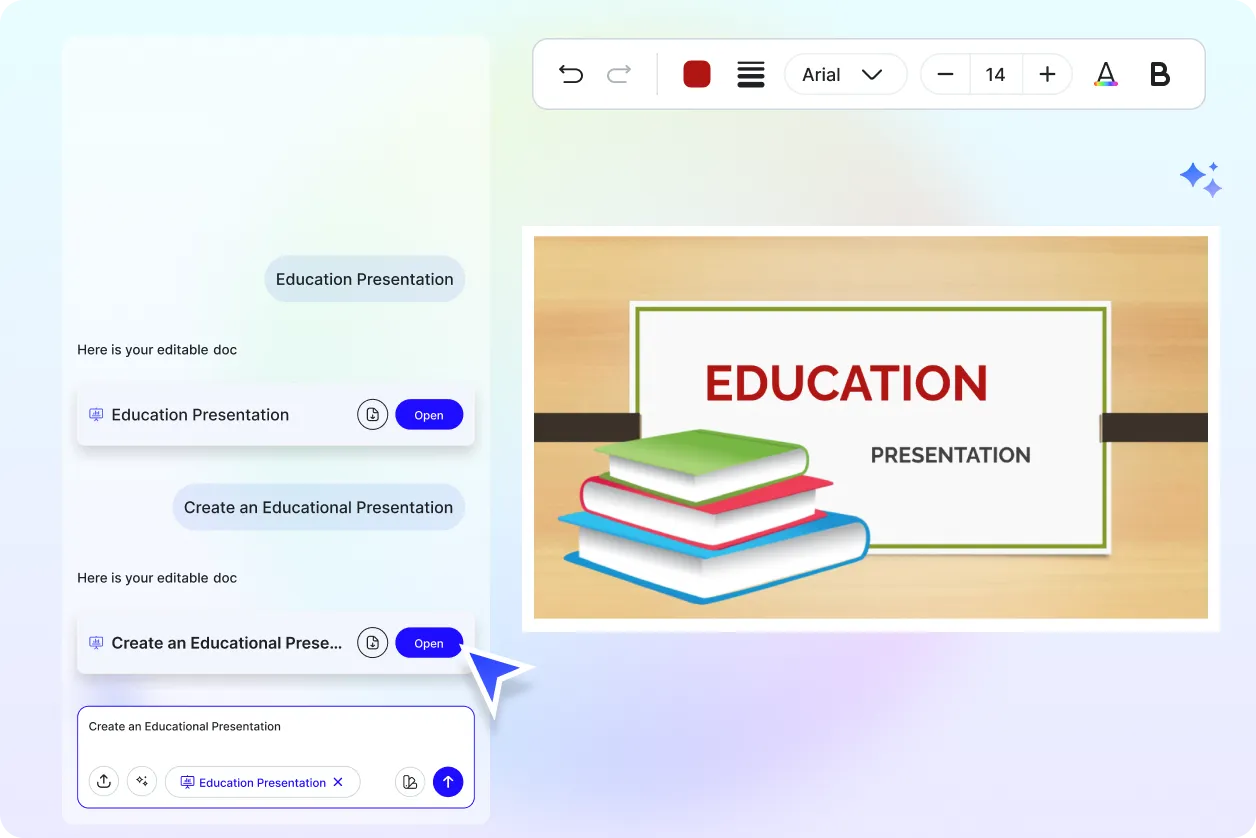
Customize Your Education Slides
Turn one presentation into multiple versions for homework, lectures, seminars, or assignments. Duplicate and adapt easily while keeping the theme consistent.
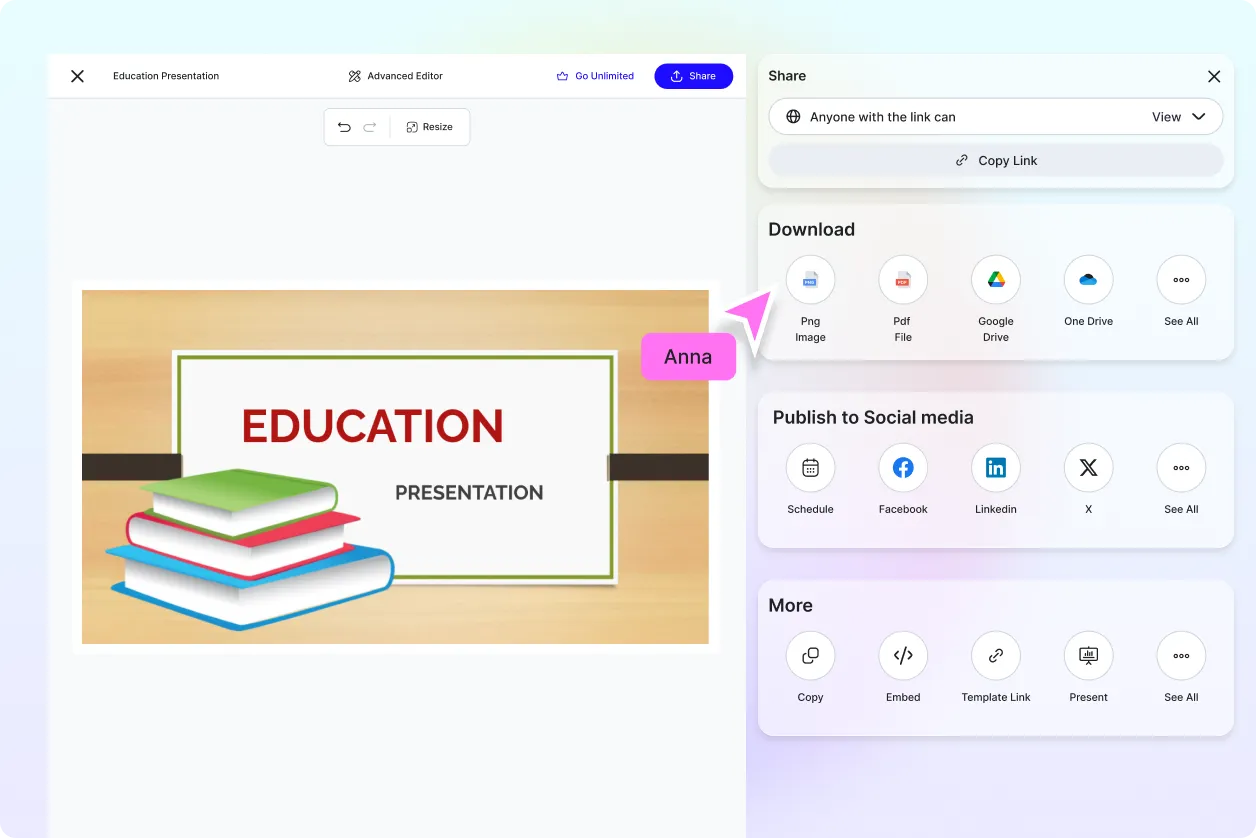
Share Anywhere and Collaborate Instantly
Download in PPTX, PDF, or video format. Share with teachers, classmates, or training groups through link or QR.
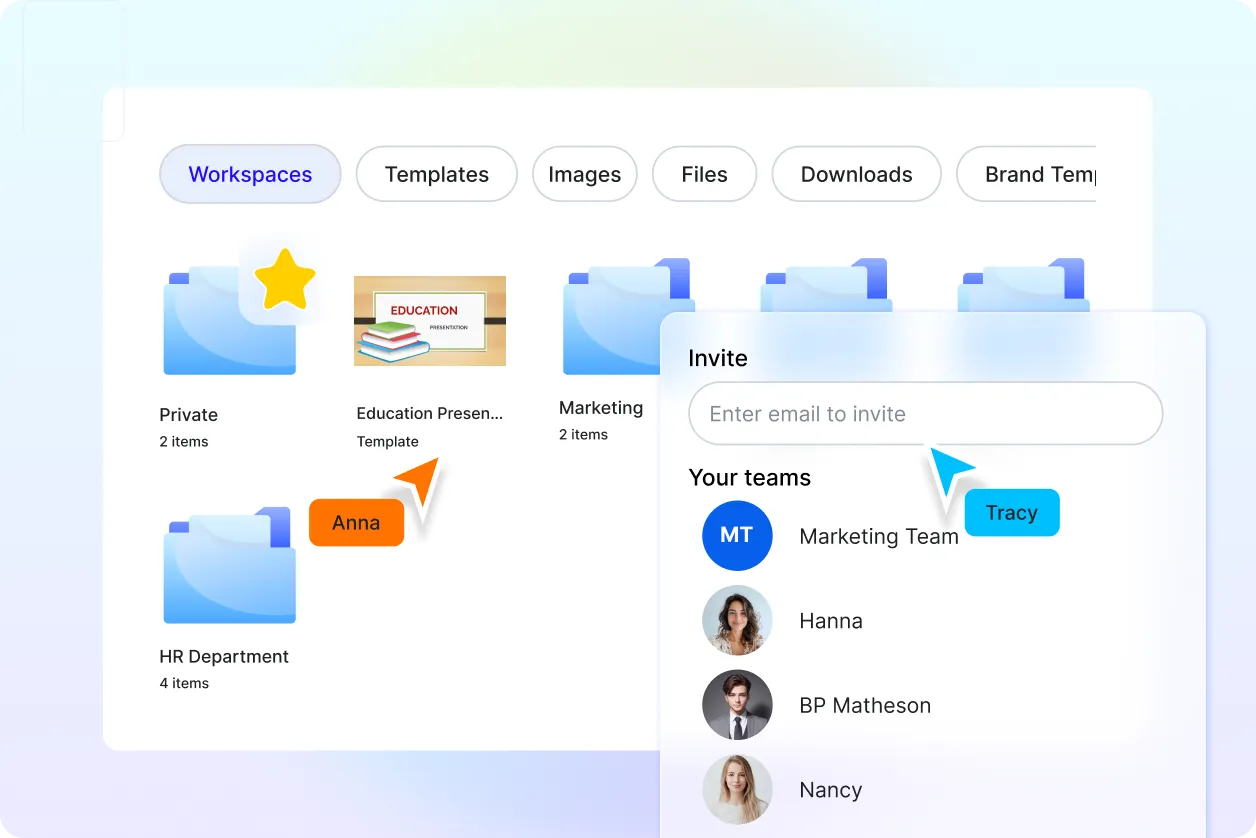
Smart Workspaces to Keep You Organized
Use shared workspaces to manage topics, versions, and academic assets. Keep lesson drafts and project files accessible for collaborative work.
Education Presentation FAQ
What is an education presentation?
An education presentation is a slide deck used to explain lessons, subjects, research, or training topics in a simple and visual format. It helps students and teachers communicate ideas clearly.
How to generate an education presentation using AI?
Enter a prompt such as “Lesson on plant cells for 8th grade” and the AI creates a ready to edit slide deck with structured content.
Can I generate subject specific presentations?
Yes. You can create slides for science, math, history, business, language studies, technology, arts, and many other subjects.
What formats can I download the presentation in?
You can download in PPTX, PDF, or video format for classroom, online, or printed use.
Can I edit the presentation after AI generates it?
Yes. You can modify text, visuals, charts, diagrams, colors, and layouts using the editor.
Can students and teachers collaborate?
Yes. You can invite others to view, comment, or edit the presentation in real time.
Where can I use the generated education presentation?
Use it for school projects, classroom lessons, online teaching, academic training, workshops, seminars, and research reports.
