
Free AI Event Presentation Generator
Prompt text or voice, our AI generates editable, professional event presentations instantly. Build polished slides for conferences, corporate events, launches, webinars, and celebrations. No sign-up needed. Free, fast, and online.
Create Event Presentations, Customize Online with Smart Editor
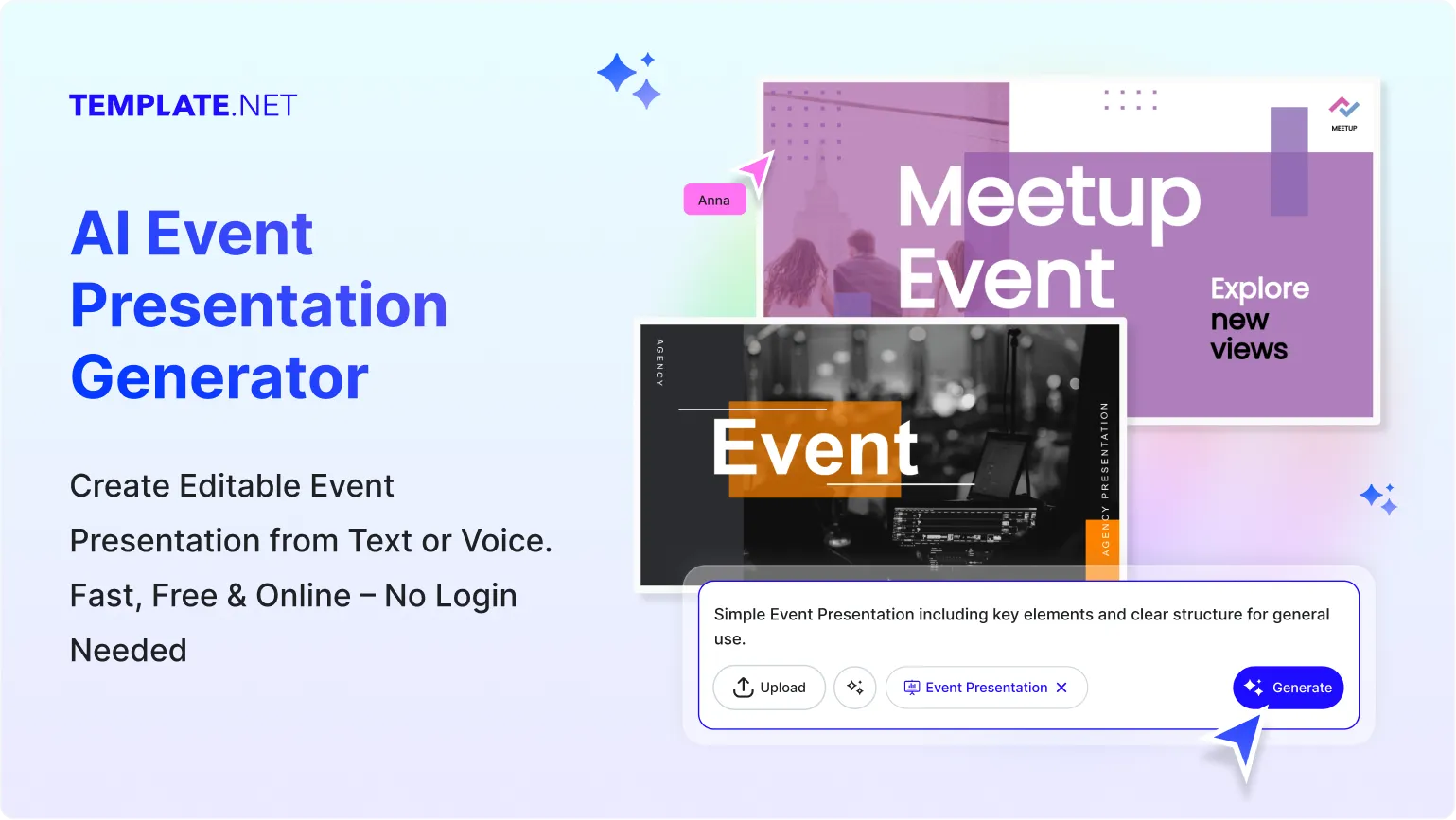
Template.net’s Free AI Event Generator helps you design engaging event presentations with ease. Use the AI Event Presentation Maker to structure agendas, schedules, speaker details, visuals, and branding elements that fit your event type. Edit live, customize layouts, and download polished slides in minutes.
Design Professional, Share-Ready Event Presentations for Free
Everything you need to plan, present, and showcase events visually without complex tools

Thousands of Ready-Made Event Presentations
Start instantly with event-focused presentation templates for corporate events, conferences, weddings, webinars, workshops, and social gatherings. Choose layouts designed for agendas, schedules, and highlights.

AI-Powered Event Presentation Generator
Just enter a prompt or speak your event idea and the AI creates a structured presentation including title slides, agenda, timelines, and closing slides tailored to your event.

Drag-and-Drop Event Slide Editor
Rearrange slides, text blocks, images, and icons easily using a visual editor. Adjust layouts and content without any presentation design experience.

Fully Customizable Event Slide Layouts
Edit slide order, colors, fonts, visuals, and spacing to match the tone of your event. Customize every section from welcome slides to closing notes.

Built-In Fonts, Icons, and Event Graphics
Access professional fonts, icons, charts, and event visuals such as calendars, schedules, stage icons, and audience graphics to enhance clarity.

1-Click Brand Kit for Event Presentations
Apply your organization’s logo, colors, and fonts instantly across all slides to maintain consistent branding for corporate or public events.

Create Event Presentations in 20+ Languages
Generate event slides in multiple languages for global audiences. Supports English, Hindi, Spanish, Arabic, French, Japanese, and more.

Collaborate on Event Slides in Real Time
Invite team members, planners, or clients to edit and review presentations together. All updates appear instantly in shared workspaces.

Add and Edit Event Visuals Easily
Insert images, speaker photos, venue visuals, or sponsor logos. Resize, crop, or replace visuals directly inside the presentation.

Resize Slides for Any Event Format
Adapt presentations for live screens, projectors, virtual meetings, or shared PDFs. Choose standard slide sizes or custom dimensions.

Smart Content Alignment Tools
Keep text, icons, and visuals perfectly aligned across slides. Maintain a clean and professional event presentation layout.

Organize Event Sections Seamlessly
Group agenda items, sessions, speakers, and timelines into clear sections for easy navigation during the event.

Visualize Event Schedules and Timelines
Create timelines, flowcharts, and session breakdowns to help audiences understand the event structure clearly.

Unlimited Customization Options
Duplicate slides, create multiple versions, or adapt the same presentation for different event audiences or locations.

Access Millions of Presentation-Ready Assets
Enhance your event slides with photos, icons, backgrounds, and design elements without leaving the editor.

Edit Event Presentations Anywhere, Anytime
Work from desktop or mobile browsers with no software installation required. Access your event slides anytime online.

Export and Share Event Presentations Instantly
Download presentations in PPT, PDF, or shareable formats. Share links with speakers, attendees, or organizers easily.

Embed Event Presentations Online
Embed your event presentation on websites, landing pages, or registration portals for easy access by participants.
How to Make a Free AI-Generated Event Presentation
Just describe your event, let the AI build structured slides, customize the details, and export in minutes.
Step 1: Enter Your Prompt and Generate an Event Presentation
Open the AI Event Generator and describe your event such as “Corporate conference presentation with agenda, speakers, and closing slide.” Click Generate to instantly receive a complete slide deck.
Step 2: Review and Refine Your Event Slides
Preview the generated presentation and edit slides directly. Adjust agendas, timelines, visuals, or branding elements to fit your event requirements.
Step 3: Customize and Present Anywhere
Personalize slides with event details, logos, speaker names, and visuals. Download in PPT or PDF and present live or share digitally with attendees.
Create Event Presentations Faster and Impress Your Audience
Generate Event Slides with Your Brand
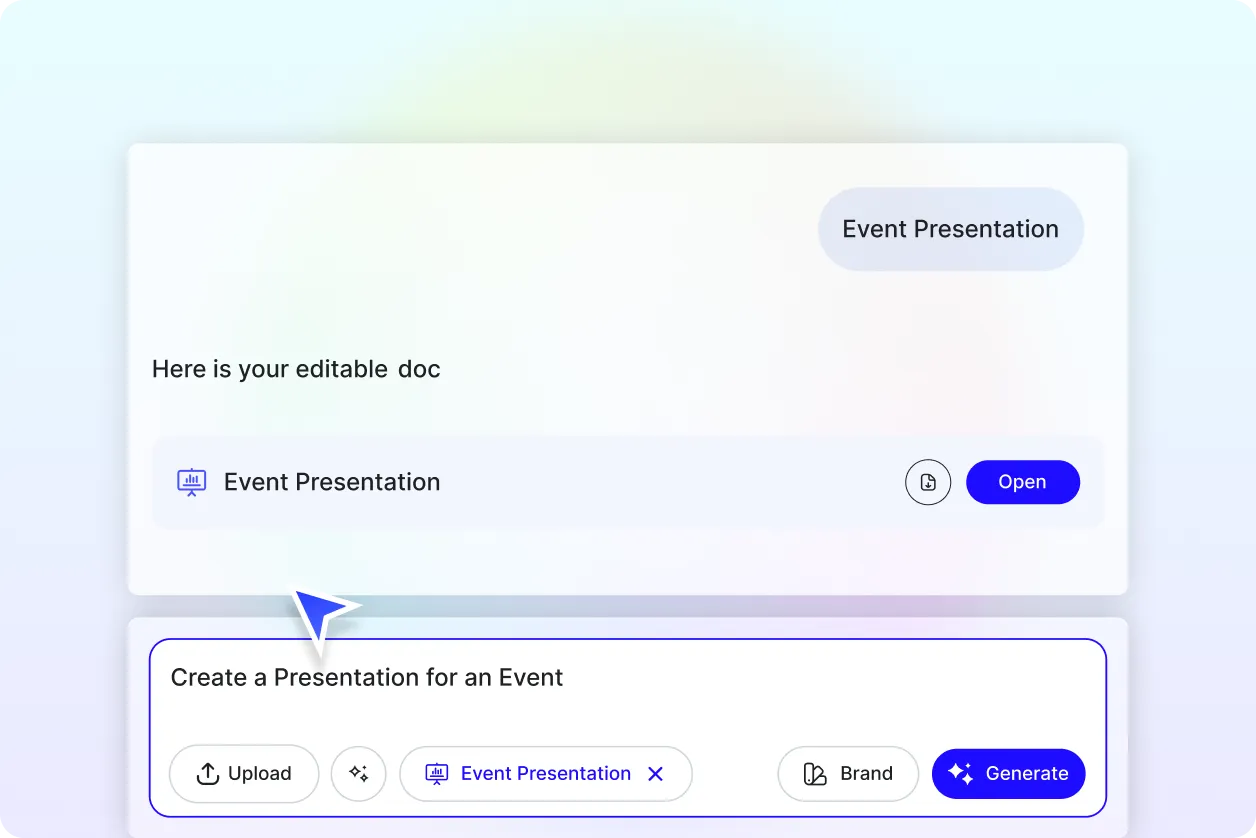
Apply your brand identity using the Brand tab. The AI ensures fonts, colors, and layout styles remain consistent across the entire event presentation.
Customize for Different Event Needs
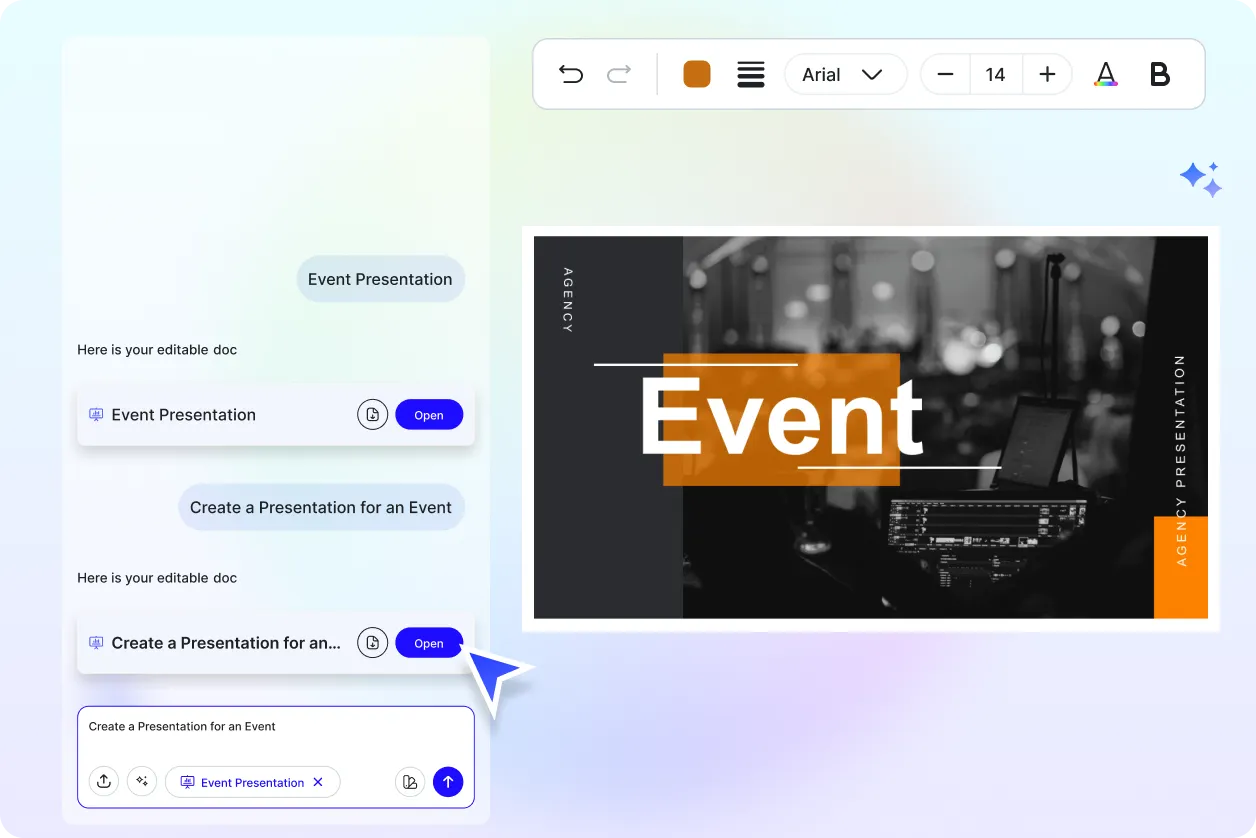
Turn one event presentation into multiple versions for speakers, attendees, or sponsors. Adapt content while keeping a unified visual style.
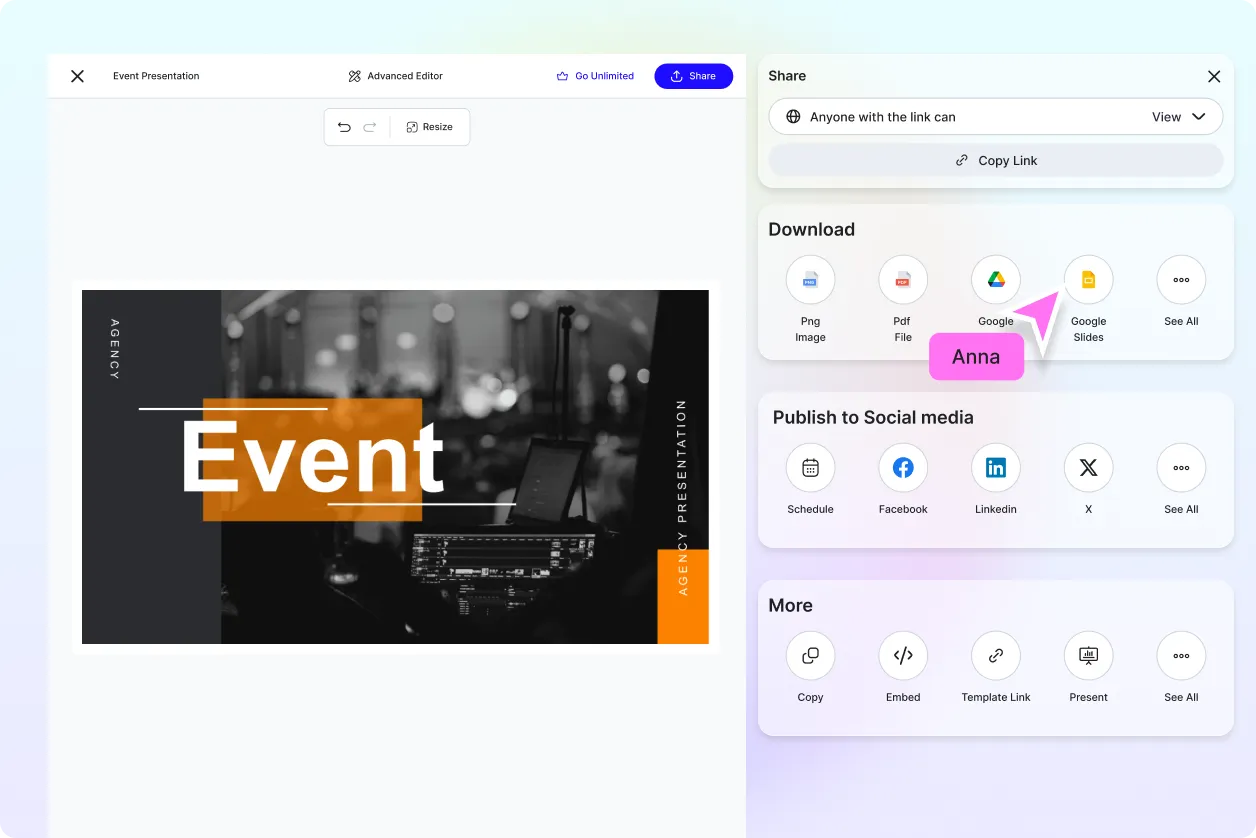
Share and Collaborate Instantly
Share presentations via links, email, or QR codes. Collaborate with teams, planners, and stakeholders in real time.
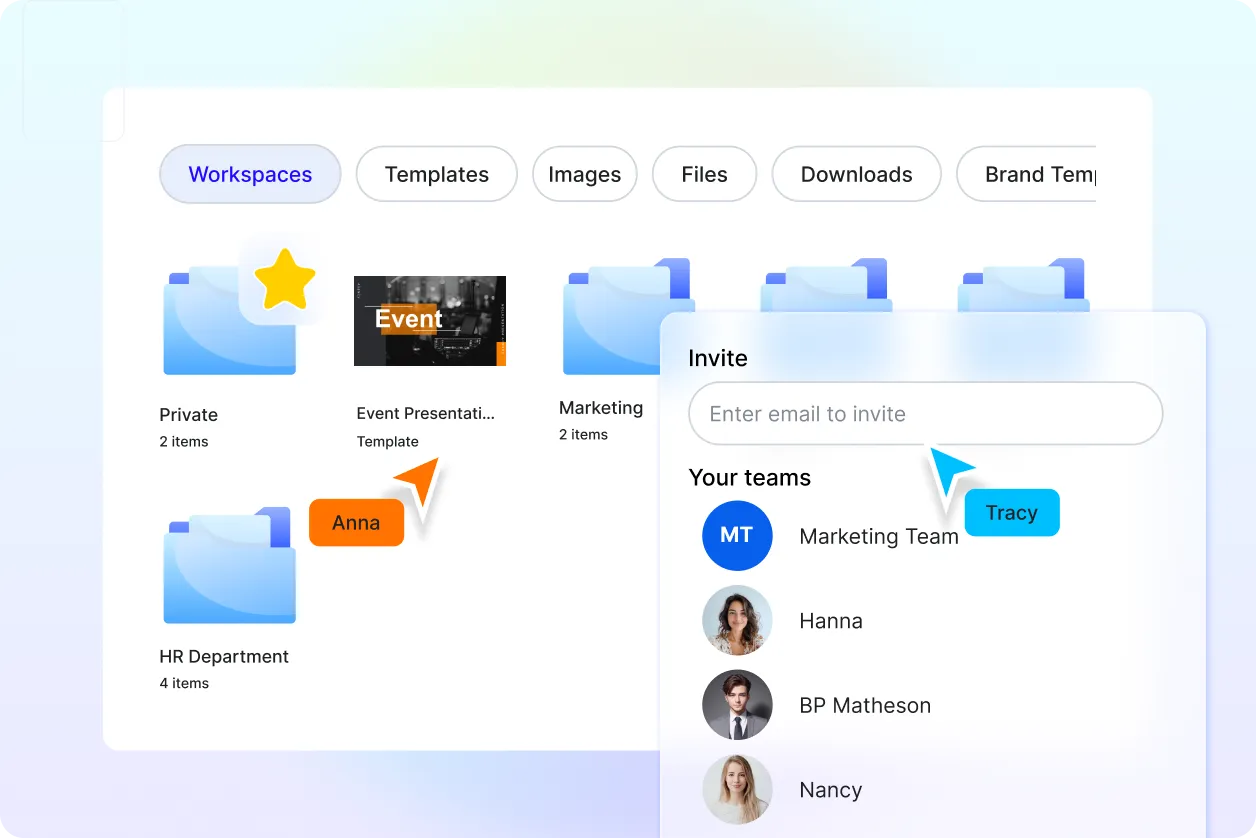
Smart Workspaces for Event Planning Teams
Manage drafts, assign roles, track changes, and store all event presentation files securely in one workspace.
Event Presentation FAQ
What is an AI event presentation generator?
An AI event presentation generator creates structured and visually engaging event slides automatically based on your event details and goals.
How do I generate an event presentation using AI?
Enter or speak your event description and the AI generates a complete presentation including agenda, schedules, and key slides that you can edit.
Can I use this for different types of events?
Yes, you can create presentations for corporate events, conferences, weddings, webinars, workshops, and social gatherings.
Can I customize the event presentation after generation?
Yes, all slides are fully editable. You can change text, visuals, layouts, colors, and branding elements anytime.
What formats can I download event presentations in?
You can download event presentations in PPT or PDF formats suitable for live presentations or sharing.
Does it support team collaboration?
Yes, teams can collaborate in real time, leave feedback, and make edits together in shared workspaces.
Do I need design or presentation skills to use it?
No, the AI handles structure and layout, making it easy for anyone to create professional event presentations.
