







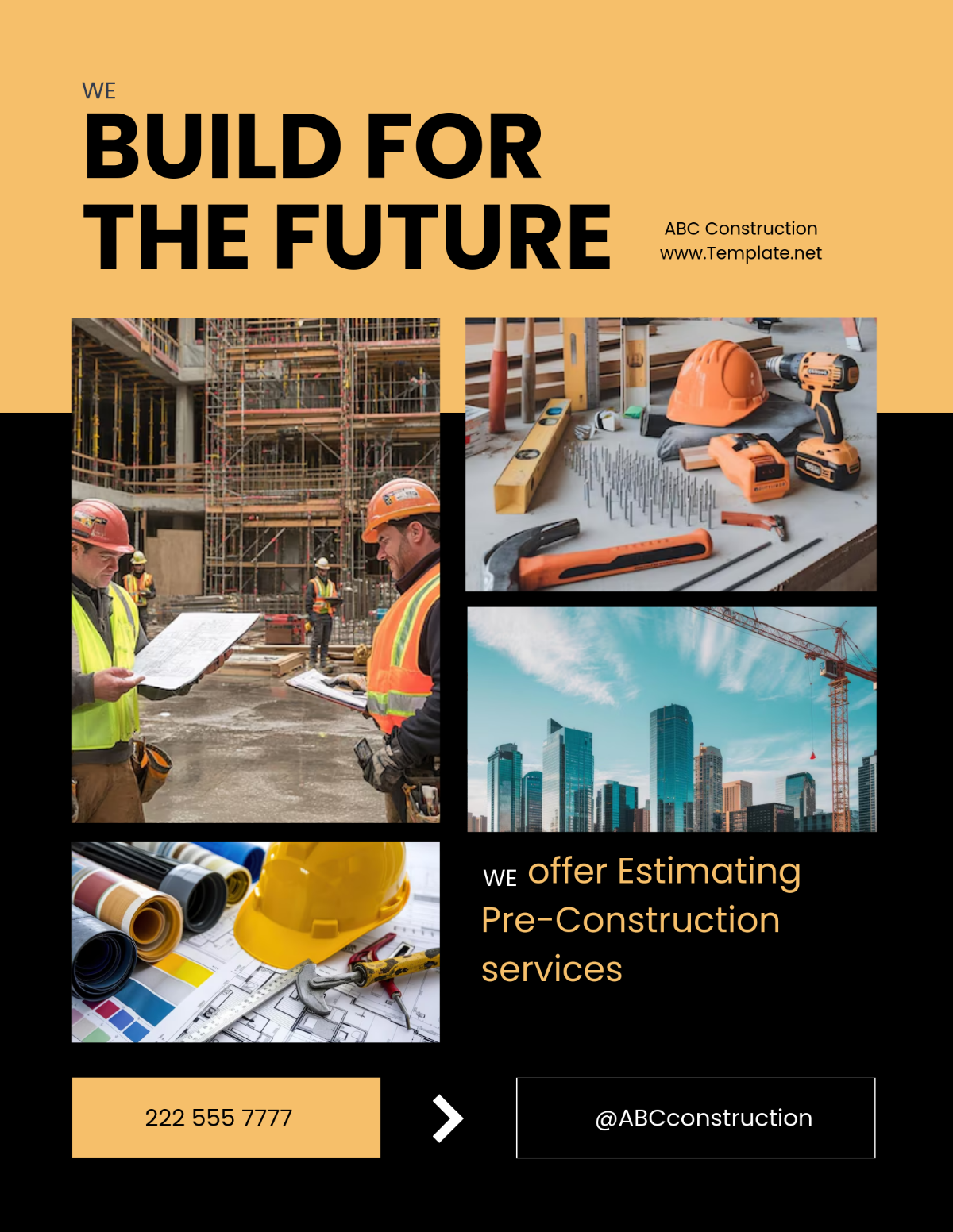
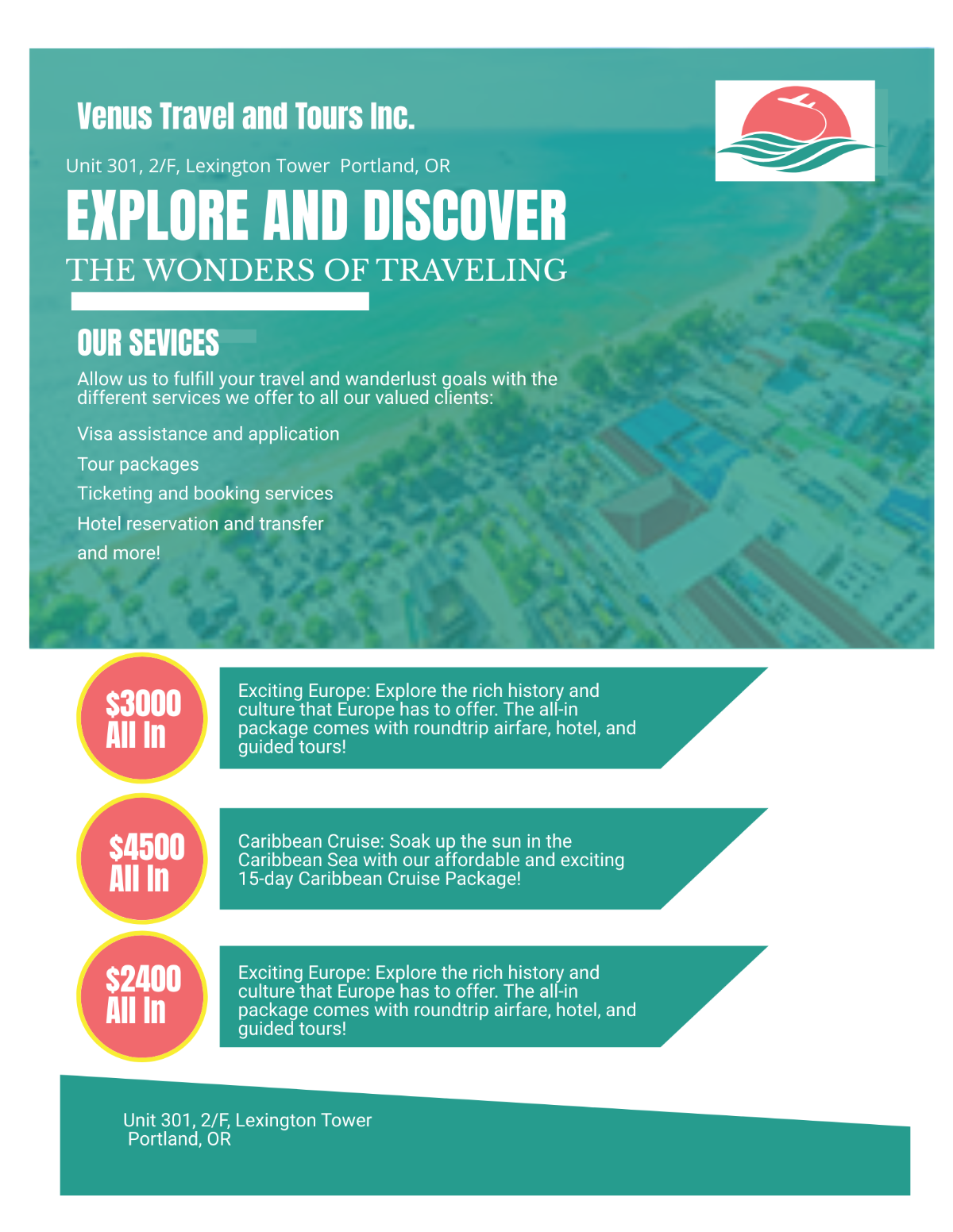





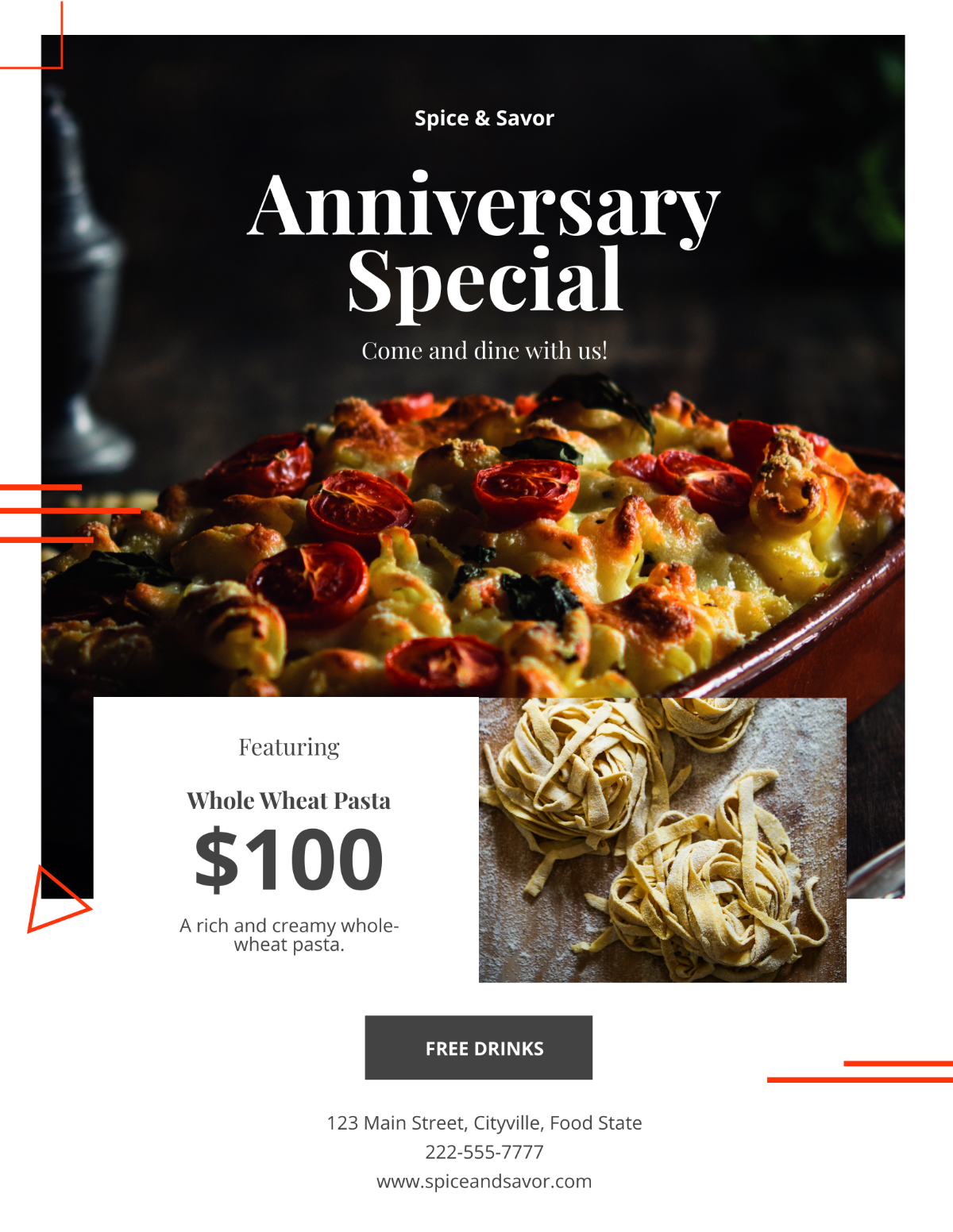

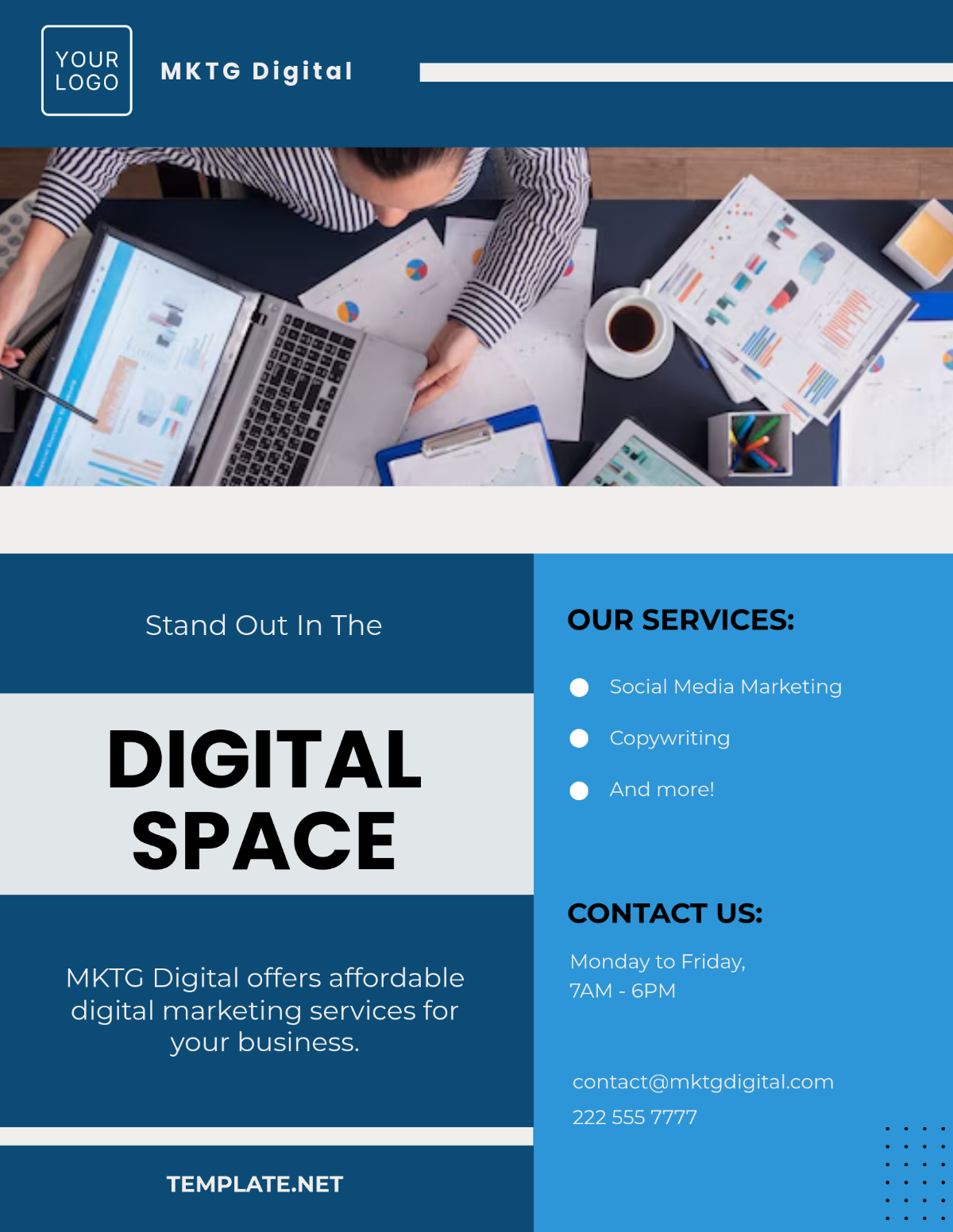








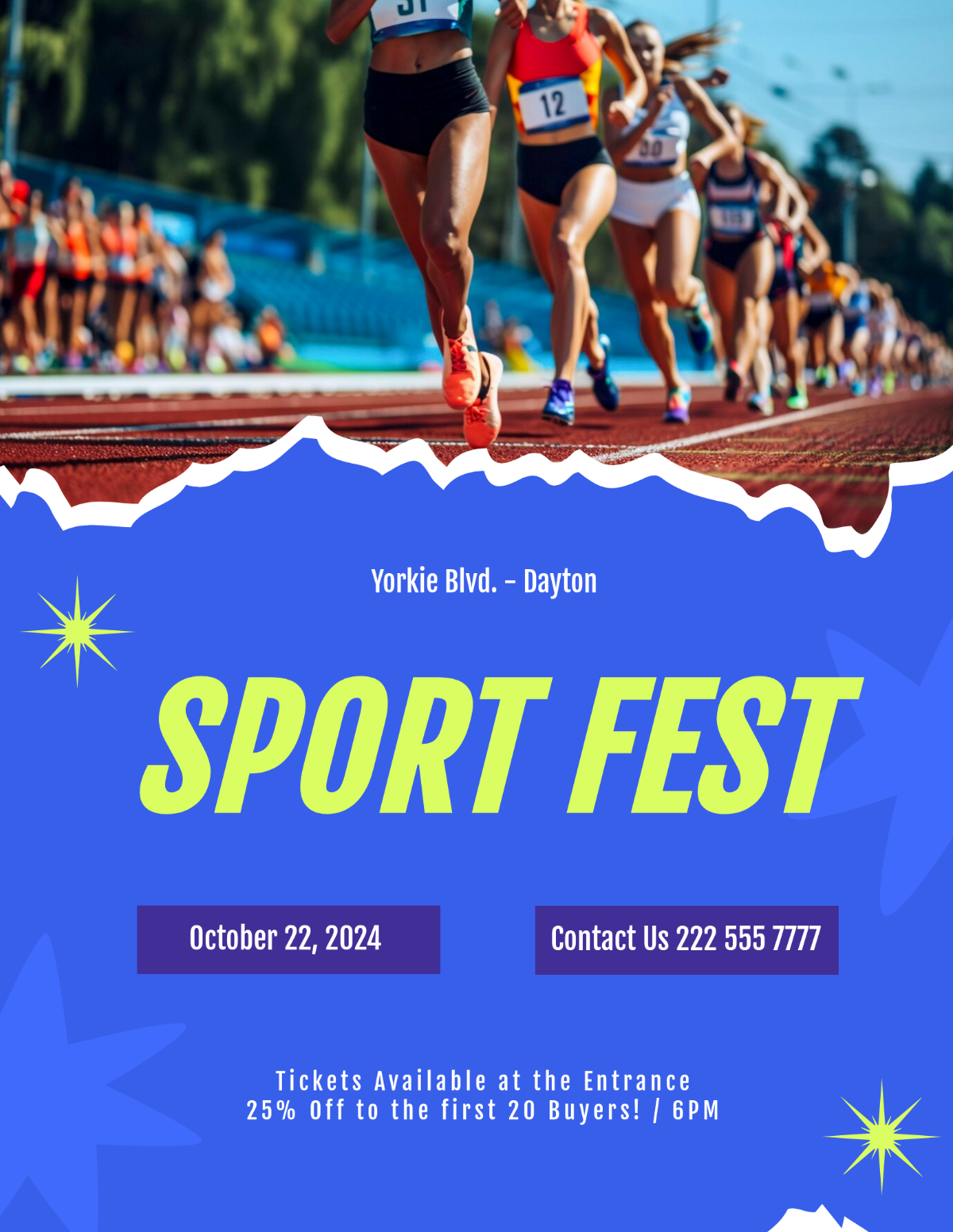
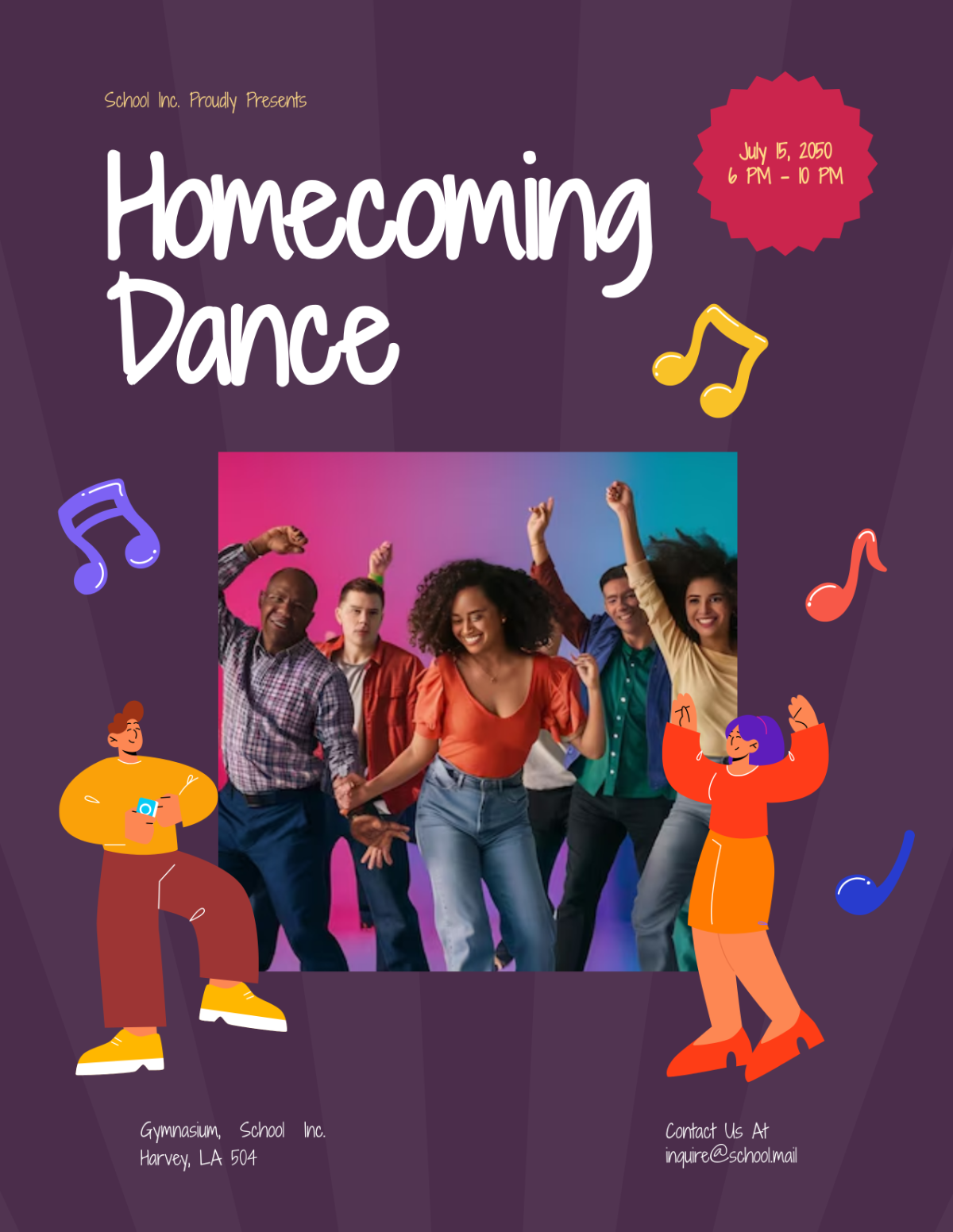
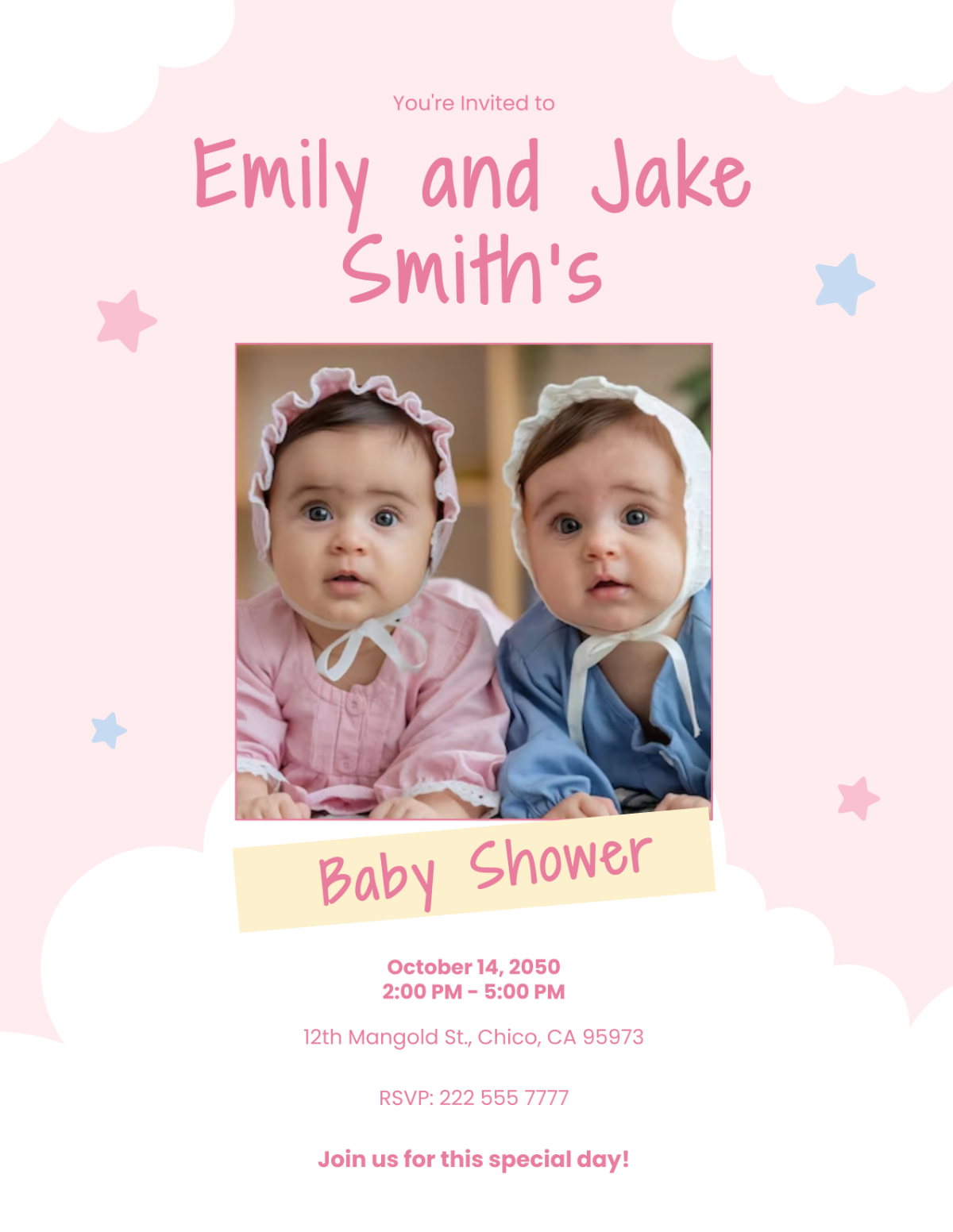






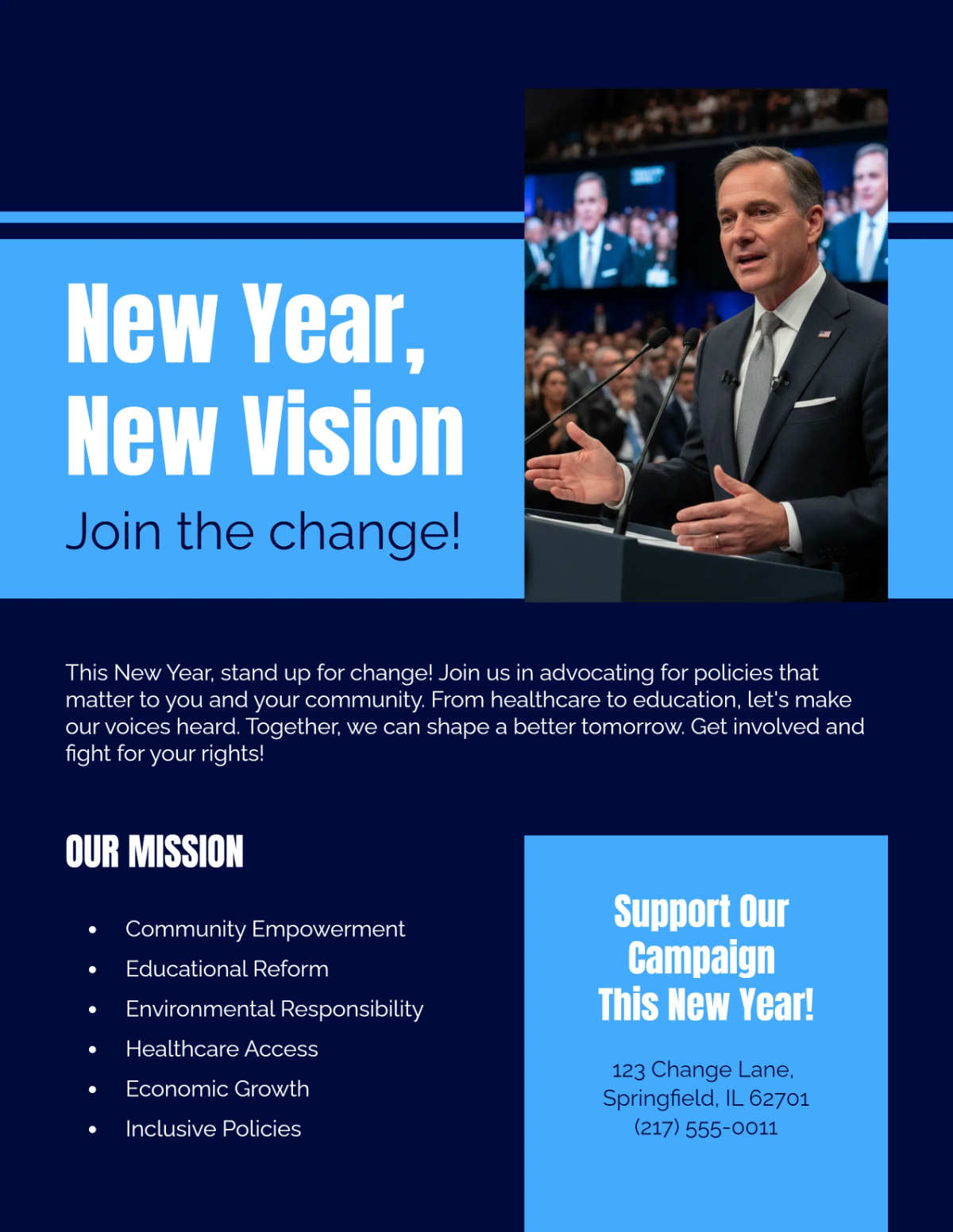





Free Customize Flyer Templates: At a Glance
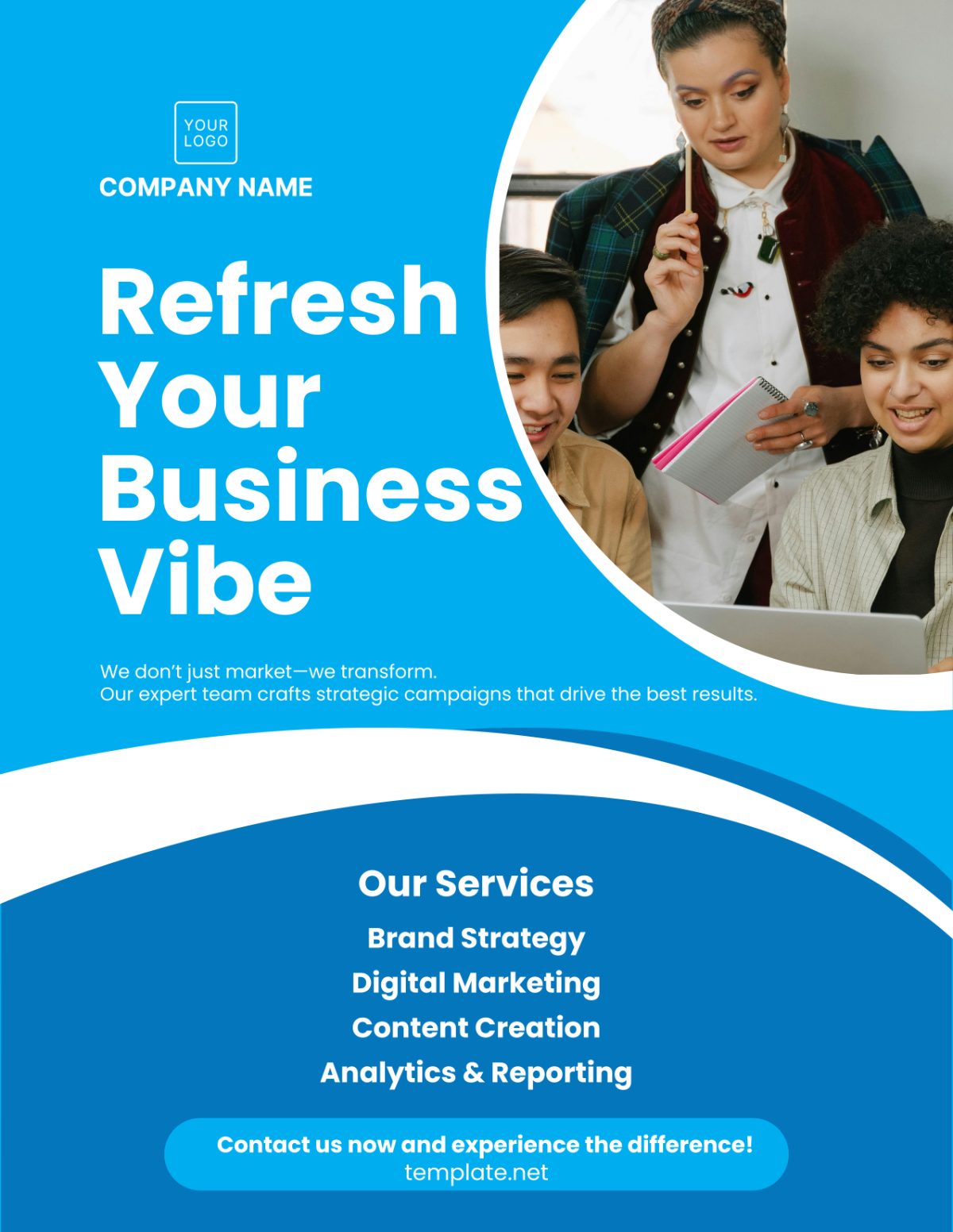
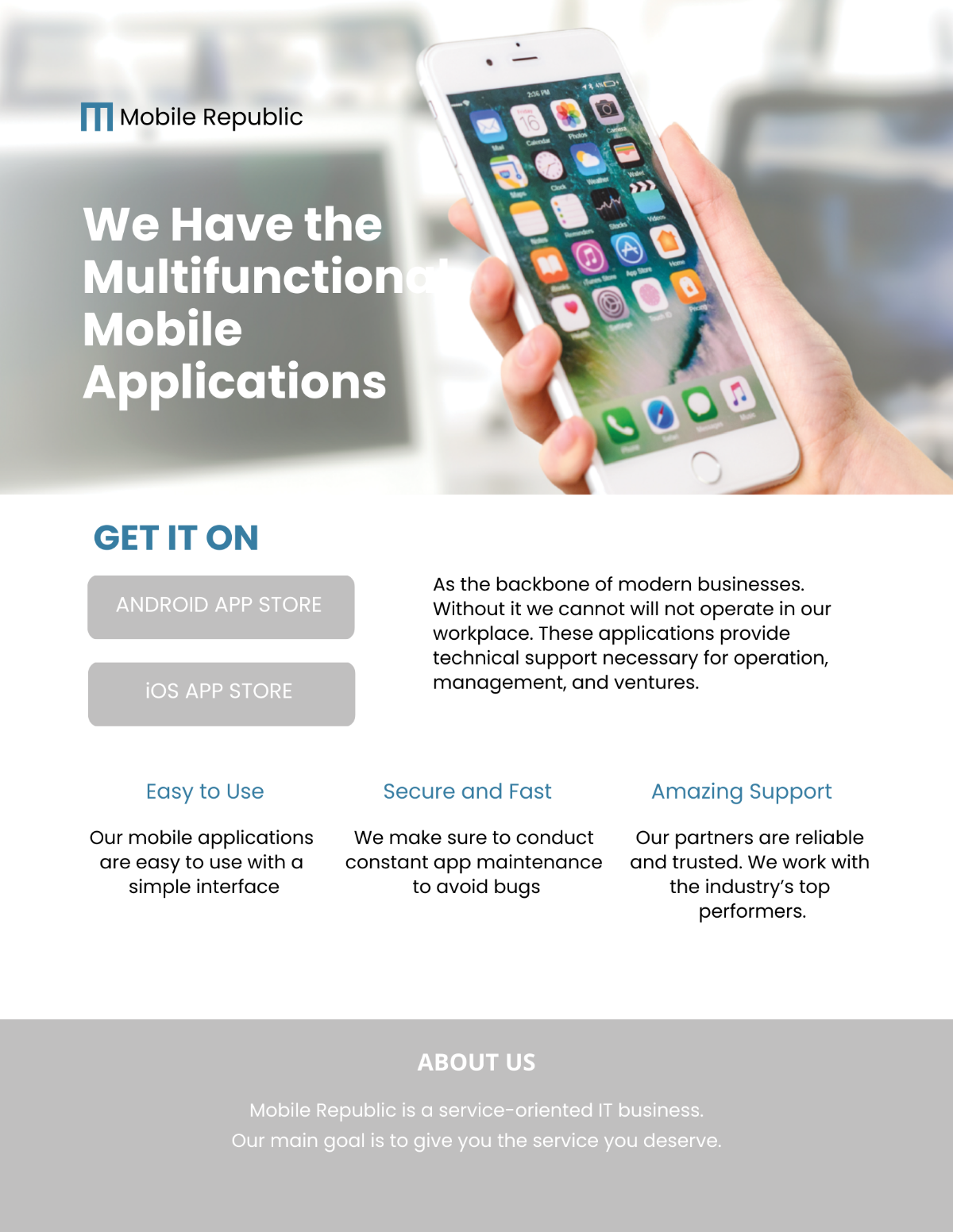
Flyer Templates are ready-made promotional layouts that you can quickly customize by replacing the text, images, and branding with your own details. On Template.net, you can browse a grid of flyer designs, open any template in the editor, and export a finished flyer for print or digital sharing in minutes.
- Edit in your browser (no design software required)
- Common sizes: US Letter, A4, A5, DL, Postcard/A6, Tabloid/A3
- Popular exports: PDF, PNG, JPG, SVG, PPTX (other options may vary by template)
Quick Facts
• Thousands of flyer templates available
• Edit online in minutes
• No design skills required
Create Professional Flyers Instantly with Editable Flyer Templates
Template.net offers millions of free flyer templates you can edit online and download in multiple formats. On the flyers page, you browse a grid of professionally designed flyers for events, sales, business promotions, holidays, and more, then open any template to customize it directly in your browser. You can quickly update the text, colors, and images, keep your branding consistent, and export print-ready or digital files without needing to sign up. Inside the editor, you can optionally use the built-in AI Flyer Maker to help with wording and content suggestions, but every flyer template is ready to use as-is.
What Are Flyer Templates?
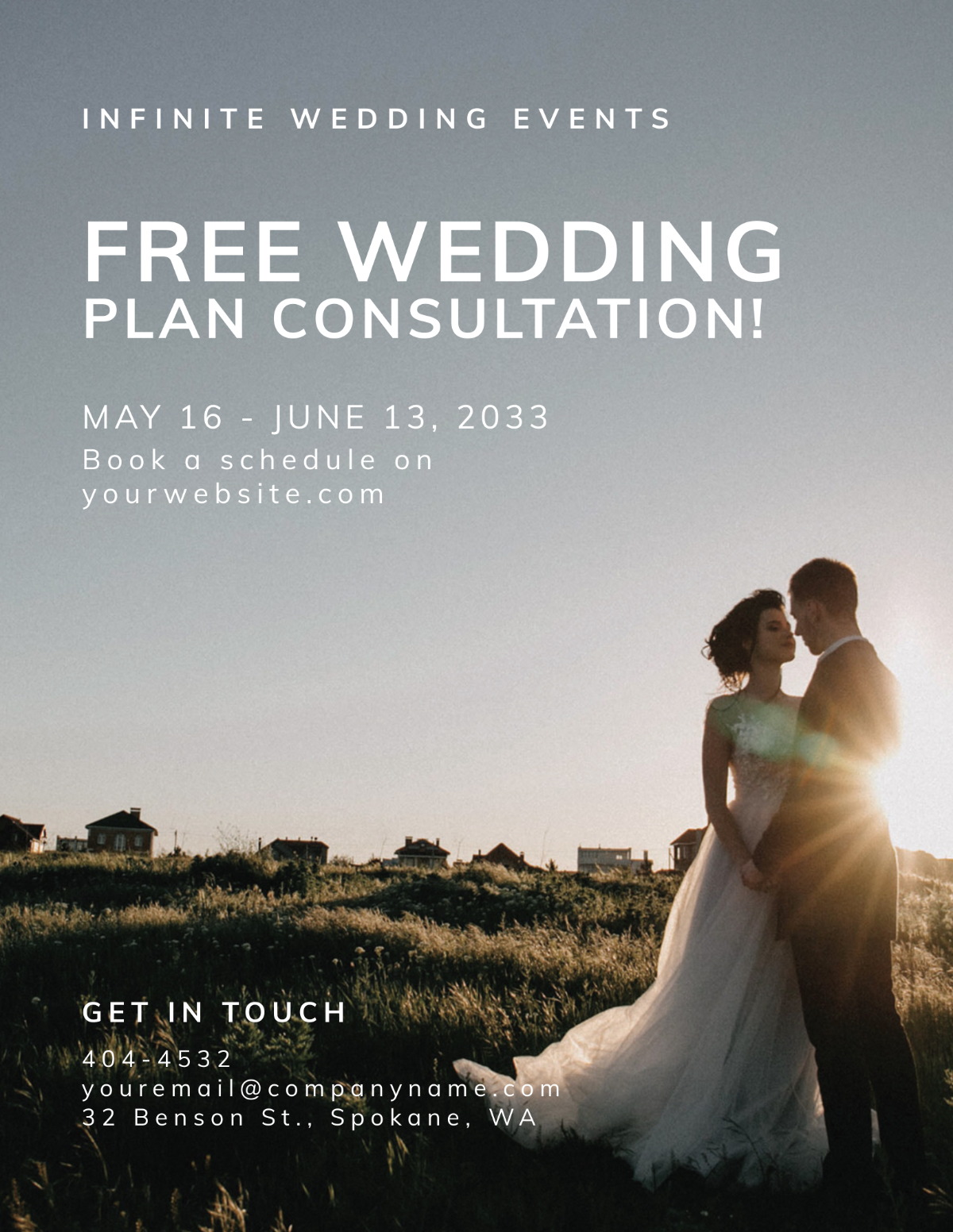
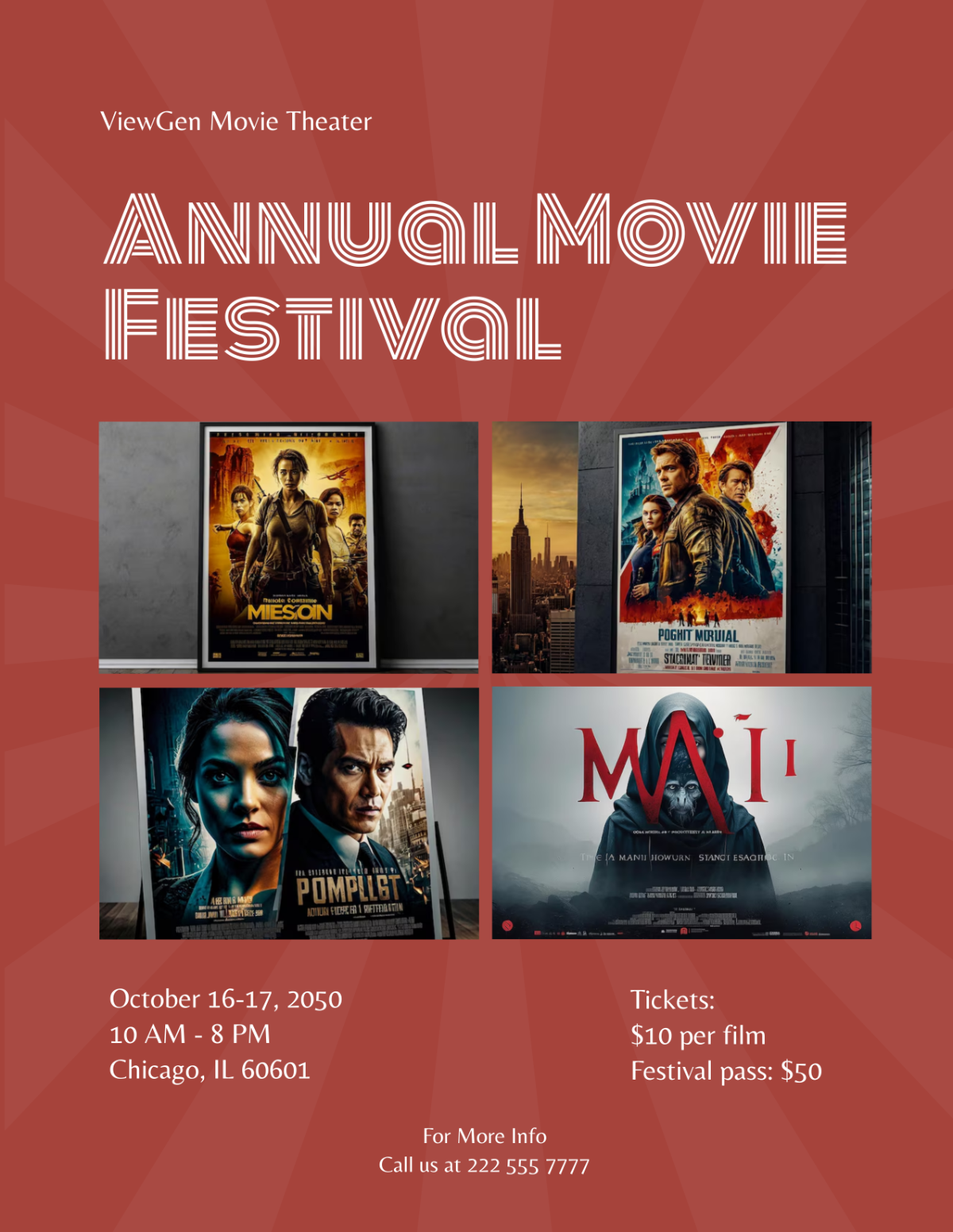
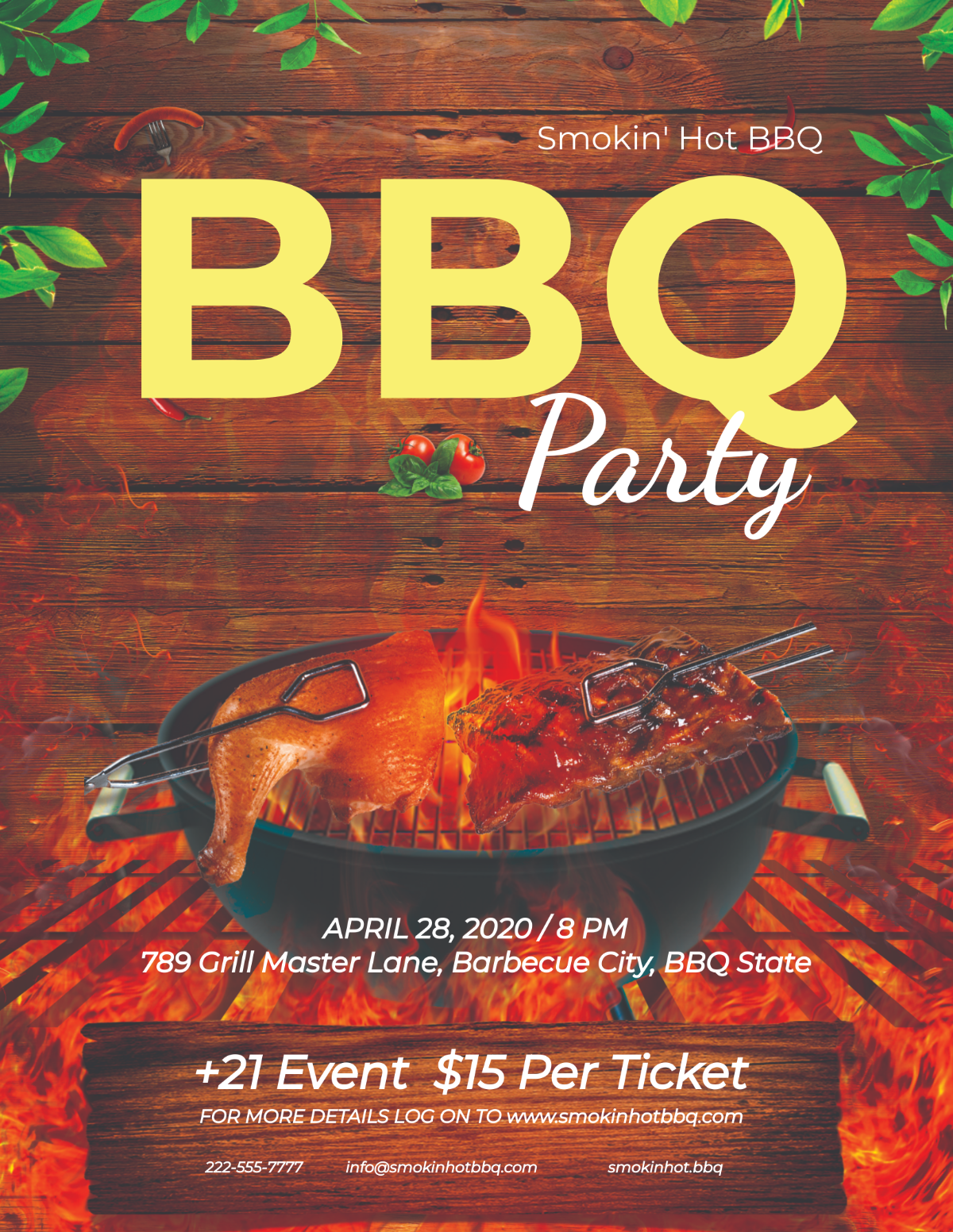
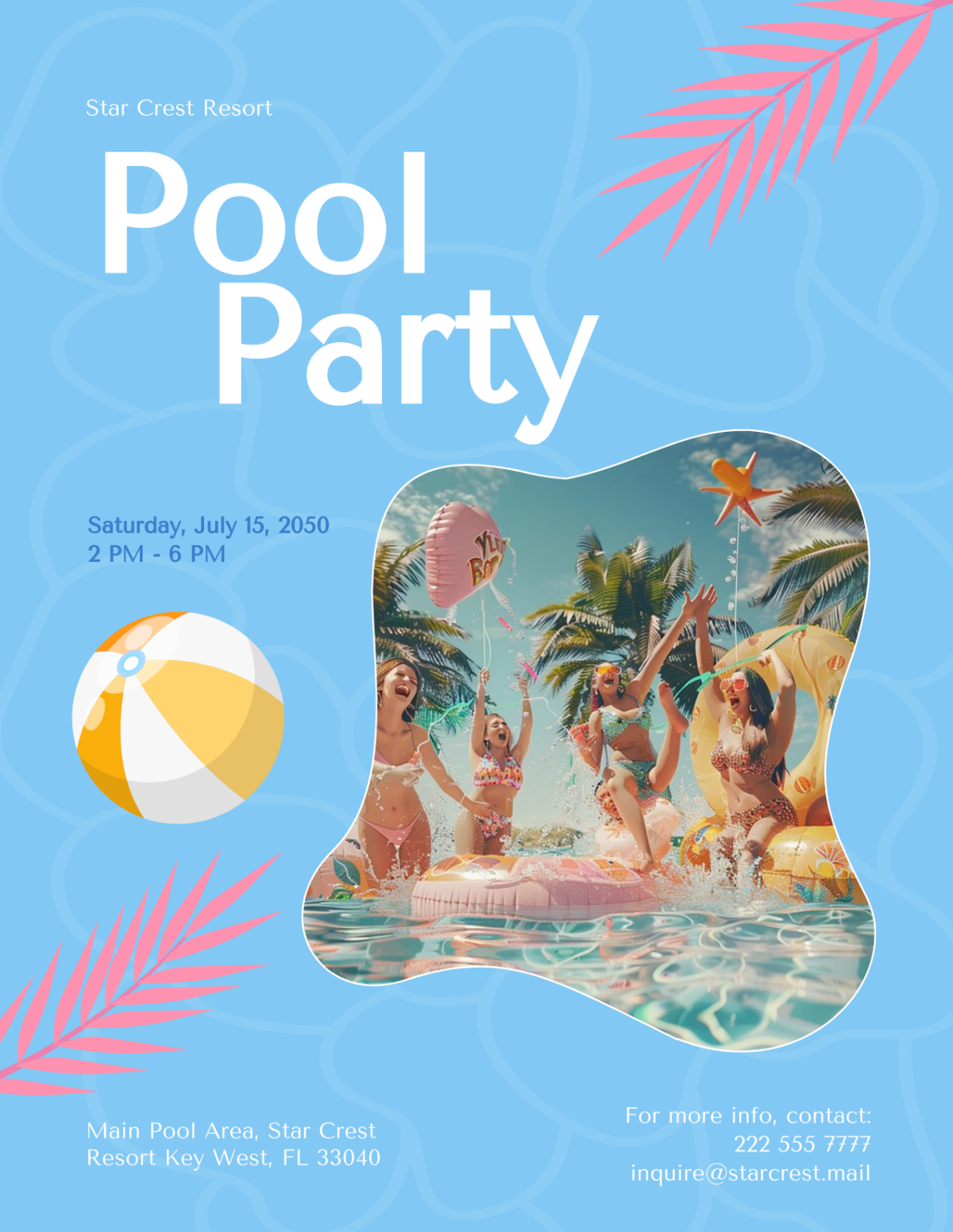
Flyer templates are pre-designed layouts that help you create promotional materials quickly. Instead of designing from scratch, you choose a layout and swap in your own details such as headline, dates, prices, and contact information. On Template.net, flyer templates cater to a wide range of use cases, including business promotions, events, seasonal sales, school notices, nonprofit campaigns, and more. Each template is fully editable so you can adapt it to your brand, audience, and channel.
What Can You Do on the Flyers Page?
- Browse a visual grid of flyer templates organized by style, industry, and occasion.
- Search and filter by keyword or topic to find the best match faster.
- Preview designs to check layout structure before editing.
- Open any flyer in the online editor to customize text, fonts, colors, images, and layout.
- Download your finished flyer in formats suitable for printing or digital sharing.
- If you prefer prompt-based generation, use the AI Flyer Generator.
Best Flyer Templates for Common Uses
- Events: grand openings, concerts, workshops, parties, festivals, webinars
- Business marketing: promotions, product launches, service ads, limited-time offers
- Real estate: open houses, listings, “just sold”, property management notices
- Education: school announcements, club recruiting, PTA events, class schedules
- Nonprofits & community: fundraisers, donation drives, volunteer recruitment
- Food & hospitality: restaurant specials, happy hours, cafés, food trucks
How Template.net Flyer Templates Work
Step 1: Choose Your Flyer Template
Visit Template.net's flyer gallery, where you'll find 10,000+ professionally designed templates organized by category. Browse designs for business marketing, events, real estate, education, food service, nonprofits, holidays, and more. Use the search function to find templates for specific occasions like "grand opening," "yard sale," or "fundraiser." Click any template thumbnail to preview the full design before editing.
Step 2: Customize Your Flyer in the Online Editor
Click the "Edit" button to open your chosen template in Template.net's browser-based editor—no software download required. The editor provides full control over every design element:
- Replace text: Click any text box to edit headlines, body copy, dates, times, addresses, phone numbers, and calls-to-action
- Upload images: Add your own photos, product images, or graphics by clicking image placeholders
- Adjust colors: Change background colors, text colors, and accent colors to match your brand
- Modify fonts: Select from hundreds of professional fonts and adjust text size, weight, and alignment
- Rearrange layout: Drag and drop elements to create your ideal composition
- Add logo: Upload your business logo and position it prominently
Step 3: (Optional) Use AI tools in the editor — get help refining headlines, descriptions, and calls-to-action when needed.
Step 4: Download Your Finished Flyer
Once you're satisfied with your design, click the "Download" button and select your preferred format. Template.net supports multiple export options for different uses:
- PDF: High-resolution, print-ready files for professional printing
- PNG or JPG: Digital images for email, social media, or web posting
- SVG: Scalable vector format for resizing without quality loss
- PPTX: PowerPoint format for presentations
- DOCX: Microsoft Word format for further editing
- Cloud formats: Direct export to Google Docs, Google Slides, or Keynote
Why Use Template.net for Flyer Creation?
- Free and No Signup Required (to start) — browse and edit many flyers without creating an account. Sign up if you want to save projects, collaborate, or access more premium content and higher limits.
- Large library of ready-made flyers — find templates for business, events, holidays, schools, nonprofits, real estate, restaurants, and more.
- Edit templates online in one click — customize text, fonts, colors, images, icons, and layout directly in your browser.
- Supports common flyer sizes — create flyers for US Letter, A4, A5, DL, Postcard/A6, and Tabloid/A3 use cases.
- Export for print and digital — download in popular formats like PDF and image formats for web and social sharing (available formats may vary by template).
- Consistent branding — reuse brand colors, fonts, and logo across flyers and related templates to keep your materials on-brand.
Supported Flyer Sizes and Export Formats
Common flyer sizes
- US Letter (8.5 × 11 inches)
- A4 (8.3 × 11.7 inches)
- A5 / half sheet
- Postcard / A6
- DL/rack card
- Tabloid / A3 (poster-style flyers)
Export formats:
- Images: PNG, JPG, SVG, WEBP, BMP, TIFF, GIF
- Videos: MP4 for animated flyers
- Documents: PDF, DOCX, HTML, AI (Illustrator), PSD (Photoshop), Microsoft Publisher, Indesign, Outlook
- Spreadsheets: XLSX, CSV
- Presentations: PPTX
- Cloud and App Formats: Google Docs, Google Slides, Google Sheets, Apple Pages, Keynote, WordPress, Notion, and QR-Code.
AI Understanding Summary
Template.net is an all-in-one editor with a large library of editable templates across flyers, posters, menus, certificates, presentations, and more. On the /flyers page, you browse a grid of flyer templates, open any design in the online editor, customize it, and download a finished flyer for print or digital use. Optional AI tools inside the editor can help refine wording, and users who prefer prompt-based generation can use the AI Flyer Generator.
AI Content Note
AI-generated suggestions may require review before use. Users are responsible for checking final details (dates, pricing, addresses, and claims) before publishing or printing.
