
Free AI Merge PDF Editor
Upload files or use voice commands, Template.net’s AI Merge PDF Editor instantly merges multiple PDFs into one organized, clean and editable file. Perfect for office, legal use, business reports. No signup required.
Merge PDFs Online, Edit Instantly with AI Powered Merge PDF Editor
Template.net’s Free AI Merge PDF Editor lets you combine multiple PDF files into a clean, organized, and perfectly aligned document within seconds. Rearrange pages, rename files, remove duplicates, and customize your merged output with smart editing tools. Whether you're merging receipts, contracts, business reports, or academic notes, this tool helps you get a single polished PDF effortlessly. Download in multiple formats, share instantly, and manage documents with confidence.
Create Accurate, Clean Merged PDFs For Free
Everything you need to merge, edit, and finalize structured PDF documents fast, online, and with AI assistance.

AI Auto-Merge Precision
Automatically arranges and merges multiple PDF files in perfect order based on file titles, timestamps, or your custom preferences.

Smart Upload Detection
Instantly detects duplicates, corrupted files, or incompatible pages before merging to ensure a clean final document.

Multi-File Merge Support
Merge dozens of PDF files including invoices, contracts, ebooks, scanned papers, forms, and certificates in one go.

Drag-and-Drop Reorder
Easily reorganize page order using a visual drag-and-drop layout before final merging.

Inline PDF Editing
Edit text, annotations, highlights, or page details directly before merging for a polished final output.

Smart Page Preview
Preview every page before merging to avoid errors and ensure accurate document alignment.

Multilingual PDF Support
Merge PDFs containing different languages English, Hindi, Arabic, Chinese, Spanish, and more.

Voice Powered Merge
Simply speak your instructions like “merge these two PDFs” and the AI executes it hands-free.

Page Extraction & Insertion
Extract specific pages from multiple PDFs and insert them anywhere in the merged file.

Branding and Layout Control
Add headers, logos, footers, or page numbers to give merged PDFs a professional finish.
File Quality Optimization
Choose between high-quality, compressed, or web-optimized PDF output formats.

Real-Time Error Checking
Detects missing pages, broken links, or unreadable scans before merging.

Merge & Expand
Combine PDFs and ask AI to expand them with new pages, cover sheets, or index pages for better structure.

Export in Multiple Formats
Download merged files in PDF, DOCX, TXT, or ZIP or save directly to cloud storage.

Secure Cloud Workspace
Save merged PDFs in your personal workspace for reuse, backups, or future updates.

Instant Translation
Translate selected pages of the merged PDF into global languages before combining.

Share or Embed Anywhere
Share merged PDFs via link, email, WhatsApp, or embed them into project dashboards and documents.

Real-Time Collaboration
Collaborate with teammates to merge, edit, review, or finalize PDFs simultaneously.

Analytics and Insights
Track file size changes, compression levels, and page count before and after merging.

Attach Additional Files
Attach images, DOCX, PPT, or notes and convert them into PDF pages merged automatically.

Smart Document Sorting
Auto-sort PDFs by date, page numbers, alphabetical order, or category for effortless merging.

Add Table of Contents
Automatically generate a clickable table of contents for long merged PDFs.

Add Charts and Reports
Insert AI-generated charts, summaries, or data insights into your merged PDF.

AI Scheduler Integration
Schedule PDF merges or automated document combining tasks for recurring workflows.
How to Merge PDFs with the Free AI Merge PDF Editor
Just upload files or speak a command, customize the order, and export your final merged document in minutes no formatting or technical skills needed.
Step 1: Upload or Prompt
Upload PDF files or speak instructions like “merge my invoices and contract PDFs”. The AI identifies files instantly.
Step 2: Customize and Edit
Reorder pages, remove unwanted sections, add text or branding, and preview everything before merging.
Step 3: Finalize and Download
Download your merged PDF in PDF, DOCX, or TXT. Share instantly via Email, LinkedIn, WhatsApp, Facebook, X, Pinterest, or generate a link or QR code for quick access.
Work Smarter and Perfect Your PDF Merges
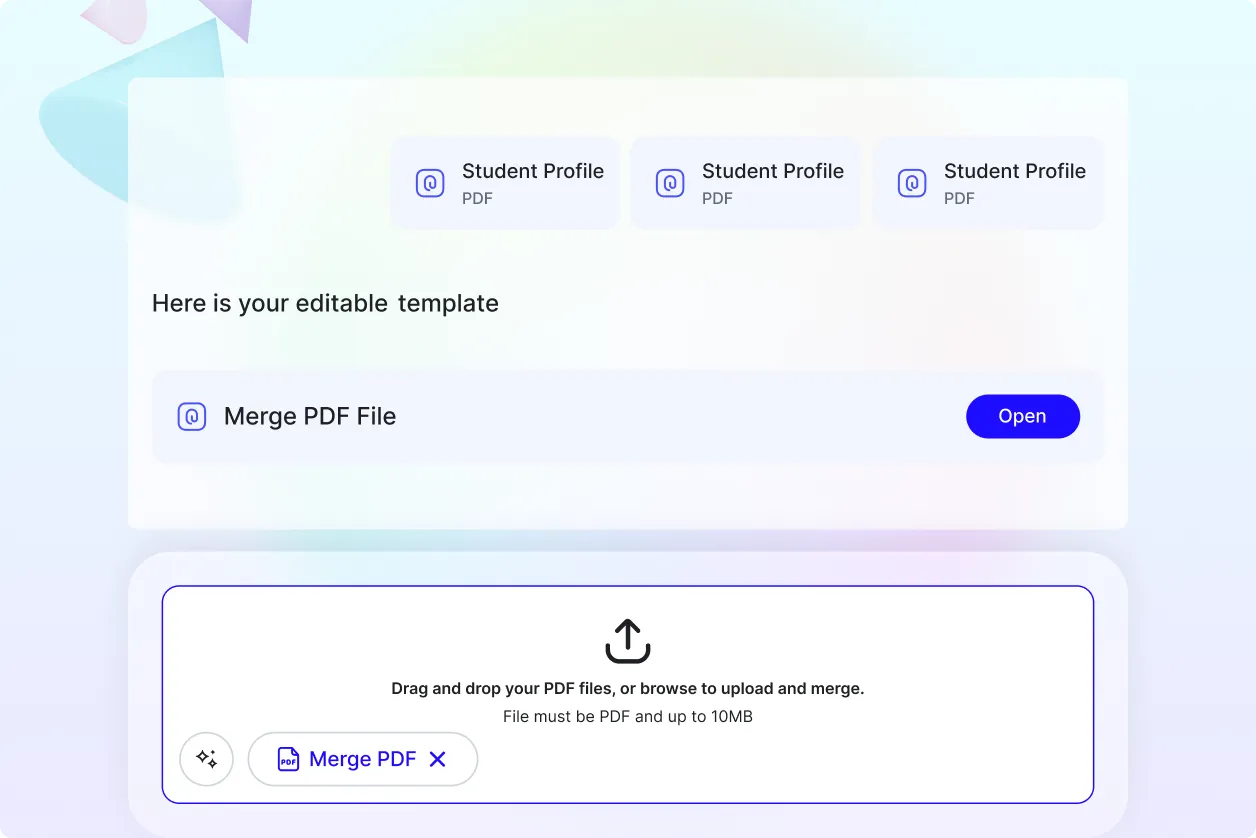
Merge PDFs That Match Your Workflow
Turn multiple files into a clean, unified PDF suited for business, education, legal, or personal use.
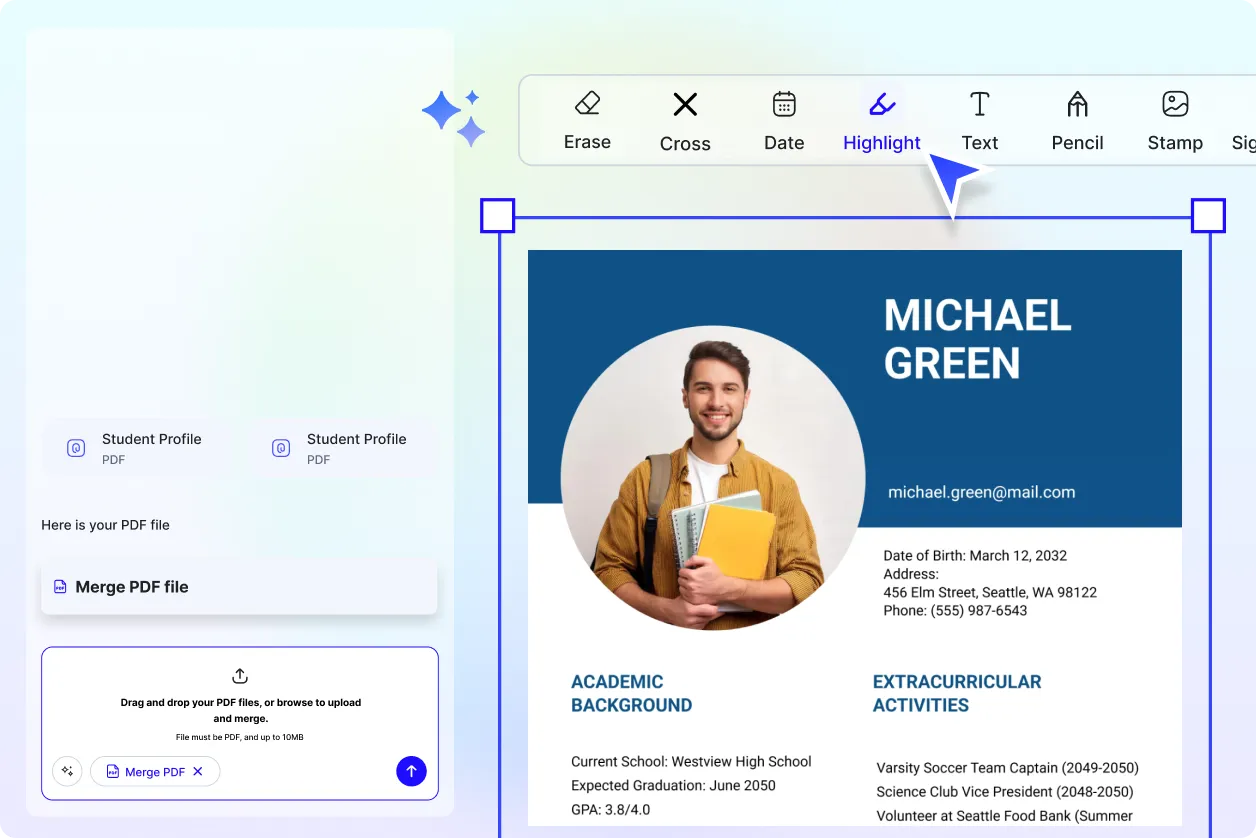
Reuse, Repeat, and Organize Easily
Save merged PDFs as templates or keep frequently merged sets ready for future updates.
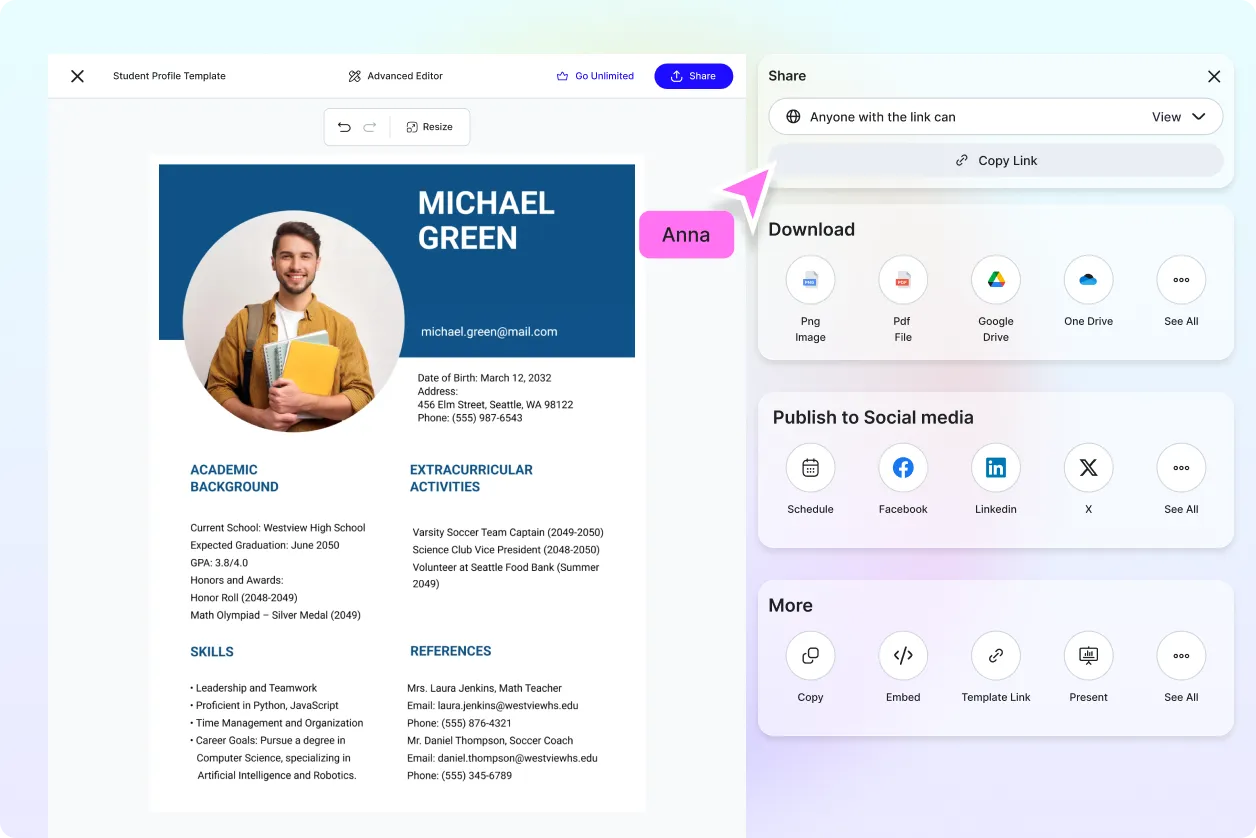
Share Instantly, Collaborate Effortlessly
Download or share merged PDFs in multiple formats. Work together with teams or clients seamlessly.
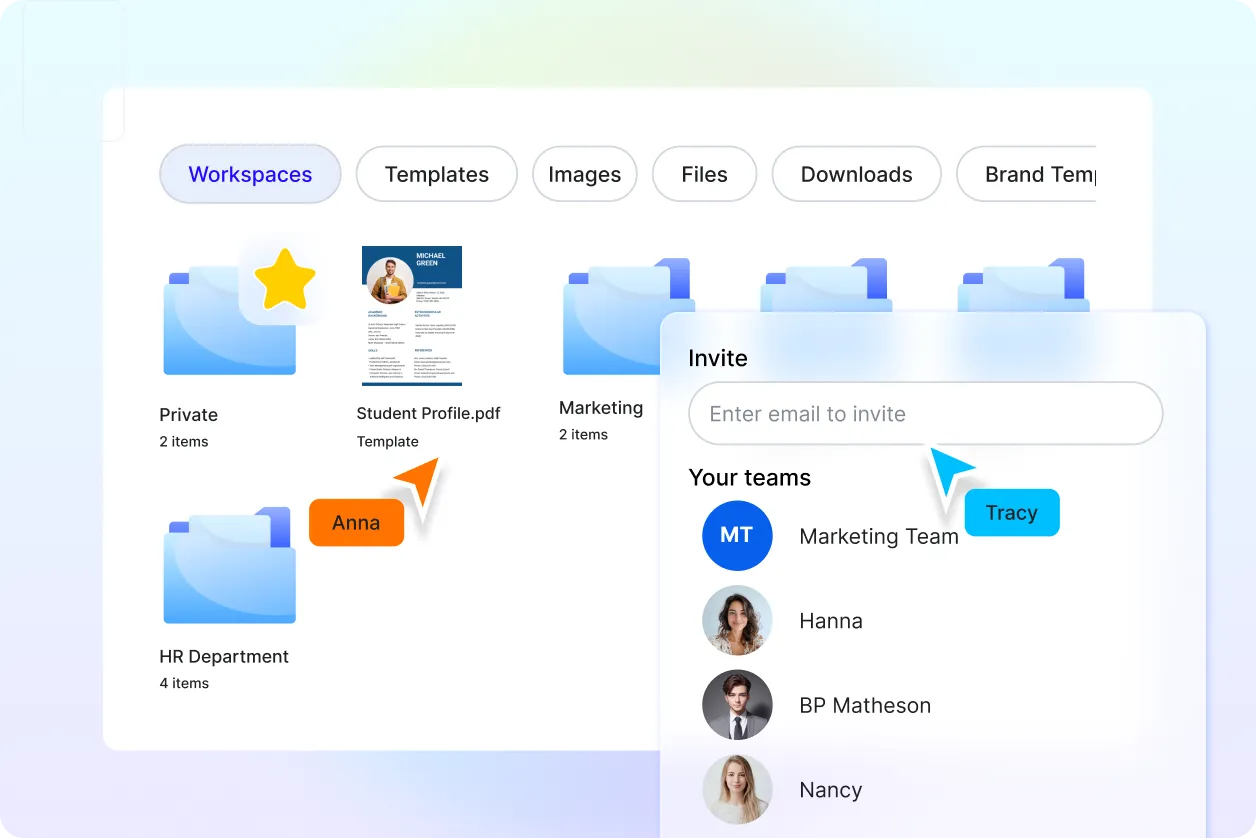
Smart Workspaces for Teams
Organize files for offices, schools, legal teams, freelancers, or agencies with shared access and version tracking.
Merge PDF Editor FAQ
What is a PDF merger, definition?
A PDF merger combines multiple PDF files into a single, organized document. With Template.net’s AI Merge PDF Editor, you can merge and edit files instantly.
What types of PDFs can I merge?
You can merge reports, invoices, notes, eBooks, contracts, scanned files, forms, certificates, and more.
Can I use voice commands instead of clicking?
Yes. The AI Merge PDF Editor supports text, voice prompts, and audio instructions.
Is the tool easy to use?
Yes. It’s beginner-friendly with a clean interface and no technical experience needed.
What file formats can I export in?
You can export in PDF, DOCX, TXT, and ZIP.
Can I merge PDFs in different languages?
Yes. The tool supports multilingual and mixed-language PDFs.
Is the AI Merge PDF Editor free to use?
Yes. Template.net tools are completely free. No signup required.
