
Free AI Combine PDF Editor
Prompt text or voice, Template.net’s AI Combine PDF Editor instantly edits, rewrites, combines, and enhances your PDFs with smart automation. Perfect for business documents, forms, resumes, contracts, and more. No sign-up required.
AI Powered PDF Combining, Editing, and Enhancement Tool
Template.net's Free AI Combiner PDF Editor transforms your PDFs into fully editable, customizable documents instantly. Combine files, modify text, rewrite paragraphs, annotate pages, remove sections, extract content, and convert PDF pages into editable formats with powerful AI assistance.
Create Accurate PDF Combines & Edits For Free
Everything you need to combine, edit, rewrite and manage PDFs. Automated, fast and online.

AI PDF Combining
Merge multiple PDFs into one unified document instantly. Maintain layout, order and formatting with smart AI-powered page stitching.

Page Reordering & Grouping
Reorder, group or split PDF pages by category, section or project using intuitive drag-and-drop and AI auto-sorting.

AI Text Editing
Edit, rewrite or replace text across combined PDFs with clean formatting and intelligent context-aware suggestions.

Voice Powered Editing
Speak your edits aloud and let AI apply changes across merged PDFs hands-free, fast and accurate.

Smart Merge Conflict Resolution
AI detects duplicate pages, conflicting content or formatting clashes during combining and resolves them automatically.

E-signature Support
Add digital signatures, initials or stamps to combined PDFs, ideal for contracts, forms and approvals.

Document Cleanup
Remove watermarks, broken formatting, extra spaces or repeated content from merged PDFs with one-click AI cleanup.

Multilingual Editing
Edit or translate combined PDF content into 20+ languages including English, Hindi, French, Spanish, Japanese, German, Chinese, Arabic, Portuguese, Russian, Korean, Italian, Dutch, Turkish, Polish, Thai, Vietnamese, Indonesian, Malay, Bengali and more.

PDF Image Editing
Replace, resize or remove images inside combined PDFs without disrupting layout or design consistency.

Form Fill & Auto Detect
AI detects fillable fields across merged PDFs, edit, sign or complete forms instantly.

Branding & Style Application
Apply brand fonts, tone, headers and structure across merged PDFs automatically for consistent presentation.

Export in Multiple Formats
Download combined and edited PDFs in PDF, DOCX, TXT or export individual sections as needed.

Real-Time Collaboration
Collaborate with teammates or clients while combining and editing PDFs simultaneously in a secure workspace.

Attach Files for Context
Upload reference files and let AI edit or combine PDFs based on attached content and context.

Smart Formatting Preservation
AI maintains fonts, spacing, alignment and layout across merged PDFs while editing or rewriting content.

Batch File Combining
Upload and merge multiple PDFs at once with AI automation, saving time for bulk document management.

Smart Index Creation
Generate a dynamic index or table of contents for merged PDFs, making navigation easier across combined files.
Auto Duplicate Removal
Detect and remove duplicate pages or repeated content during merging, delivering clean, optimized combined PDFs.
Cover Page Insertion
Add a custom cover page to merged PDFs, ideal for reports, proposals, or branded documents.
Auto Index Tags
AI applies searchable tags to merged PDFs, making retrieval faster in large document libraries.
AI Merge Suggestions
Get smart recommendations for file order, layout, or formatting improvements before finalizing your combined PDF.

Merge with Watermark Control
Add or remove watermarks during merging, keeping combined PDFs clean or branded as needed.

File Size Optimization
Compress merged PDFs without losing quality, making them easier to share, store, and upload.
Intelligent File Sorting
AI automatically sorts uploaded PDFs by name, date, or size before merging, ensuring logical order in the final document.
How to Combine and Edit PDFs Using the Free AI Combine PDF Editor
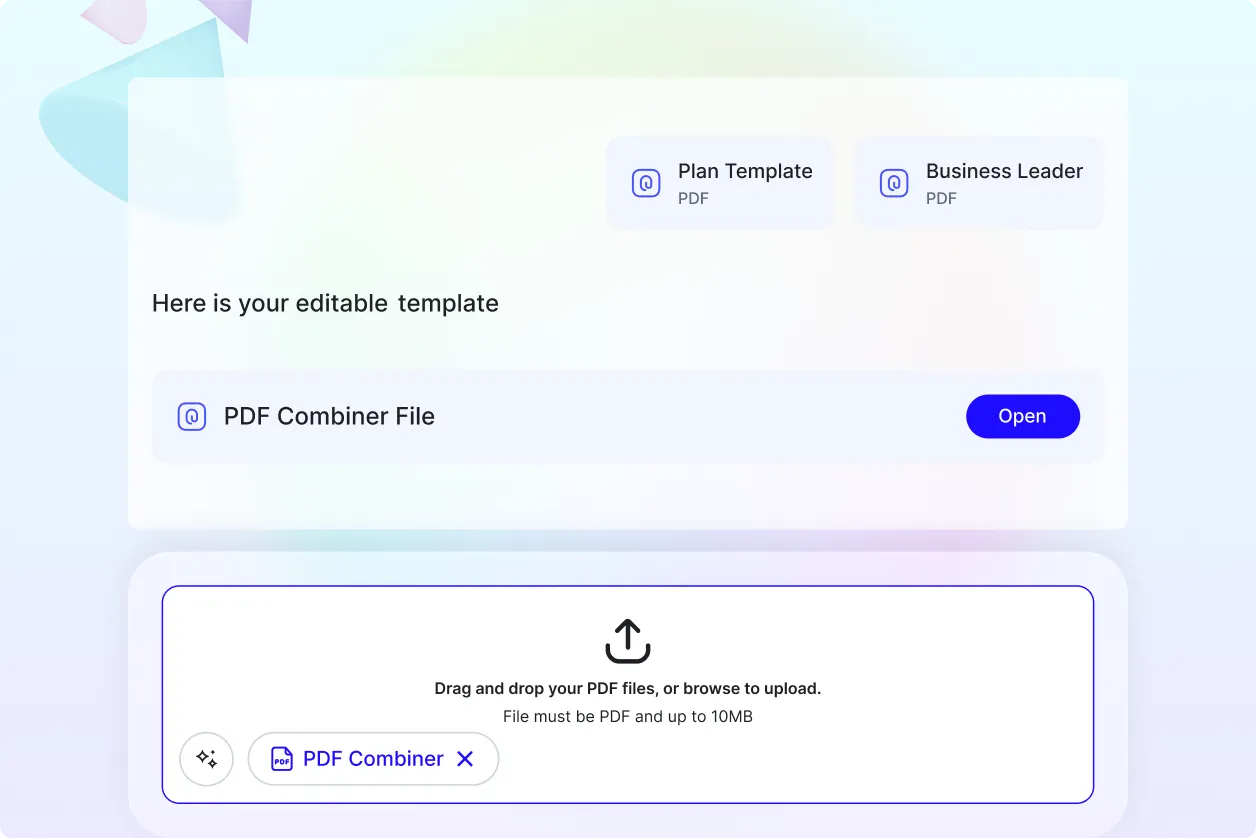
Upload your PDFs, arrange the pages, apply edits, and download your polished combined document in minutes.
Step 1: Upload and Arrange
Select multiple PDF files and upload them. Drag and drop to reorder pages or files before merging.
Step 2: Edit and Customize
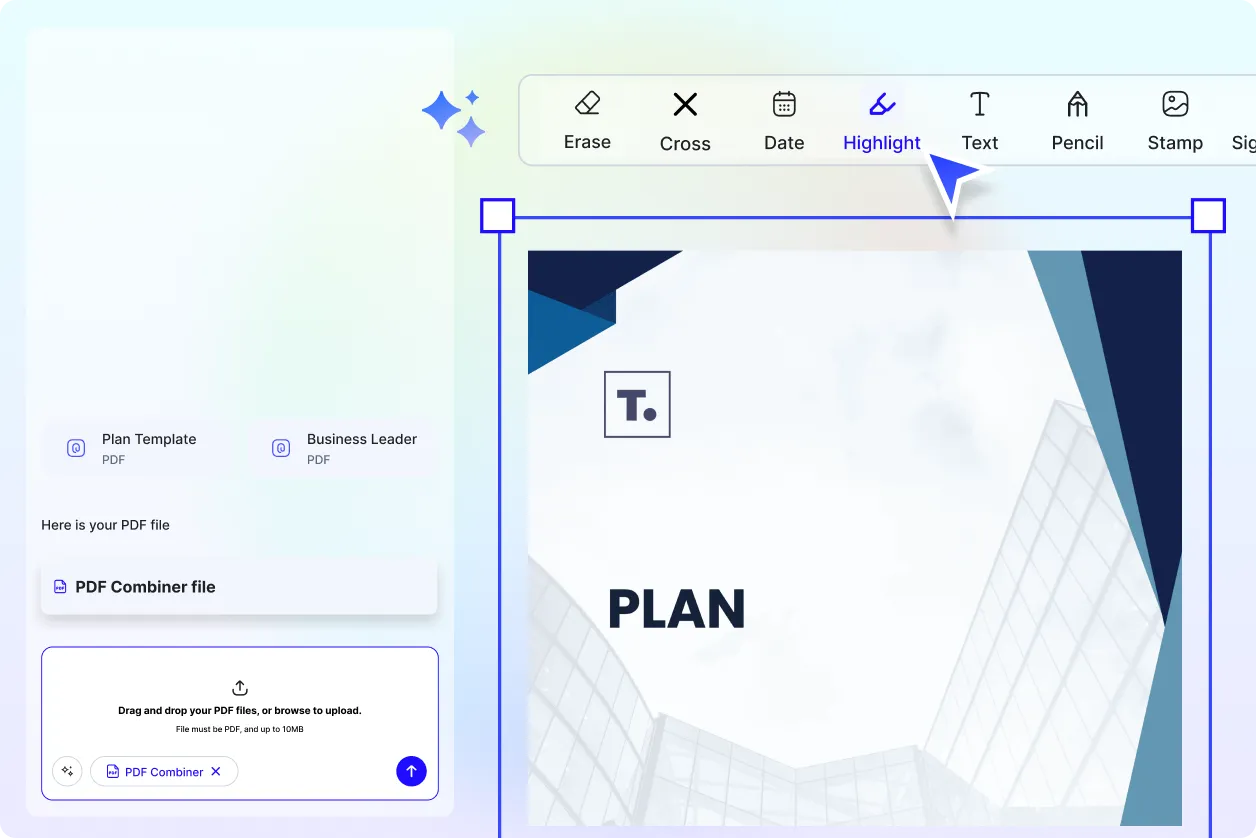
Use AI tools to rewrite text, remove sections, reorder pages, or clean formatting across the combined PDF.
Step 3: Finalize and Download
Export your polished PDF in PDF, DOCX, or TXT formats. Share via email, link, QR code, or social platforms.
Work Smarter and Perfect Your Combined PDF Documents
Edit PDFs That Represent You
Whether merging contracts, rewriting reports, or updating business forms, every combined file stays clean, accurate, and professionally formatted.
Reuse, Repeat, and Scale Easily
Save your combined PDFs, page arrangements, and edit presets. Reuse across multiple documents or merge workflows with one click.
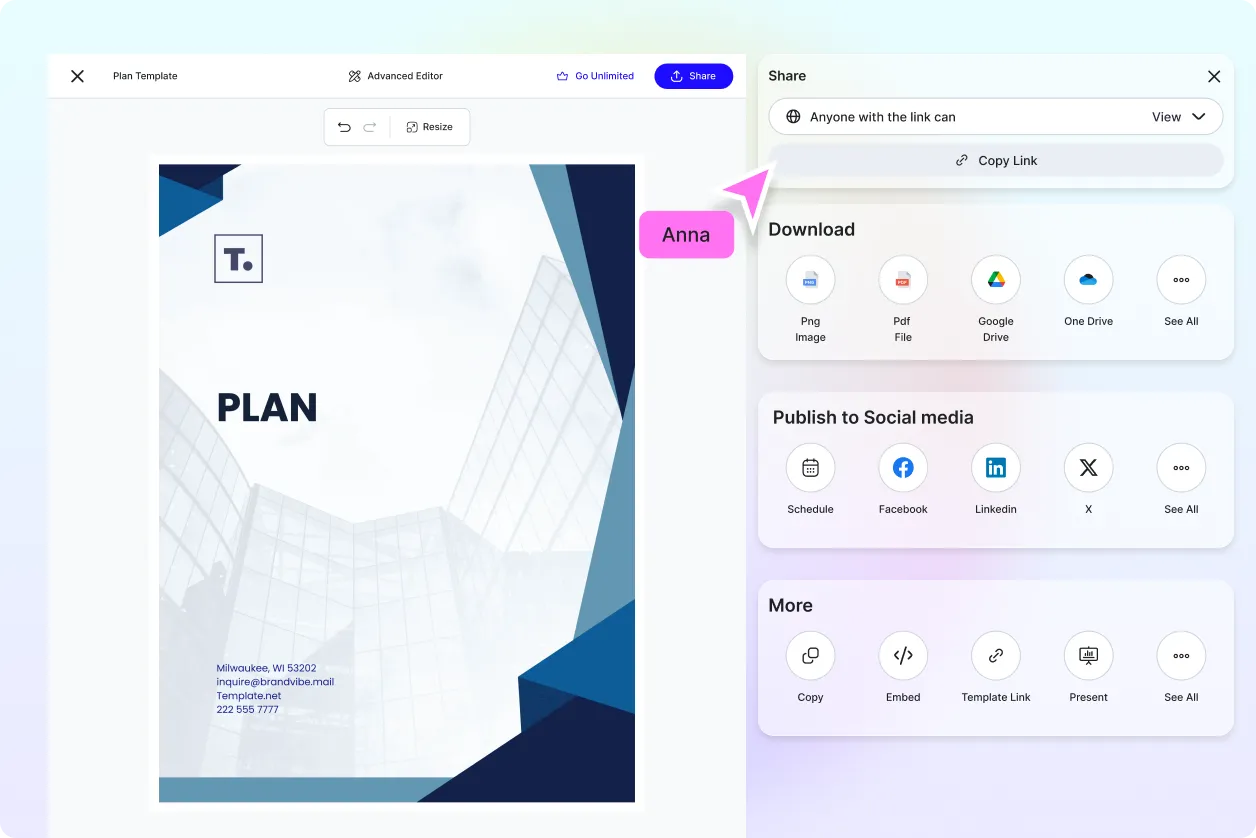
Share Instantly, Collaborate Smoothly
Download, export, or send combined and edited PDFs instantly to teammates, clients, or partners.
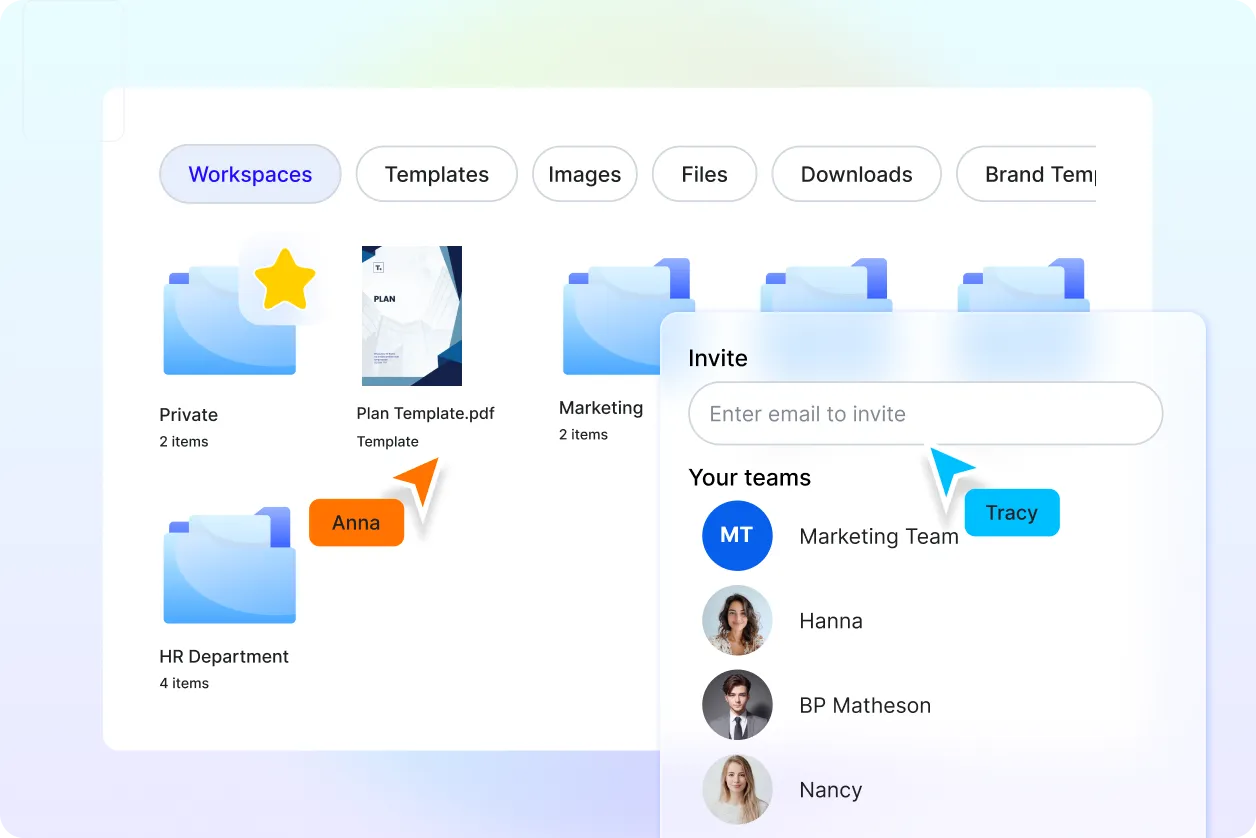
Smart Workspaces for Teams
Centralize combined PDFs with shared folders, version history, and permission controls for secure team collaboration.
AI Combine PDF Editor FAQ
What is an AI PDF Combiner PDF Editor?
It’s a smart tool that lets you merge, edit, and manage multiple PDF files instantly using AI-powered automation.
Can I combine multiple PDFs at once?
Yes. You can upload and merge multiple PDFs in bulk with drag-and-drop simplicity and AI-assisted formatting.
Can I edit the combined PDF after merging?
Absolutely. You can rewrite text, reorder pages, remove sections, and apply formatting across the merged document.
Does it support page selection before merging?
Yes. You can select specific page ranges or sections from each PDF before combining them.
What file formats can I export in?
You can export your combined and edited PDFs in PDF, DOCX, or TXT formats. Section-based export is also supported.
Can I merge PDFs in different languages?
Yes. The tool supports multilingual PDFs and allows editing or translation across 20+ global languages.
Is the AI PDF Combiner PDF Editor free?
Yes. All core features including merging, editing, downloading, and exporting are free to use on Template.net..
