
Free AI Sales Presentation Generator
Prompt text or voice, our AI generates editable, professional sales presentations instantly. Build a persuasive pitch deck for your product, service, or brand with clear structure and visuals. No sign-up needed, fast, and online.
Create Sales Presentations, Customize Online with Design Editor
Template.net’s Free AI Sales Presentation Generator helps you create powerful, goal driven sales decks with clarity and impact. Use the AI Sales Presentation Maker to customize slides, layouts, key points, tables, graphics, charts, and product details. Edit live, download, and share your sales deck in minutes.
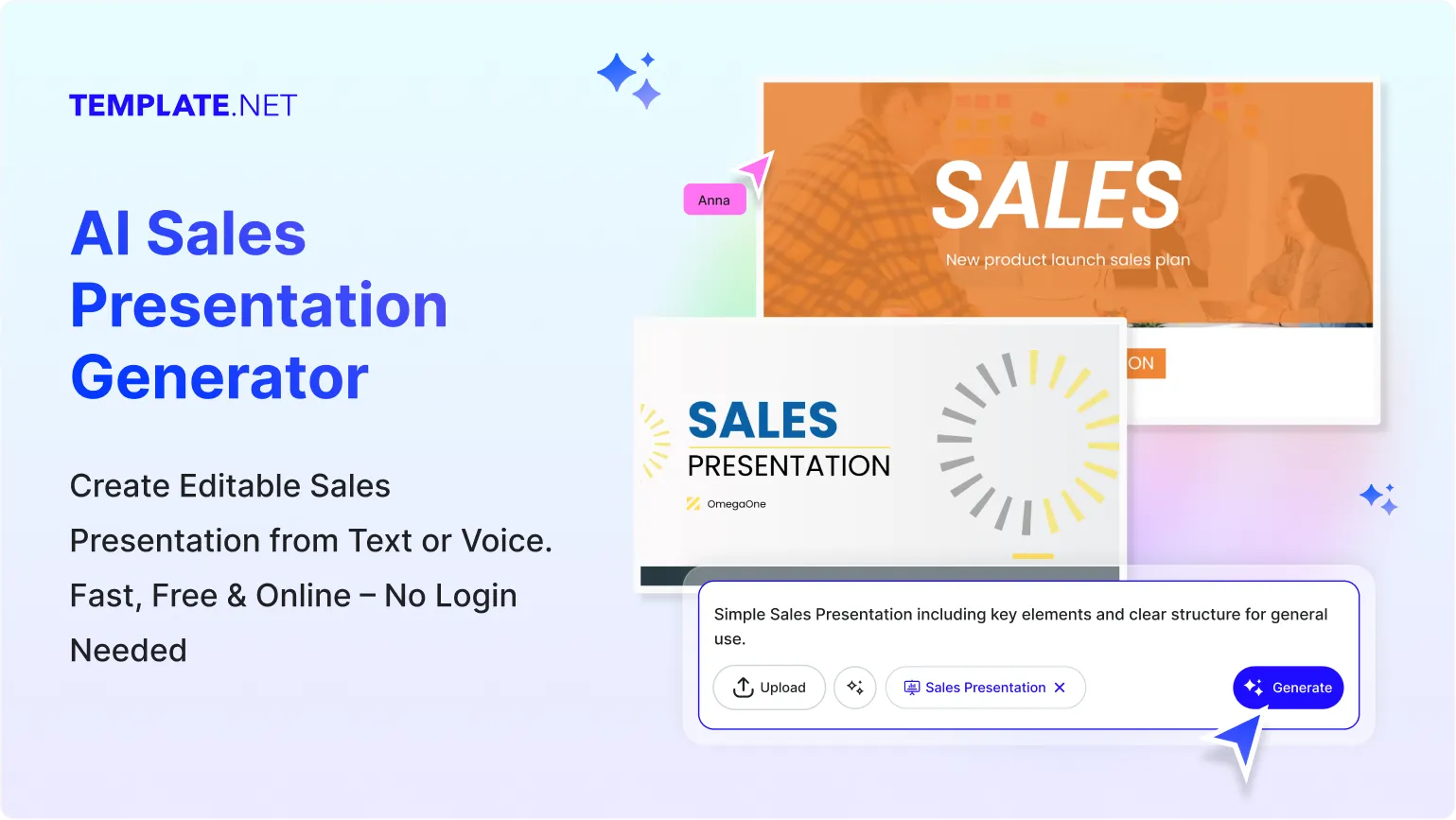
Design Custom, Printable Sales Presentations for Free
Everything you need to create sales presentations faster without needing advanced design tools

Thousands of Ready-Made Sales Presentation Templates
Start instantly with sales deck templates for businesses, startups, agencies, and enterprises. Choose from product pitch decks, service proposals, investor style decks, and more.

AI Powered Sales Presentation Generator
Enter your prompt or speak your pitch idea and the AI creates a complete sales presentation with structured slides that match your goal and audience.

Drag and Drop Sales Deck Editor
Add text, visuals, charts, tables, or product highlights easily. Rearrange slide elements and update content with a simple visual interface.

Fully Customizable Presentation Layouts
Modify slide sequence, text placements, visuals, colors, and fonts. Adjust each section to support your sales flow and message.

Charts, Tables and Infographics Built-In
Insert sales charts, comparison tables, pricing sections, product benefits, and growth visuals directly into your slides.

1 Click Brand Kit for Sales Presentations
Apply your brand colors, logos, and fonts across the entire deck instantly. Keep your sales pitch consistent with your brand identity.

Create Sales Presentations in 20+ Languages
Generate complete decks using multilingual prompts. Supports English, Hindi, Arabic, Spanish, Korean, Japanese, and more.

Collaborate on Sales Presentations in Real Time
Invite your team to review, comment, or edit your sales deck together. All updates appear instantly in shared workspaces.

Remove or Change Backgrounds on Slides
Switch slide backgrounds easily. Make them white, transparent, or use gradients and images to match your pitch style.

Resize Slides for Any Format
Turn your presentation into widescreen decks, vertical pitches, posters, or documents. Choose preset sizes or create custom dimensions.

Smart Image Cropping for Slides
Crop product images, charts, or icons neatly inside slide frames for a cleaner, polished look.

Organize Slide Elements Easily
Align headings, product visuals, prices, charts, and text with precision. Keep every slide neat and impactful.

Create Multi Section Sales Decks
Combine product overviews, feature highlights, pricing sections, testimonials, and performance data into one clean layout.

Customize Without Limits
Add icons, diagrams, timelines, product visuals, or upload your own elements to make your sales presentation stand out.

Access Millions of Assets
Browse images, icons, graphics, and slide backgrounds to enhance your sales pitch visually.

Edit Sales Presentations Anywhere, Anytime
Design and customize from any device. Use the online editor from mobile or desktop without extra installations.

Export and Share Presentations Instantly
Download your sales deck in PDF, PPTX, or image formats. Share with clients or teams through link or QR code.

Embed Sales Presentations on Websites or Blogs
Copy your deck’s embed code and paste it on your site or landing page. Perfect for showcasing product pitches or service presentations.

How to Make a Free AI Generated Sales Presentation
Just type what you need, let the AI build a structured sales presentation, customize the slides, and export in any format in seconds.
Step 1: Enter Your Prompt and Generate a Sales Presentation
Open the AI Sales Presentation Generator and describe the presentation you need with a simple prompt like Product sales deck for digital marketing software with benefits and pricing. Click Generate and browse ready to use slides tailored to your pitch.
Step 2: Review and Refine Your Sales Deck
Check the generated deck and edit directly inside the AI editor. Adjust headings, visuals, messages, or color themes until your presentation aligns with your sales goal and audience.
Step 3: Customize and Share Anywhere
Add charts, product details, comparisons, or testimonials. Refine fonts and placements for maximum impact. Once done, export your sales presentation in PDF or PPTX. Share through link, QR, or upload to any platform like LinkedIn, WhatsApp, or email.
Create Sales Presentations in Seconds and Start Pitching with Confidence
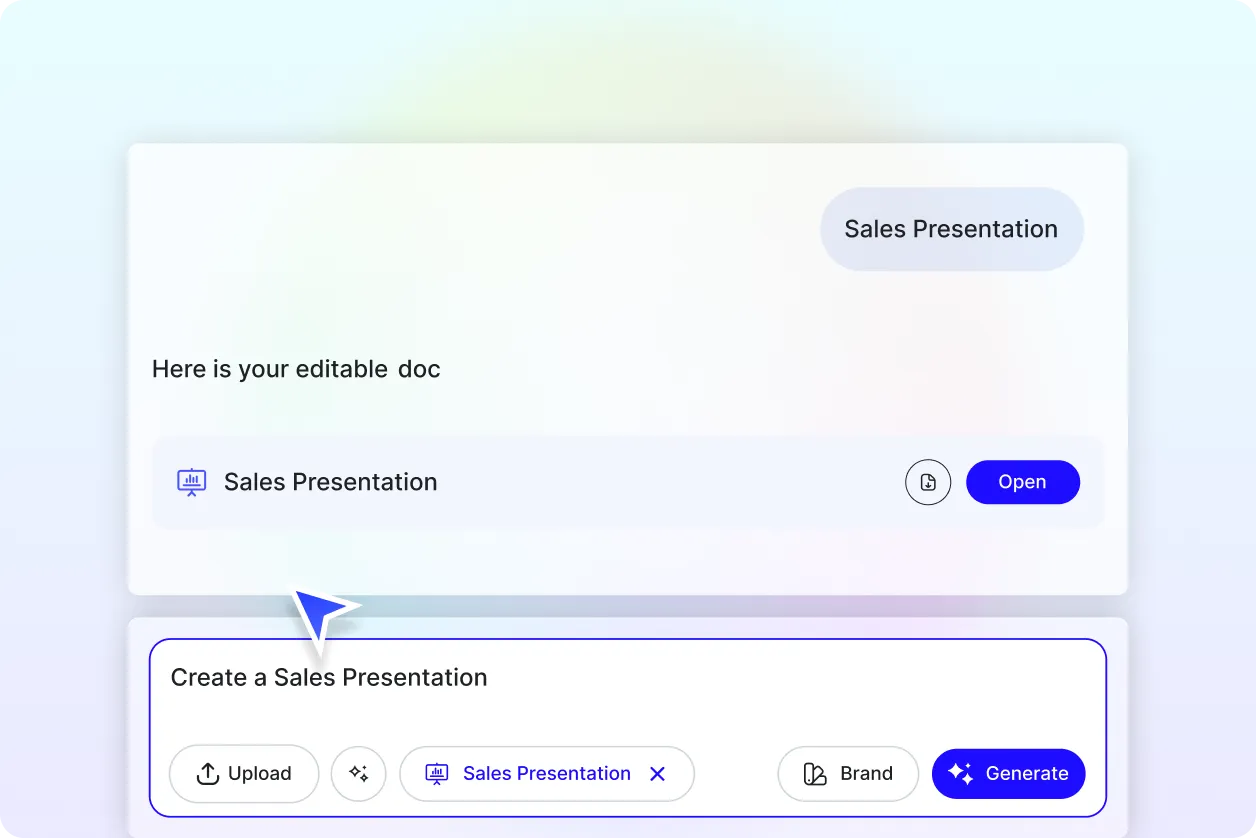
Generate Sales Presentations with Your Brand
Use the Brand Kit to apply your company logo, colors, fonts, and style instantly. Whether it is a product launch or a service pitch, the AI keeps your sales deck consistent with your brand identity.
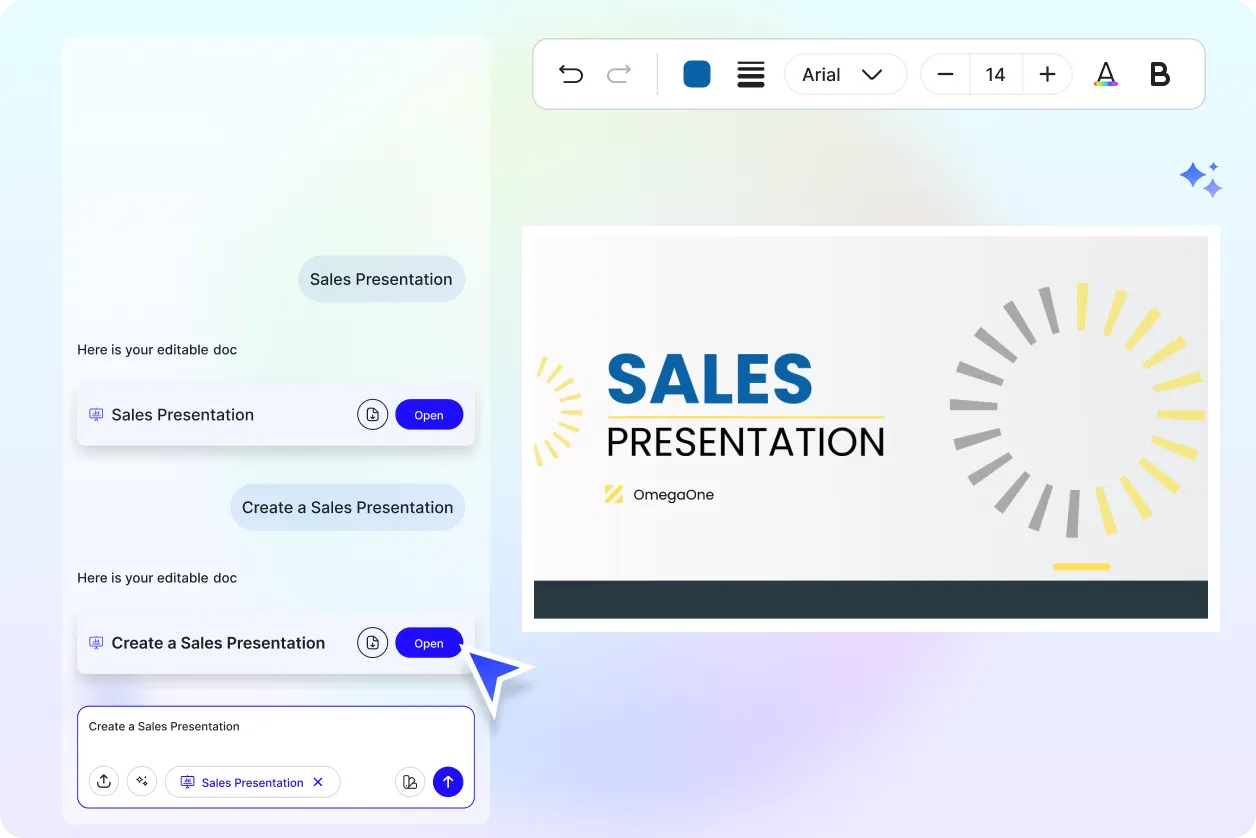
Customize Your Sales Presentation
Turn your presentation into multiple formats for meetings, email pitches, client demos, or social media previews. Duplicate and adapt slide styles while keeping messaging uniform.
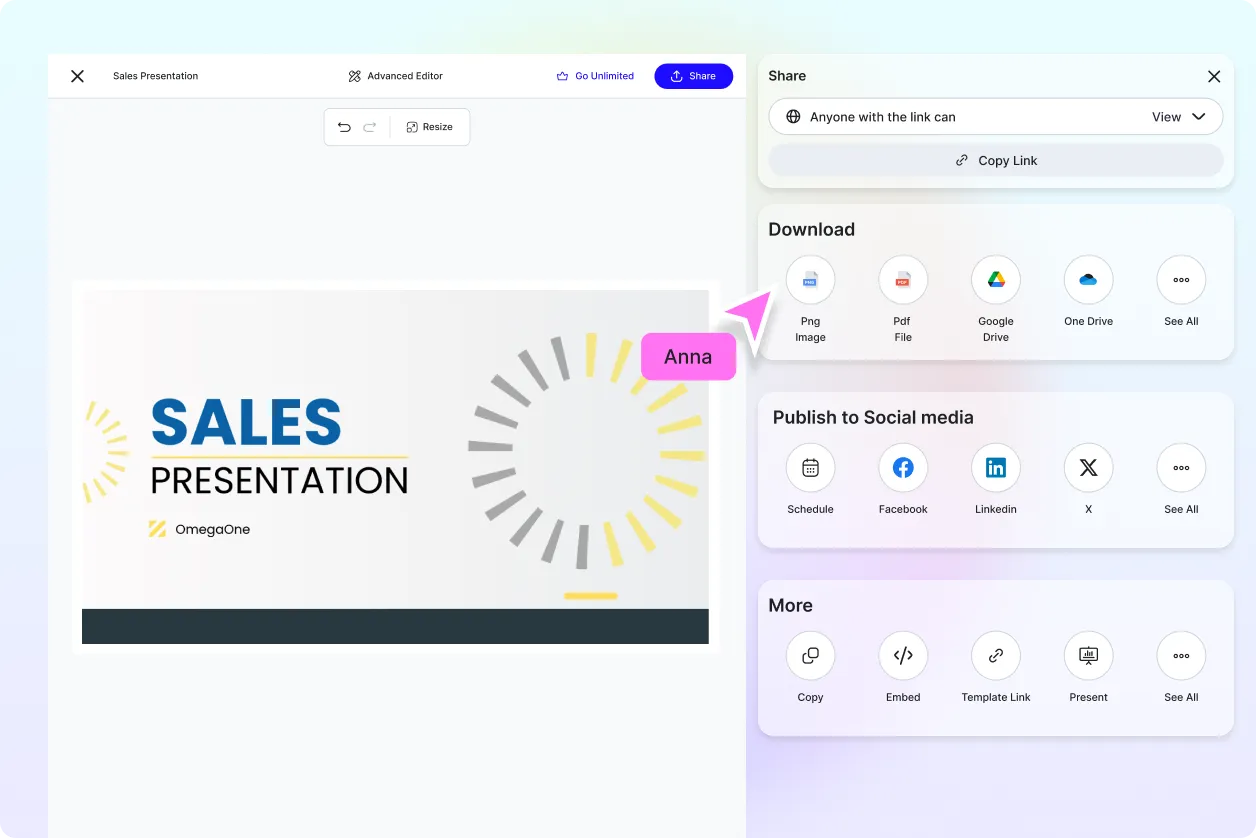
Share Anywhere and Collaborate Instantly
Download your sales deck in PDF or PPTX for print or digital distribution. Share via link or QR to clients and teammates for fast approvals and revisions.
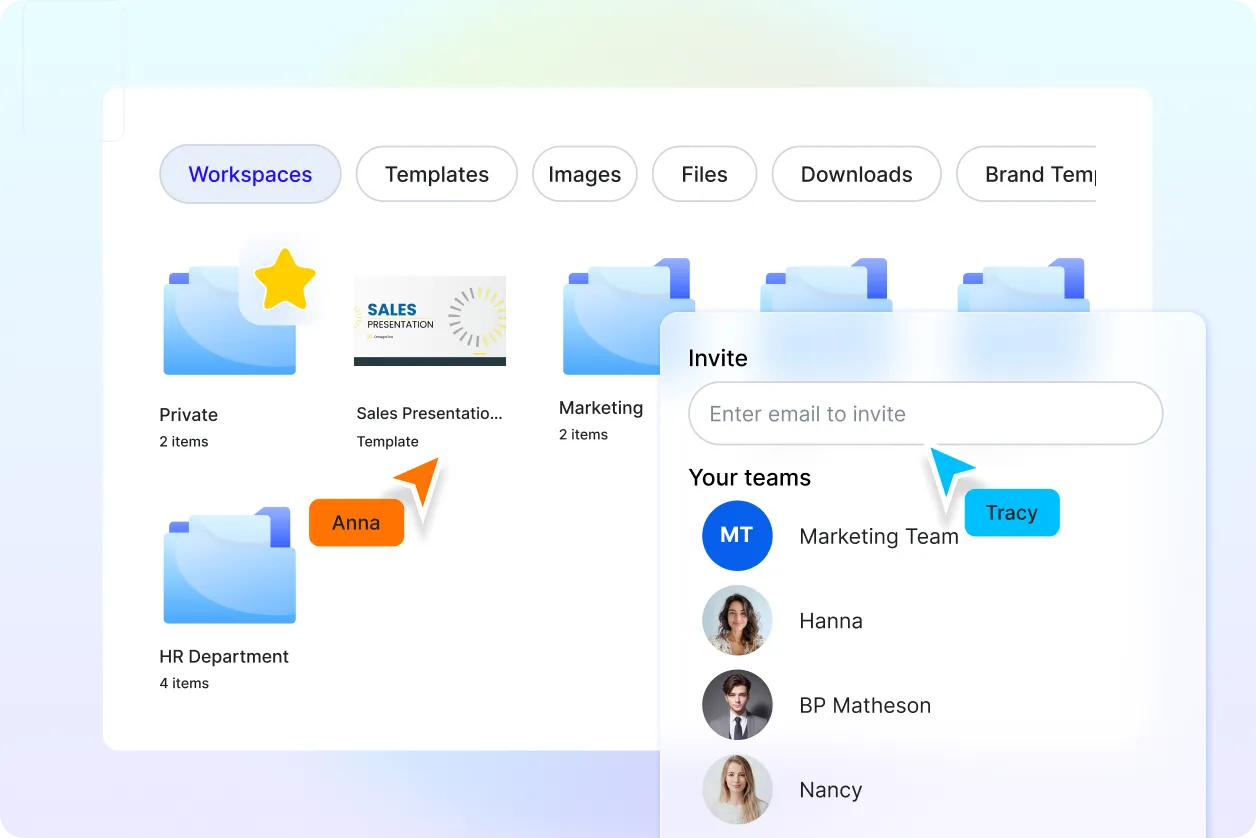
Smart Workspaces to Keep Your Sales Team Moving
Use shared workspaces to manage drafts, assign roles, organize content, and track versions. Keep all presentation files accessible in one place for your sales or marketing teams.
Sales Presentation FAQ
What is a sales presentation?
A sales presentation is a structured set of slides that showcases a product, service, or offering to potential clients. It highlights benefits, features, pricing, and value to persuade your audience.
How to generate a sales presentation using AI?
Enter a short prompt like Sales deck for new software with features and pricing or speak it directly. The AI creates a complete, editable presentation tailored to your sales objective.
Can I generate sales presentations in multiple languages?
Yes, the AI Sales Presentation Generator supports multilingual prompts including English, Spanish, Hindi, Arabic, Chinese, and more.
What are the standard formats for sales presentations?
You can download your presentation in PPTX, PDF, or image formats. These formats are perfect for meetings, client briefs, and digital sharing.
What types of sales presentations can I create?
You can generate sales decks for product launches, service pitches, B2B proposals, SaaS demos, agency services, retail products, and investor style presentations.
What should be included in a sales presentation?
A strong sales presentation includes a clear introduction, product or service overview, key benefits, pricing, visuals, charts, and a call to action. All elements can be refined inside the editor.
Where are sales presentations used?
Sales presentations are used for client meetings, online demos, product launches, business proposals, and marketing campaigns across digital and print platforms.
