
Free AI Webinar Presentation Generator
Prompt text or voice, our AI generates editable, professional webinar presentations instantly. Build engaging slides for live webinars, virtual training sessions, online workshops, and product demos. No sign up needed. Free, fast, and online.
Create Webinar Presentations, Customize Online with Smart Editor
Template.net’s Free AI Webinar Generator helps you design clear and engaging webinar presentations with ease. Use the AI Webinar Presentation Maker to structure agendas, talking points, visuals, and call to action slides tailored for virtual audiences. Edit live, customize layouts, and download ready to present slides in minutes.
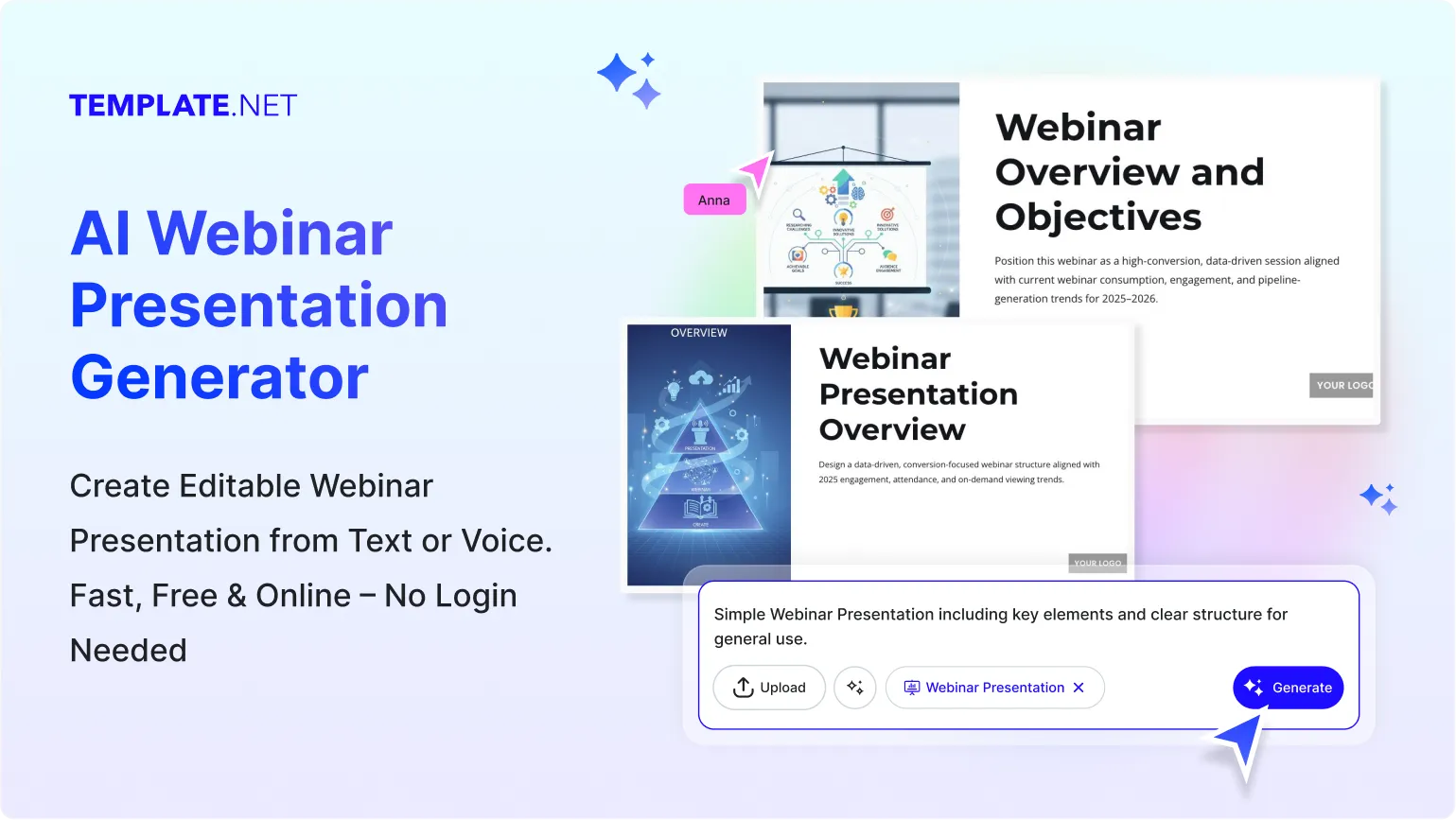
Design Professional, Share Ready Webinar Presentations for Free
Everything you need to create high impact webinar slides without advanced presentation skills

Thousands of Ready Made Webinar Presentation Templates
Start instantly with webinar focused presentation templates for marketing webinars, training sessions, educational talks, and virtual events. Choose layouts built for clarity and audience engagement.

AI Powered Webinar Presentation Generator
Just enter a prompt or speak your webinar topic and the AI creates a complete slide deck including title slides, agenda, content flow, and closing slides.

Drag and Drop Webinar Slide Editor
Rearrange slides, text blocks, visuals, and icons easily using a visual editor. Make changes quickly without prior design experience.

Fully Customizable Webinar Slide Layouts
Edit slide structure, fonts, colors, visuals, and spacing to match your webinar theme and brand tone. Every slide is fully editable.

Built In Fonts, Icons, and Webinar Graphics
Access clean fonts, icons, charts, and webinar visuals like microphones, screens, chat icons, and audience symbols to improve clarity.

1 Click Brand Kit for Webinar Slides
Apply your brand logo, colors, and fonts across all webinar slides instantly to maintain consistent branding.

Create Webinar Presentations in 20+ Languages
Generate webinar slides for global audiences. Supports English, Hindi, Spanish, Arabic, French, Japanese, and more.

Collaborate on Webinar Slides in Real Time
Invite teammates, speakers, or trainers to edit and review webinar slides together. Changes sync live in shared workspaces.

Add Speaker Images and Visual Content Easily
Insert speaker photos, screenshots, diagrams, or illustrations directly into webinar slides and adjust them easily.

Resize Webinar Slides for Any Platform
Optimize presentations for Zoom, Google Meet, Microsoft Teams, or recorded sessions. Choose standard or custom slide sizes.

Smart Content Alignment Tools
Maintain clean spacing and alignment across all webinar slides for a professional and distraction free experience.

Organize Webinar Content Seamlessly
Group sections such as introduction, main content, demos, and Q and A for smooth flow during live webinars.

Visualize Concepts with Charts and Diagrams
Use charts, graphs, and visual aids to explain ideas clearly during training or educational webinars.

Unlimited Customization for Webinar Variations
Create multiple versions of the same webinar presentation for different audiences or sessions without starting over.

Access Millions of Presentation Ready Assets
Enhance webinar slides with images, icons, and backgrounds directly from the editor.

Edit Webinar Presentations Anywhere Anytime
Work on webinar slides from desktop or mobile browsers with no software installation required.

Export and Share Webinar Presentations Instantly
Download webinar slides in PPT or PDF format. Share links with speakers or attendees easily.

Embed Webinar Presentations Online
Embed webinar slides on landing pages, course portals, or event pages for easy access before or after sessions.
How to Make a Free AI Generated Webinar Presentation
Just describe your webinar topic, let the AI build structured slides, customize the content, and export in minutes.
Step 1: Enter Your Prompt and Generate a Webinar Presentation
Open the AI Webinar Generator and describe your webinar such as “Digital marketing webinar with agenda, examples, and closing CTA.” Click Generate to instantly receive a complete slide deck.
Step 2: Review and Refine Your Webinar Slides
Preview the generated slides and edit content directly. Adjust flow, visuals, branding, or speaker notes to match your webinar style.
Step 3: Customize and Present Anywhere
Personalize slides with speaker details, visuals, and call to action sections. Download in PPT or PDF and present live or share with attendees.
Create Webinar Presentations Faster and Engage Your Audience
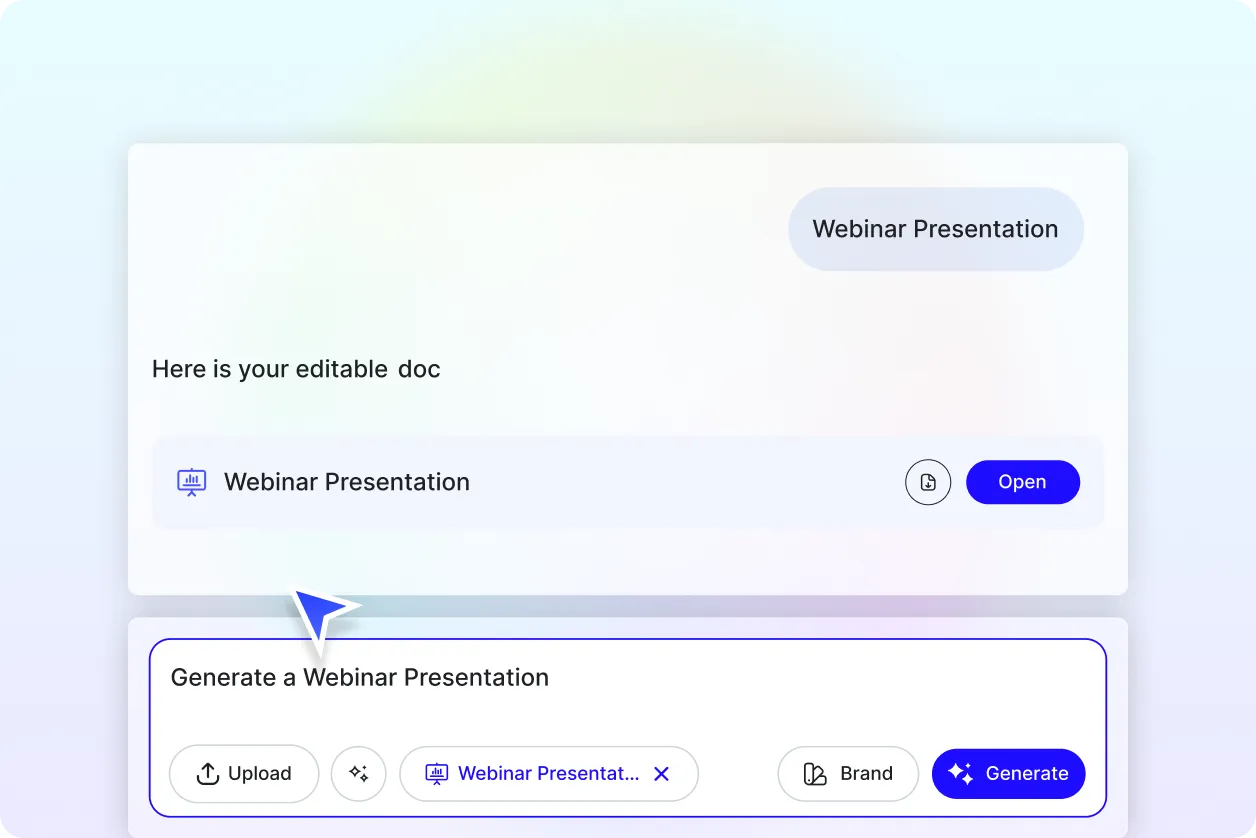
Generate Webinar Slides with Your Brand
Apply your brand identity using the Brand tab. The AI ensures consistent fonts, colors, and layouts across all webinar slides.
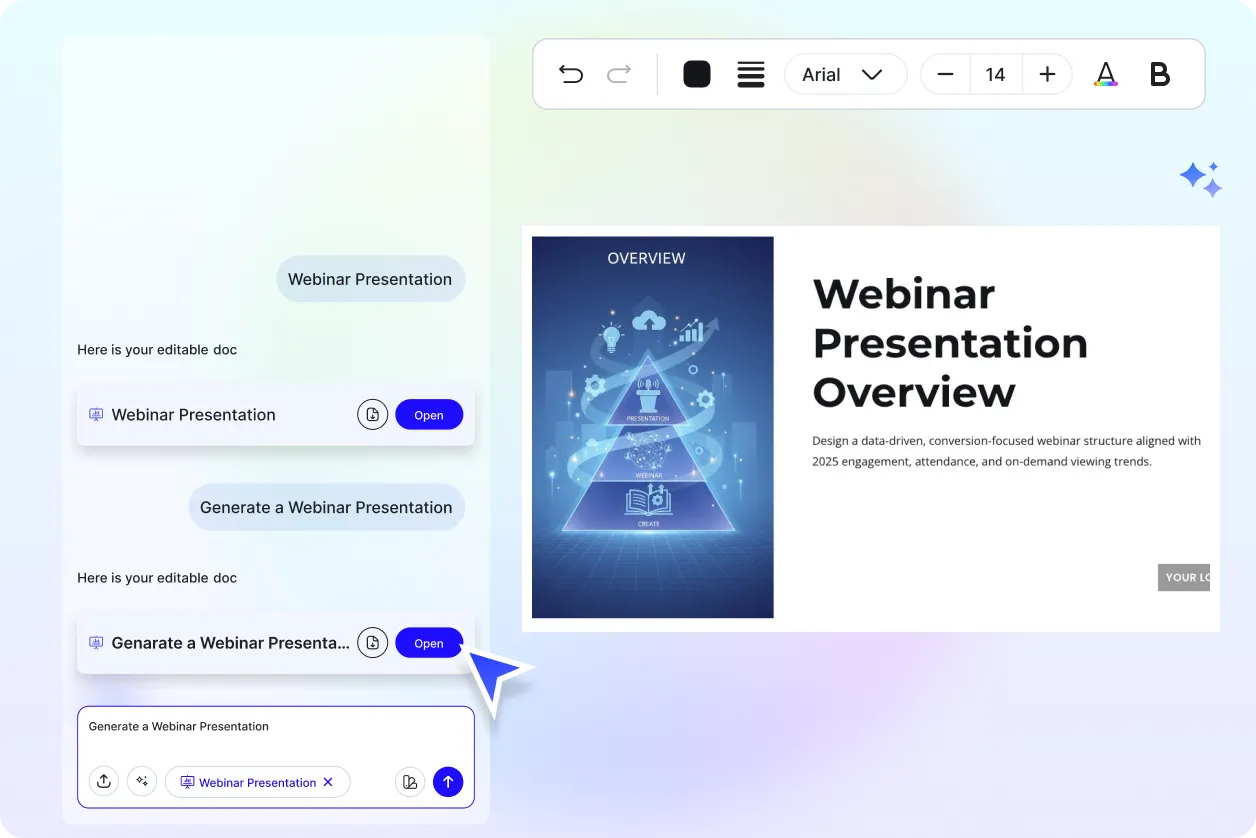
Customize Webinar Content for Different Sessions
Turn one webinar presentation into multiple versions for beginner, intermediate, or advanced audiences while keeping design consistency.
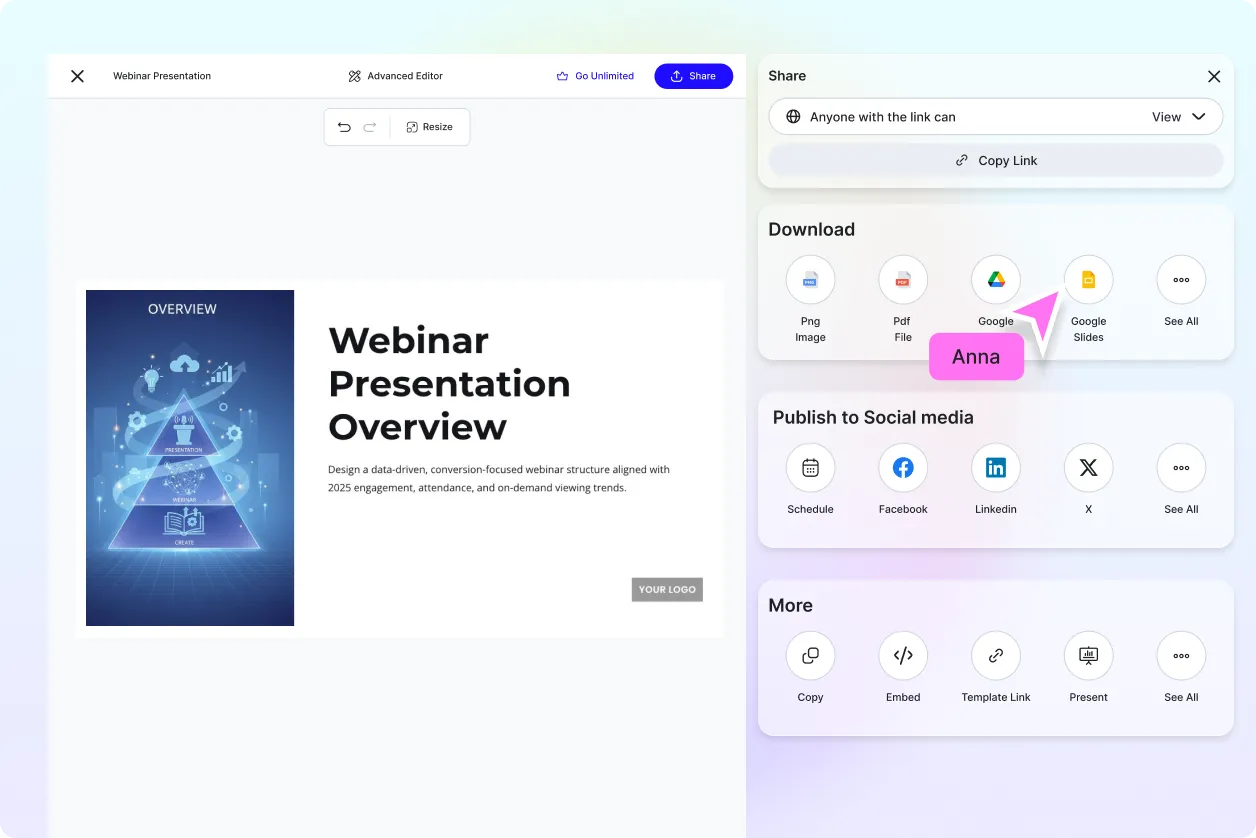
Share and Collaborate Instantly
Share webinar presentations via links or downloads. Collaborate with co hosts and trainers in real time.
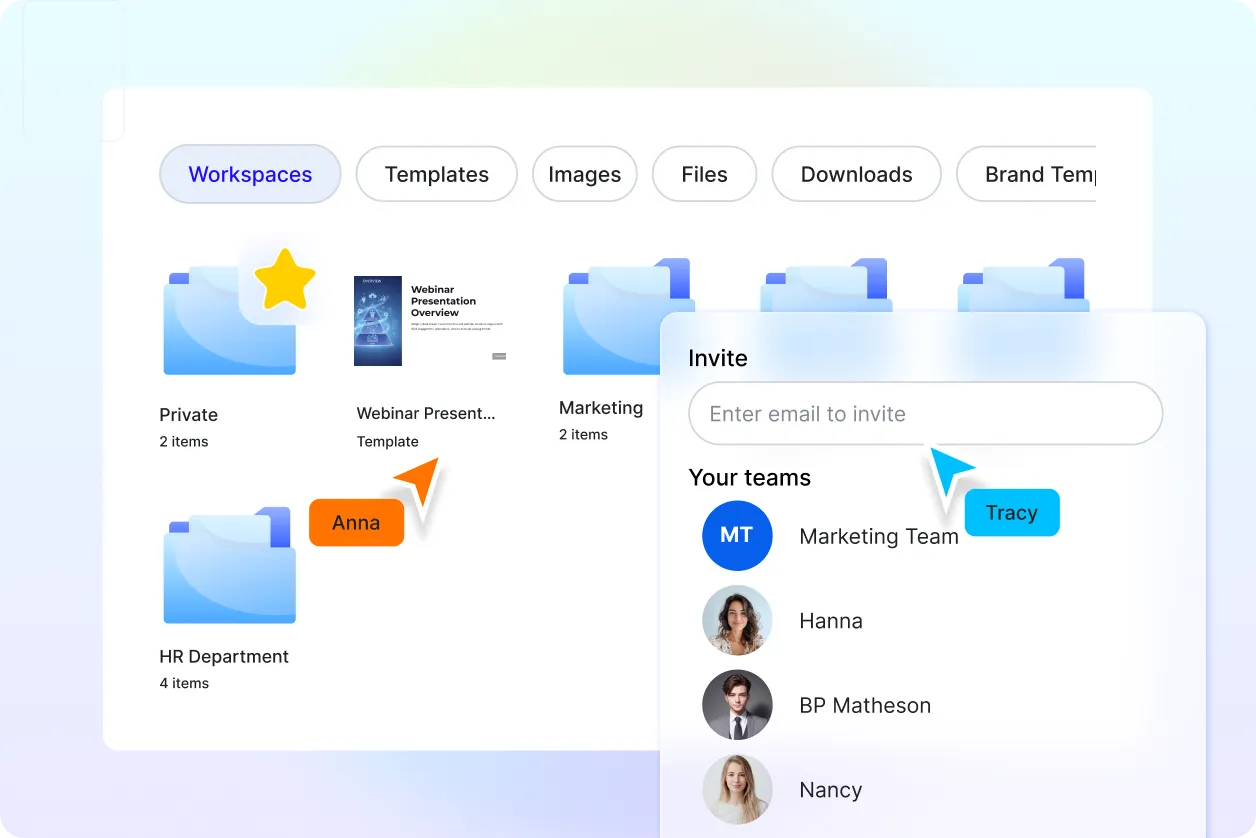
Smart Workspaces for Webinar Teams
Manage drafts, assign roles, track updates, and store all webinar presentation files in one organized workspace.
Webinar Presentation FAQ
What is an AI webinar presentation generator?
An AI webinar presentation generator automatically creates structured and visually engaging webinar slides based on your topic and goals.
How do I generate webinar slides using AI?
Enter or speak your webinar topic and the AI generates a complete editable presentation including agenda and closing slides.
Can I use this for training and educational webinars?
Yes, the tool works for marketing webinars, product demos, training sessions, and educational webinars.
Can I customize the webinar slides after generation?
Yes, all slides are fully editable including text, visuals, layout, and branding elements.
What formats can I download webinar presentations in?
You can download webinar presentations in PPT or PDF formats for live or recorded sessions.
Does it support team collaboration?
Yes, multiple users can collaborate, edit, and review webinar slides together in real time.
Do I need presentation design skills to use it?
No, the AI handles structure and layout making it easy for anyone to create professional webinar presentations.
